What is Kolbo.AI?
Kolbo.AI is the most comprehensive AI creative platform that consolidates 100+ leading AI models and tools into one unified workspace. Create images, videos, music, audio, 3D models, and manage complex workflows without switching between multiple platforms. Everything from ChatGPT and Claude to Midjourney, Kling, Suno, and Eleven Labs—all working together with shared context and memories.
Does Kolbo.AI have a desktop app and Adobe integrations?
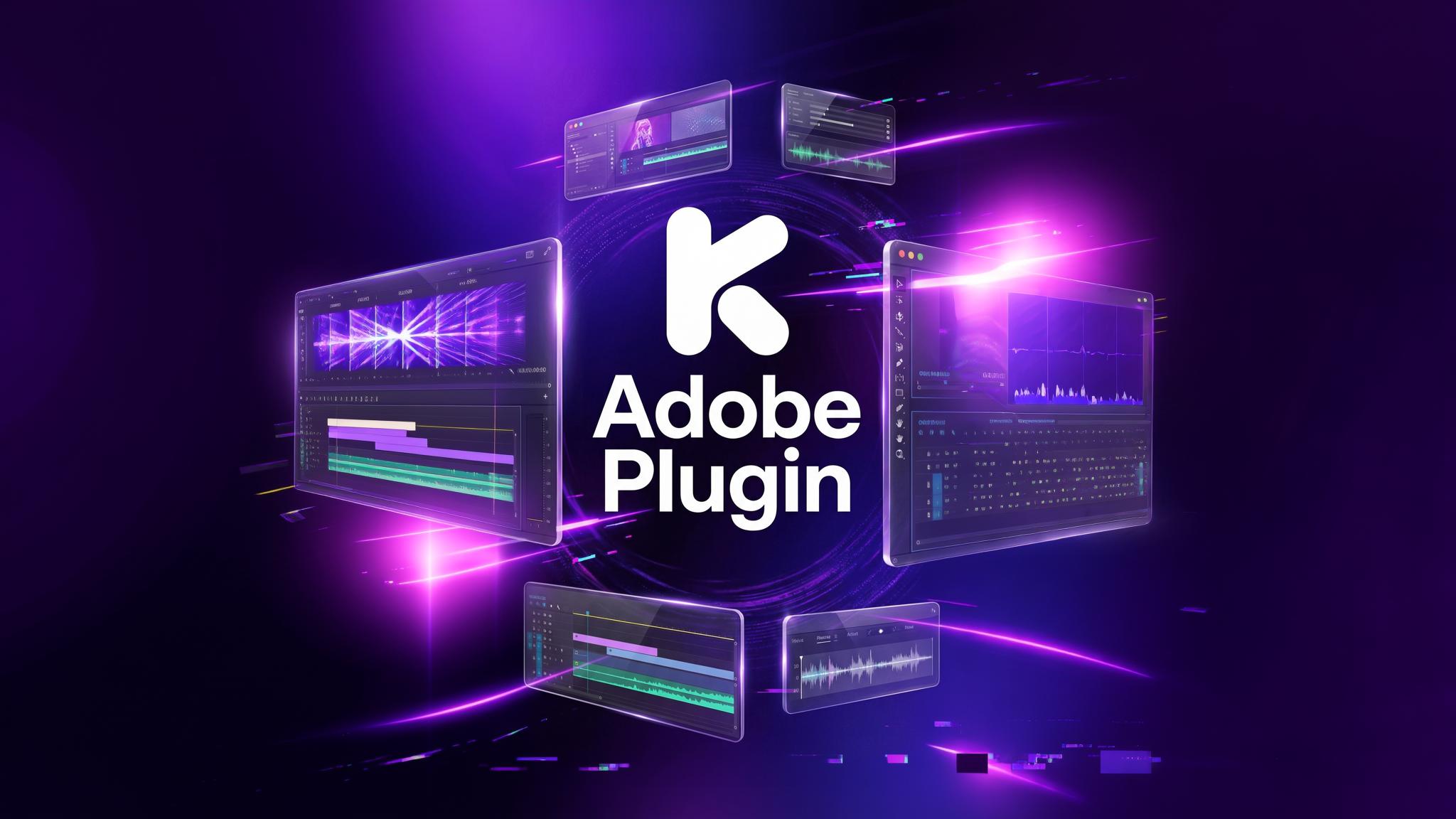
Yes! Kolbo.AI offers a desktop app plus plugins for Adobe Premiere Pro and After Effects. This means you can drag and drop AI-generated content directly onto your video editing timeline, streamlining your creative workflow. This is a unique feature that competitors don't offer.
What happens to my unused credits?
Your credits roll over to the next month as long as you don't cancel your plan! This is a unique Kolbo.AI feature—unused credits accumulate, so you never lose what you've paid for. No other competitor offers this benefit.
What AI models do you have in the platform?
We offer the biggest range of AI models in the industry—100+ models carefully curated for production work. This includes: ChatGPT (GPT-4), Claude (Sonnet 3.5), Gemini Pro, Midjourney, Flux, Seedance, Ideogram, Kling, Hailuo 2.3, Sora 2, Veo 3, Suno, Eleven Labs, DeepDub, and many more. We monitor and add new models daily, ensuring you always have access to the best and most advanced AI technology. See our complete AI Models showcase for the full list with visual icons and categories.
What can I do with Kolbo.AI?
Create professional content across all media types: (1) Images: Text-to-image with 20+ models, train custom models, use Angels for multi-angle shots, Canvas for advanced editing, Creative Director for complete creative sets. (2) Videos: Image-to-video, text-to-video, Lipsync, Motion Transfer, Character Replace, First Last Frame, Elements, video editing (upscale 4K, reframe, remove bg). (3) Audio: Music with Suno, text-to-speech with voice cloning (Eleven Labs, DeepDub), transcription, subtitles. (4) 3D Models: Generate 3D assets from text or images. (5) Chat: Talk with any LLM, create custom agents, use the Artifacts window for code/docs, compare multiple models. All organized in project-based workflows with shared context.
Why choose Kolbo.AI over competitors like Higgsfield, Krea, Freepik, or others?
Kolbo.AI is the only platform that combines: (1) 100+ AI models in one workspace with shared context. (2) Desktop app + Adobe plugins for professional workflows. (3) Credits that roll over monthly. (4) Complete creative toolkit: images, videos, 3D models, audio, music, and chat. (5) Unique features: Angels, Creative Director, Training Lab, Multi-Model Comparison, Unlimited Concurrent Generations. (6) Deep collaboration with full session/project sharing. (7) Professional tools: video editing, custom model training, Artifacts window. Competitors like Midjourney, Runway, or ChatGPT focus on single modalities. Kolbo.AI unifies everything with industry-leading project management, so you never have to piece together different apps or lose context.
What makes Kolbo.AI unique?
Kolbo.AI stands out because all AI models work with the same shared context—your conversations, memories, and projects. Every tool, from text to image to video to 3D, builds on your current work. Our project management is the most comprehensive you'll find: each project contains organized sessions for every tool. Plus, unique features like the Desktop App with Adobe plugins, Credits Roll Over, Multi-Model Comparison, Angels (multi-angle generation), Creative Director, Training Lab, and Unlimited Concurrent Generations set us apart from competitors.
Do I need any setup or API keys?
No setup and no API keys required—Kolbo.AI is ready to use as soon as you sign up. We handle all the technical complexity so you can focus on creating.
What is the Angels feature?
Angels is a unique Kolbo.AI feature that generates multiple angles of the same subject from a single prompt. Perfect for product photography, character design, or any project where you need consistent subjects from different perspectives—all in one command.
What is the Creative Director tool?
Creative Director is your AI creative partner that generates complete creative sets or variations for products and characters in one command. Instead of creating assets one by one, get an entire cohesive set of images that work together—perfect for marketing campaigns, branding, or product launches.
Can I train custom AI models on my own content?
Yes! Our Training Lab lets you train custom models on your characters, styles, or products. Generate with Flux or Krea using your trained models, combine multiple trained models, use reference images, inpaint, and create with image prompts. We also offer pre-trained Kolbo models for specific styles like iPhone photos, storyboards, and vintage aesthetics.
Can I compare results from different AI models?
Yes! Our Multi-Model Generation feature lets you send the same prompt to multiple AI models simultaneously and compare results side-by-side. This is different from Auto Select—it's about testing different models to find the perfect output for your needs. Currently available in Kolbo.AI, Weavy, and Pollo AI.
What is the Auto Select Model feature?
Auto Select Model is our AI agent that automatically chooses the best model or tool for your specific request at every step. You don't need to worry about which AI model to use or compatibility issues—Kolbo.AI intelligently selects the optimal option based on your task, ensuring you always get the best results without manual configuration.
Can I run multiple AI generations at once?
Yes! Kolbo.AI supports unlimited concurrent generations, meaning you can run multiple AI tasks simultaneously without waiting. Start several image generations, video creations, or other tasks at the same time and they'll all process in parallel. This feature is also available in Weavy.
Can I generate 3D models?
Yes! Kolbo.AI supports 3D model generation from text descriptions or images using AI. This feature is only available in Kolbo.AI and Krea, making it a rare capability in the AI creative space. Perfect for game dev, product visualization, or creative projects.
How do I generate images?
Generate high-quality images using 20+ leading AI models including Seedance, Flux, Reve, GPT, Ideogram, Nano Banana, Qwen, and Grok Imagine. Use the Training Lab to create custom models, Canvas Tool for AI + manual editing (upscale, faceswap, reframe, remove background, add text, Lightroom-style adjustments), Angels for multi-angle shots, or Creative Director for complete creative sets. All results reflect your project's context and memories for maximum relevance.
Can I create videos in Kolbo.AI?
Yes—comprehensive video creation with multiple approaches: (1) Text-to-Video: Use Kling, Hailuo 2.3, Seedance, Sora 2, or Veo 3 with preset effects and camera movements. (2) Image-to-Video: Animate images with First Last Frame, or use Motion Transfer to apply reference video movements to your characters. (3) Advanced: Lipsync for dubbing (image-to-video or video-to-video), Character Replace to swap characters in videos, Elements to add and animate multiple objects together. (4) Editing: Built-in video editor with upscale to 4K, reframe, remove background, and audio generation. All within your project session.
Does Kolbo.AI have video editing tools?
Yes! We include a free internal video editor with professional capabilities: upscale videos to 4K, reframe compositions, remove backgrounds, generate audio, and more. Plus, with our Adobe Premiere/After Effects plugins, you can seamlessly integrate AI-generated content into your existing editing workflow.
How does Kolbo.AI handle audio and music?
Comprehensive audio tools: (1) Music: Generate custom music with Suno from text prompts. (2) Voice: Text-to-speech with Eleven Labs and DeepDub, including voice cloning to create custom voices. (3) Transcription: Upload audio or video files to chat for instant transcription and subtitle creation. (4) Sound Effects: Text-to-sound for custom audio effects. All audio tools integrate with your projects and can be analyzed in chat.
How does project management work in Kolbo.AI?
Each project is a complete workspace containing all your related work—sessions from every type of AI tool—organized in one place. Projects support: (1) Shared context across all AI models and tools. (2) Organized sessions for chat, images, videos, audio, and more. (3) Memories that persist across the entire project. (4) Team collaboration with full session and project sharing. (5) Folders and organization. (6) Quick search across all content. (7) Export to PDF and other formats. You always have a clear overview, and nothing gets lost.
How does the memories feature help me?
Kolbo.AI's memories let every AI tool in the platform access your project's history and essential information. This means your content is never scattered or forgotten—you can reuse and build on past work across any tool or session. You can even import memories from ChatGPT. Memories ensure continuity and context across your entire creative workflow.
What is the Artifacts Window?
The Artifacts Window is a powerful feature for creating and sharing visual code and documents. Generate landing pages, websites, documents, and other structured content that displays in a separate window. These artifacts are shareable as standalone sites—perfect for email templates, website mockups, presentations, or documentation. It's like having a built-in code editor and preview system.
How does team collaboration work?
Kolbo.AI offers comprehensive team collaboration: invite team members, assign roles, share full sessions and projects (not just results), work in real-time, manage feedback, and collaborate with complete workspace access. This level of deep collaboration—sharing entire sessions with context—is only available in Kolbo.AI and Higgsfield. Plus, use the Prompt Library to save and share templates across your team.
Can I analyze files like audio, video, or large documents in chat?
Yes! Simply upload audio, video, or document files directly to any chat session for instant analysis. Our AI can transcribe audio/video, summarize documents, extract insights, generate subtitles, or answer questions about the content. This "insane feature" makes Kolbo.AI perfect for content analysis and research workflows.
Are there usage limits?
Yes, each plan has clear usage tiers based on credits. All limits are transparent, and your current usage is always visible in the dashboard—no surprises. With our Credits Roll Over feature, unused credits accumulate monthly as long as your subscription is active.
Can I export my content?
Yes, easily export any text, image, video, audio, 3D model, or entire projects whenever you want. Export to PDF, download media files, or save complete project archives. Your content is always accessible and portable.
How is my data protected?
Your privacy is our priority. Data is private by default and never used for AI training unless you give explicit permission. Even our AI vendors (like OpenAI, Anthropic) are required by contract to delete your data within 30 days. If you don't grant permissions, your data remains fully private, secure, and encrypted. We follow enterprise-grade security standards to protect your creative work.
How do I get support or suggest new features?
Our support team is always available through the platform. Reach out via in-app chat, email, or social media (@kolbo.ai). Feedback and feature requests are welcomed—we're actively building Kolbo.AI together with our community and regularly implement user suggestions.