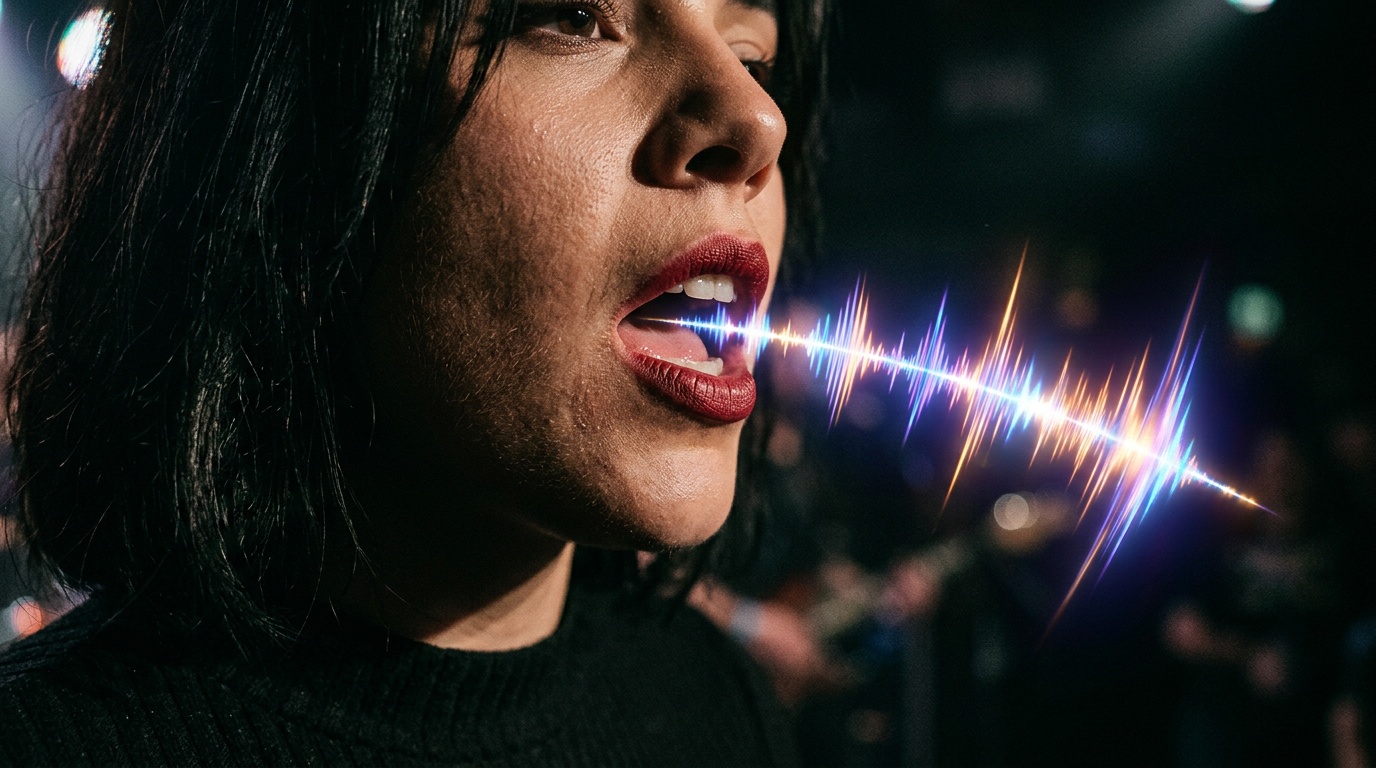
The moment a viewer realizes a speaker's lips do not match the audio, they mentally exit the video. This is the core challenge of any dubbing or lipsync project, and it is the problem AI has finally gotten good at solving.
This guide covers the two main types of AI lipsync, the practical scenarios where each applies, and a direct comparison of the leading tools available through Kolbo.AI.
Two Types of AI Lipsync
Before diving into tool comparisons, it is important to understand that "AI lipsync" is not one thing. There are two different workflows that serve very different purposes.
Type 1: Image Lipsync (Portrait Animation)
You take a still image of a face, add an audio track (speech or song), and the AI animates the mouth and face to match the audio. The output is a short video of a portrait "speaking" or "singing."
Typical use cases:
- Animated AI avatars for presentations, explainer videos, or social posts
- Bringing historical portrait photos to life
- Creating a spokesperson video when you do not want to appear on camera
- Social media experiments that generate significant engagement
Type 2: Video Lipsync (Dubbing an Existing Video)
You take an existing video of a real person speaking, replace the audio with a different recording (in another language or voice), and the AI adjusts the lip movements to match the new audio.
Typical use cases:
- Dubbing content into other languages
- Replacing a recorded voiceover that was changed after filming
- Correcting a speaker's audio from a live recording where they were off-mic
- Localizing long-form video content without re-filming
The critical difference: image lipsync creates motion from static input. Video lipsync modifies existing motion to sync with new audio. Completely different models, different quality considerations, different suitable tools.
When to Use Which
The practical decision comes down to your source material and your goal:
| Situation | Use |
|---|---|
| You have a portrait or profile photo | Image lipsync |
| You have a video and want to change the language | Video lipsync |
| Creating an AI avatar from scratch | Image lipsync |
| Dubbing a YouTube video into a second language | Video lipsync |
| Podcast episode visualization | Image lipsync |
| Correcting audio after filming | Video lipsync |
The Tools: Detailed Comparison
All of the tools below are available through Kolbo.AI in a unified interface. You do not need separate accounts for each one.
Veed Fabric 1.0
Best for: video lipsync and multilingual dubbing
Veed Fabric 1.0 is the most comprehensive tool in this category and the recommended default for most dubbing projects. It handles both video lipsync and image lipsync, but its real strength is video.
What it does well:
- High-quality lip movement adjustment on existing videos
- Clean multilingual dubbing with good phoneme matching
- Works with longer video segments, not just short clips
- Handles a wide range of languages reliably
Practical scenario: You have a 10-minute tutorial recorded in English and want to publish a version in Spanish. Upload the original video, provide the translated audio, and Veed Fabric adjusts the speaker's lip movements to match the Spanish script. The result needs careful review on consonants like B/P/M which are visible on the lips, but the overall quality is strong.
Hedra
Best for: portrait animation and image-to-speaking-video
Hedra creates smooth, expressive talking-head animations from still photos. It handles fine facial details better than most, including subtle expressions around the eyes and brows, making the animation feel more alive.
What it does well:
- Natural-looking portrait animation
- Good expression variety, not just mouth movement
- Handles non-frontal portraits reasonably well
Practical scenario: You want a static product spokesperson image to "introduce" your brand in a 30-second Instagram Reel. Upload the portrait, provide ElevenLabs-generated speech, run Hedra. Result: a talking-head spokesperson video without a camera.
Kling Video Lipsync
Best for: high-quality realistic video dubbing
Kling's lipsync mode is tuned for realism on real-person footage. When the source video is high quality and the audio is clean, results from Kling Video Lipsync are among the most convincing.
What it does well:
- Natural lip movement on real human faces
- Handles close-up shots particularly well
- Good at preserving facial texture and skin tone
Limitation: more sensitive to input quality. Low-resolution source video or overlapping background audio tends to degrade results more noticeably here than with Veed Fabric. Best when you are working with clean, high-resolution footage.
Sync-Lipsync V2 Pro
Best for: professional-grade batch dubbing
Sync-Lipsync V2 Pro is the highest-accuracy option for demanding professional work: broadcast, corporate video, advertisement dubbing. It runs more slowly and costs more per minute, but the precision on complex lip movements is the best available.
What it does well:
- Best-in-class accuracy for fine lip detail
- Good performance on difficult consonant clusters
- Consistent results on content with multiple speakers
Practical scenario: A corporate HR video needs to be dubbed from English to four languages. Because it will be shown at an all-hands meeting on large screens, every visible detail matters. Sync-Lipsync V2 Pro for this one.
HeyGen
Best for: avatar creation with interactive customization
HeyGen occupies a different niche: it lets you create a persistent AI avatar that can speak any script you give it. Rather than a one-off lipsync on a static photo, you build an avatar model that you use repeatedly.
What it does well:
- Reusable avatar model for ongoing content production
- Handles script-to-video directly (you type the text, it speaks)
- Reasonable quality for corporate video and social content
- Multiple avatar styles including photorealistic
Practical scenario: A company wants an AI spokesperson that delivers weekly company news updates. They create one avatar model in HeyGen and use it every week with a different script. No filming required.
ElevenLabs (TTS for Lipsync Audio)
ElevenLabs is not itself a lipsync tool. It is the text-to-speech and voice cloning service that provides the audio input for the other lipsync tools.
The typical workflow: first generate the speech with ElevenLabs (choose from 3,000+ voices or clone a custom voice), then feed that audio into whichever lipsync tool fits the use case.
Why ElevenLabs matters here: the quality of lipsync output is heavily influenced by the quality of the input audio. Clean, clear audio from ElevenLabs consistently produces better lipsync results than audio with background noise or compression artifacts.
Workflow: From Script to Dubbed Video
Here is a practical end-to-end workflow for a basic dubbing project:
1. Generate translated speech with ElevenLabs
- Write or paste the translated script
- Choose a voice that matches the original speaker's gender and approximate age
- If you have the original speaker's voice samples, use ElevenLabs voice cloning for maximum consistency
- Export as MP3 or WAV
2. Choose your lipsync engine based on input type:
- Image source: Hedra or Veed Fabric 1.0
- Video source, standard quality: Veed Fabric 1.0
- Video source, high quality, maximum accuracy: Kling Video Lipsync or Sync-Lipsync V2 Pro
3. Review and correct
- Check the first 30 seconds carefully: consonants visible on the lips (B, P, M, F, V) are where errors appear most
- Check scene transitions: cuts to a new camera angle can sometimes cause a brief sync drop
- If a section is off, identify the timestamp and regenerate that segment
4. Assemble and export
- For short videos you can use Kolbo's Canvas editor for final assembly
- For long-form content, export the lipsync video and edit in your usual video editor
Common Issues and How to Solve Them
The lip movements feel robotic Usually an audio quality issue. If the TTS audio is too flat or unnatural, the lipsync movement will also feel flat. Re-generate the ElevenLabs audio with more natural prosody settings, or add slight speech variation. Then re-run the lipsync.
The timing is slightly off The lipsync model is trying to match phonemes in a new language whose syllable timing differs from the original. This is a genuine limitation. Most tools have a fine-tuning option for sync offset. Try adjusting it 50 to 100 milliseconds earlier.
The face looks blurry The source video was too low resolution. Upscale the original before running lipsync. Through Kolbo you can run Topaz Photo AI upscaling on individual frames or use the video upscaling tool first.
The result looks great except for one sentence That is normal. Regenerate only that segment. You do not need to re-run the entire video.
All Five in One Place
Until recently, using these tools required a separate account for each: Veed, HeyGen, ElevenLabs, Sync, Kling. Separate logins, separate billing, separate interfaces.
Through Kolbo.AI all five are accessible from a single unified interface. Upload once, route to the right tool, review and download, all in one session.
For anyone producing multilingual content, AI avatars, or dubbed video regularly, this consolidation alone saves hours per project.
Try Kolbo.AI for free and run your first lipsync project today.