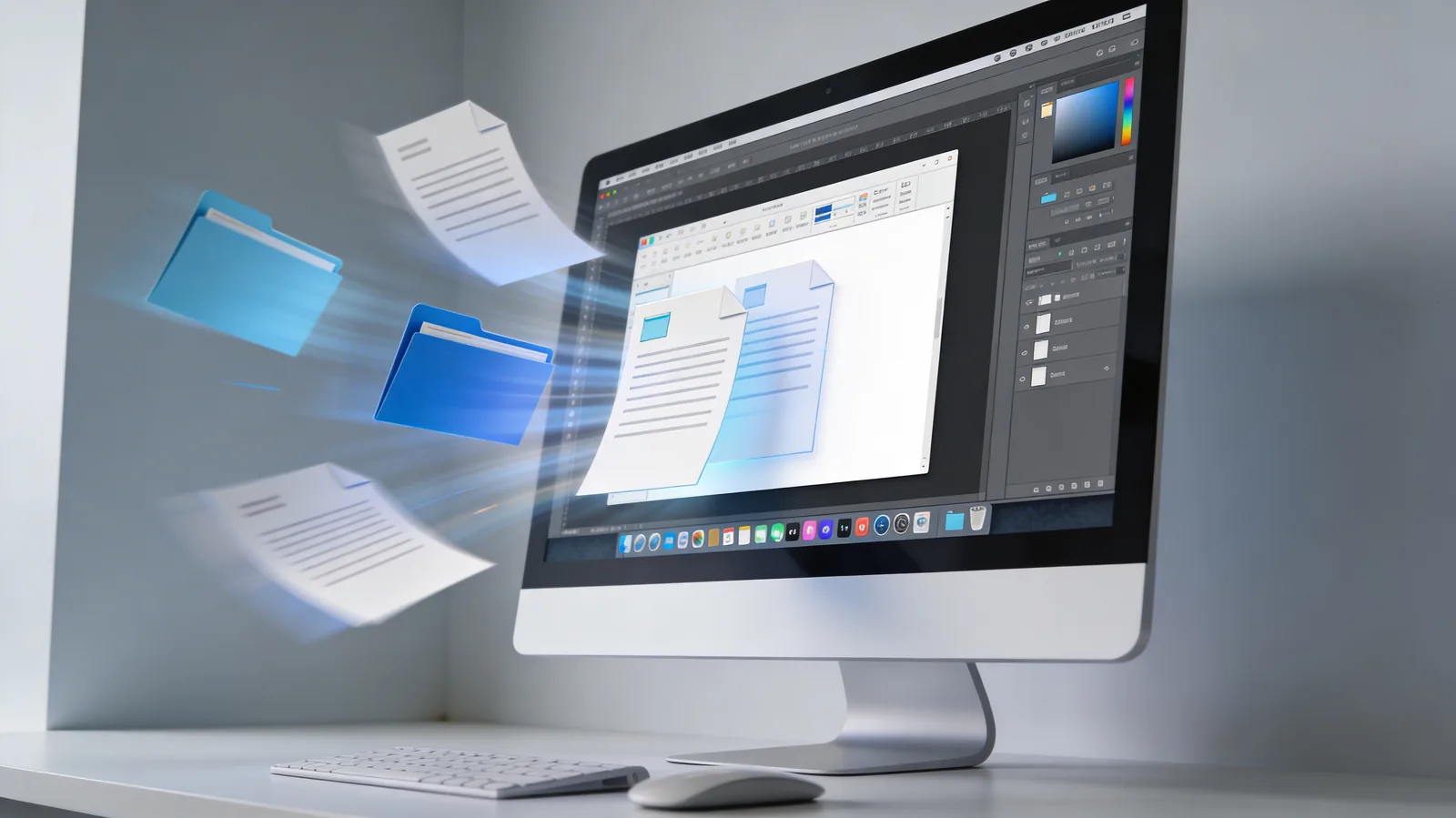
File Bridge is a new feature in Kolbo's desktop app that lets you drag and drop audio, video, or image files directly from your computer, trim them on the fly, and use them seamlessly in your creative projects. It's a free alternative to dedicated media library organization software.
How It Works
Drag and Drop Anything
Instant access to your local media:
- Drag files directly from your desktop or folders
- Drop into Kolbo and start working immediately
- Support for all formats: MP3, WAV, MP4, MOV, JPEG, PNG, and more
- No import wait - files are ready instantly
Built-In Trimming
Edit media before using it:
- Trim audio to exact length you need
- Cut video clips to specific segments
- Visual waveform and timeline for precision
- Non-destructive editing - original files untouched
Seamless Workflow Integration
Use trimmed files across Kolbo:
- Drop into any project after trimming
- Use in video editing, music generation, audio tools
- Combine with AI tools for enhancement
- No file juggling between apps
Free Alternative to Media Software
Replaces Expensive Tools
File Bridge provides:
- Audio library organization (like iTunes, MediaMonkey)
- Quick trimming (like Audacity for basic cuts)
- Media preview (like file explorers)
- Instant project integration (unique to Kolbo)
All in One Place
No need for:
- ❌ Separate audio library software
- ❌ External trimming tools
- ❌ File format converters
- ❌ Cloud storage for project files
Perfect For
Content Creators & Editors
Quickly grab music clips, sound effects, or video segments from your library and use them instantly in projects.
Podcasters & Audio Producers
Trim intro music, jingles, and clips without leaving your workflow - drop them straight into your podcast editor.
Video Creators
Pull specific segments from your footage library, trim to exact frames needed, and drop into video projects.
Designers & Marketers
Access stock images, logos, and media assets from your desktop and integrate them into creative sets instantly.
Why This Matters
Most creative workflows involve constant switching between file management, trimming tools, format converters, and the actual creative application. Each context switch breaks focus and wastes time.
File Bridge eliminates the back-and-forth. Your local media library becomes directly accessible within Kolbo, with instant trimming and seamless project integration. It's media management that doesn't interrupt creation.
Get Started
File Bridge is live now in Kolbo's desktop app. Drag any audio, video, or image file from your computer, trim if needed, and drop into your project.
Use code KOLBO30 for 30% off your first month.