OpenAI released GPT Image 2.6 on November 4, 2026, as two API models. Flare is the fast one, about 15 to 20 seconds per image in our tests. Sunburst is the highest-detail one, and it stays more consistent across edits. Both are available in Kolbo.AI for text-to-image and for editing.
If you read our GPT Image 2.5 launch post, the split will be familiar. What changed in 2.6 is what you can ask for: animated GIFs, SVG vectors, a complexity setting, and a way to point at the part of an image you want changed.
Every image below was generated in Kolbo.AI with the model, and each one is shown with its prompt. Timings are from our test runs and will vary with load and settings.
What is new in 2.6
Animated GIF output
Set the format to GIF and the model returns a looping animation instead of a still. You choose 9 or 16 frames and a frame time of 100, 200 or 400 ms. It also works from an edit, so you can start from an image you already have and animate it.
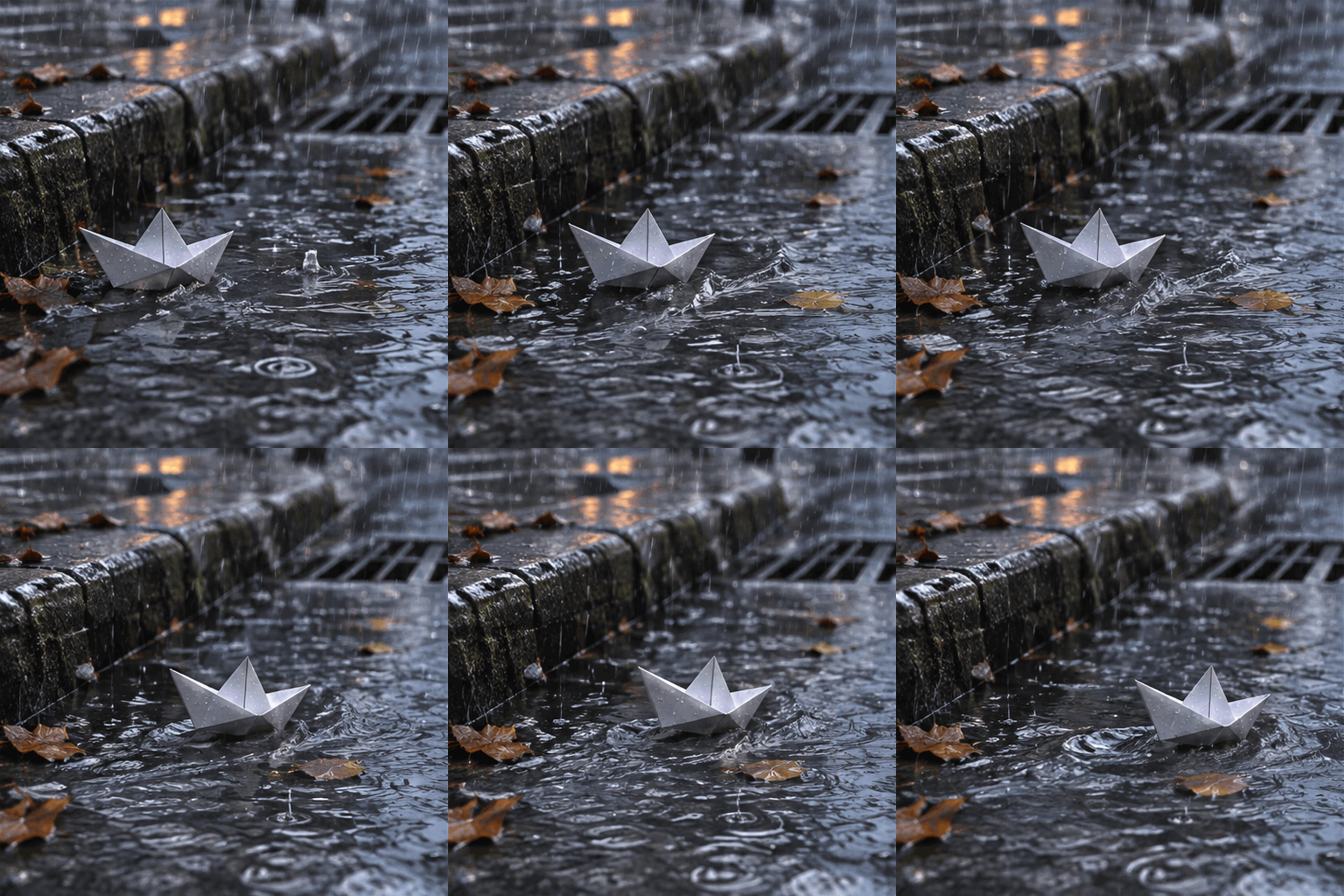 Prompt: "A paper boat sailing down a rain-filled street gutter, camera static, gentle looping motion". Flare, GIF, 9 frames at 200 ms, medium quality.
An animated edit follows the same logic. The source here is the bookshop window from the editing examples further down, and the prompt asks the rain and the lamp to move.
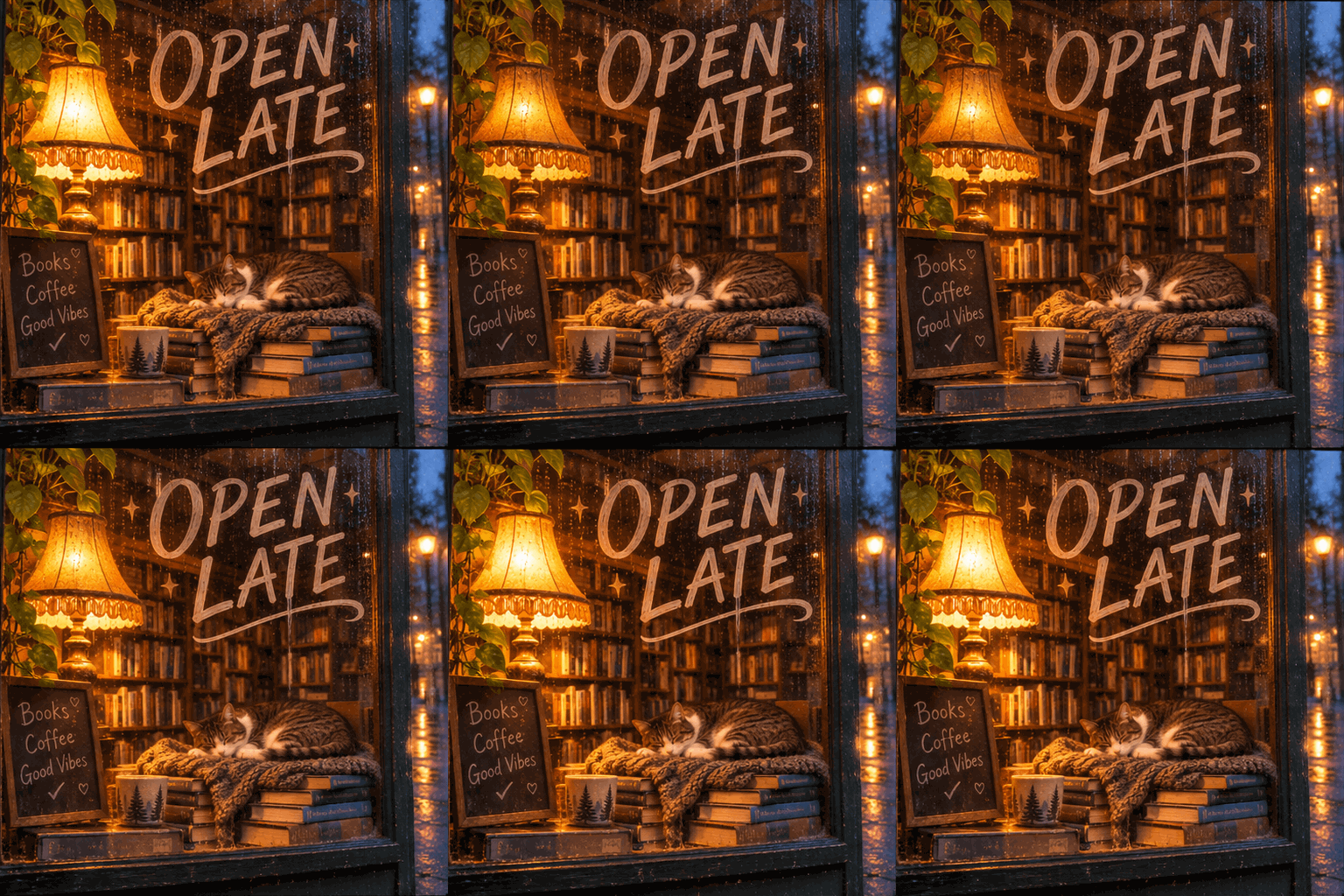 Edit source: the bookshop image in the editing section below. Prompt: "Animate: the rain runs down the glass and the lamp flickers softly, loop". Flare edit, GIF, medium quality.
SVG vector output
SVG output returns a real vector file, so a logo or icon scales to any size without going soft. It is available for text-to-image at 1K.
 Prompt: "A flat vector logo of a fox head, bold geometric shapes, orange and cream". Flare, SVG output, 1K, medium quality. This is an SVG file, not a raster image.
Complexity control
Complexity has three levels: low, medium and high. A higher level asks the model for more detail and takes longer to generate. The price does not change with it. In our test of one Sunburst prompt at 1K and medium quality, low finished in about 20 seconds and high in about 42.
Use low when you are exploring and high when the image has to hold up at full size. Dense scenes are where it shows most.
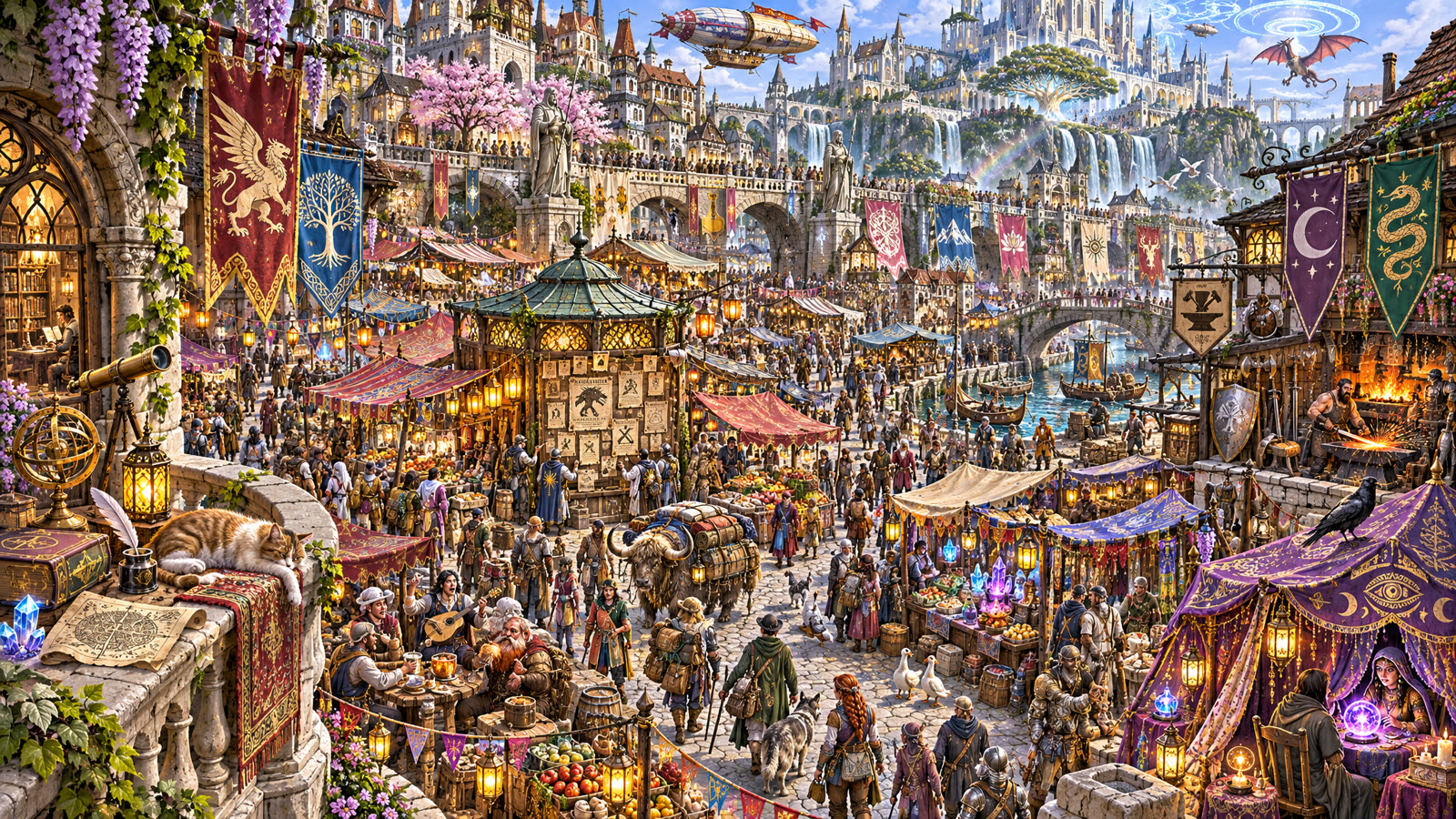 Prompt: "A dense fantasy city market seen from above, hundreds of tiny details, banners with different symbols, glowing lanterns, merchants, animals and travelers, richly detailed illustration". Sunburst, 16:9, 2K, high quality.
Markup edit
Markup edit changes how you revise. Instead of describing in words where something goes, you draw on the image. In the example, a red circle marks the spot and a short label says what belongs there. The model follows the annotation and removes the marks from the result.
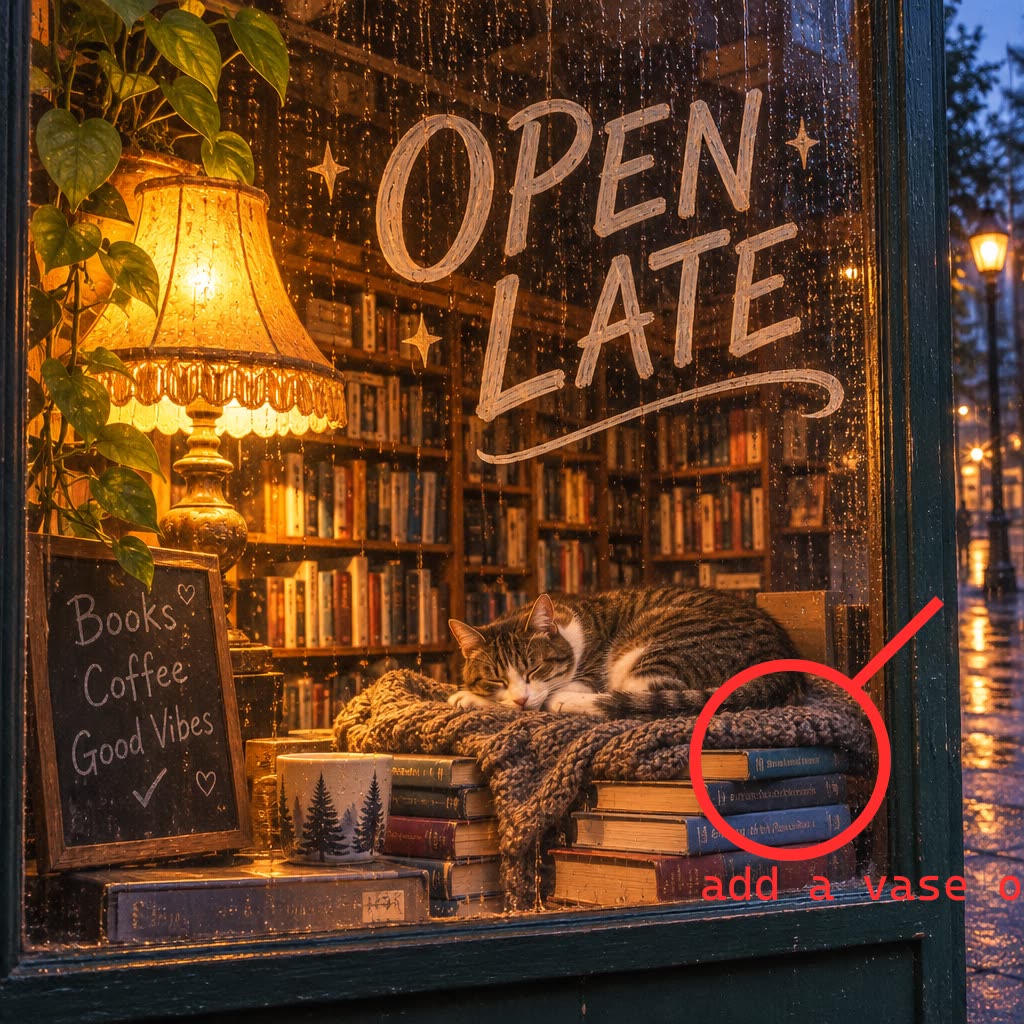 Source with markup. The red circle, arrow and label are the annotation layer.
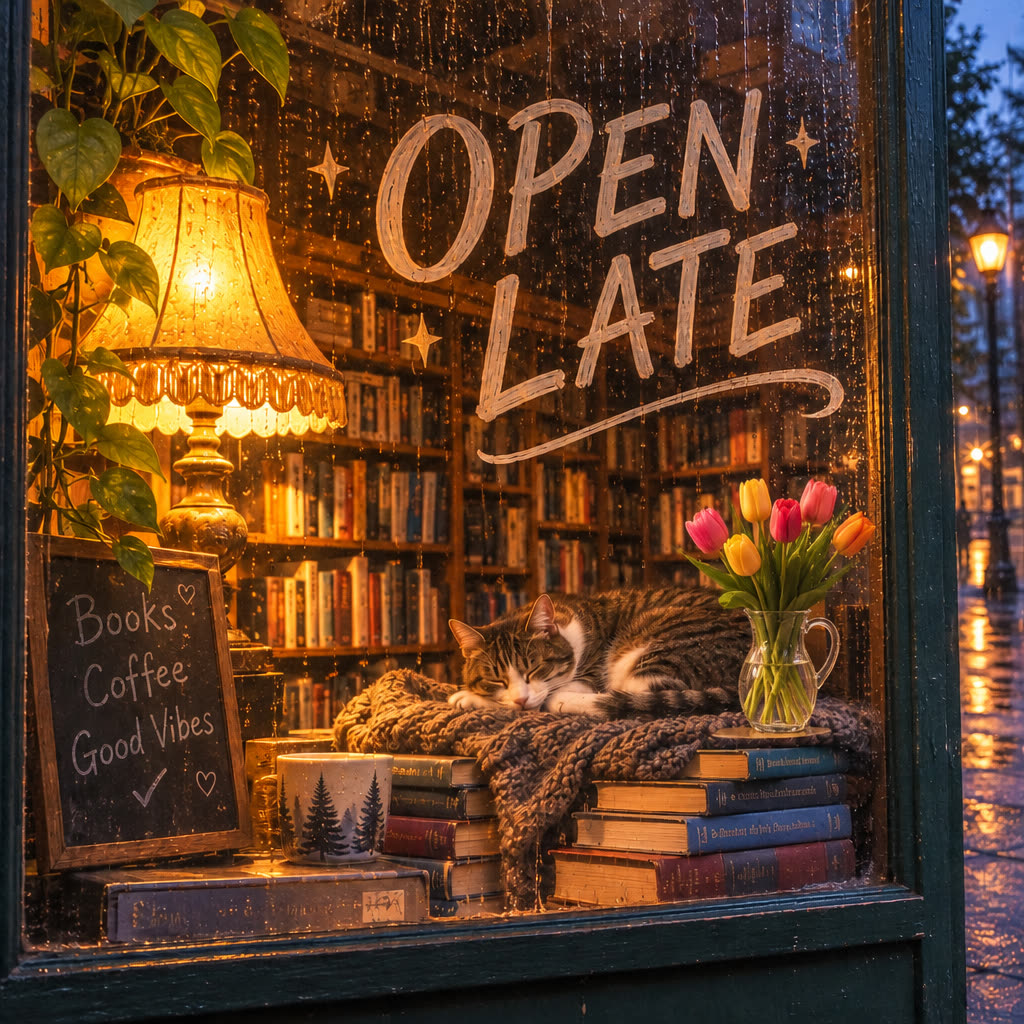 Result. Tulips appear inside the circle and the marks are gone.
Prompt: "Follow the red annotations: put a vase of tulips where the red circle is. Remove all red marks from the result." Flare edit, 1K, medium quality.
In the app, Markup is a button on the first reference image in the Text-to-Image prompt bar. Format and Complexity are chips in the same bar.
What carries over from 2.5
Text you can read
Both models set lettering cleanly, which matters for menus, signs, labels and posters.
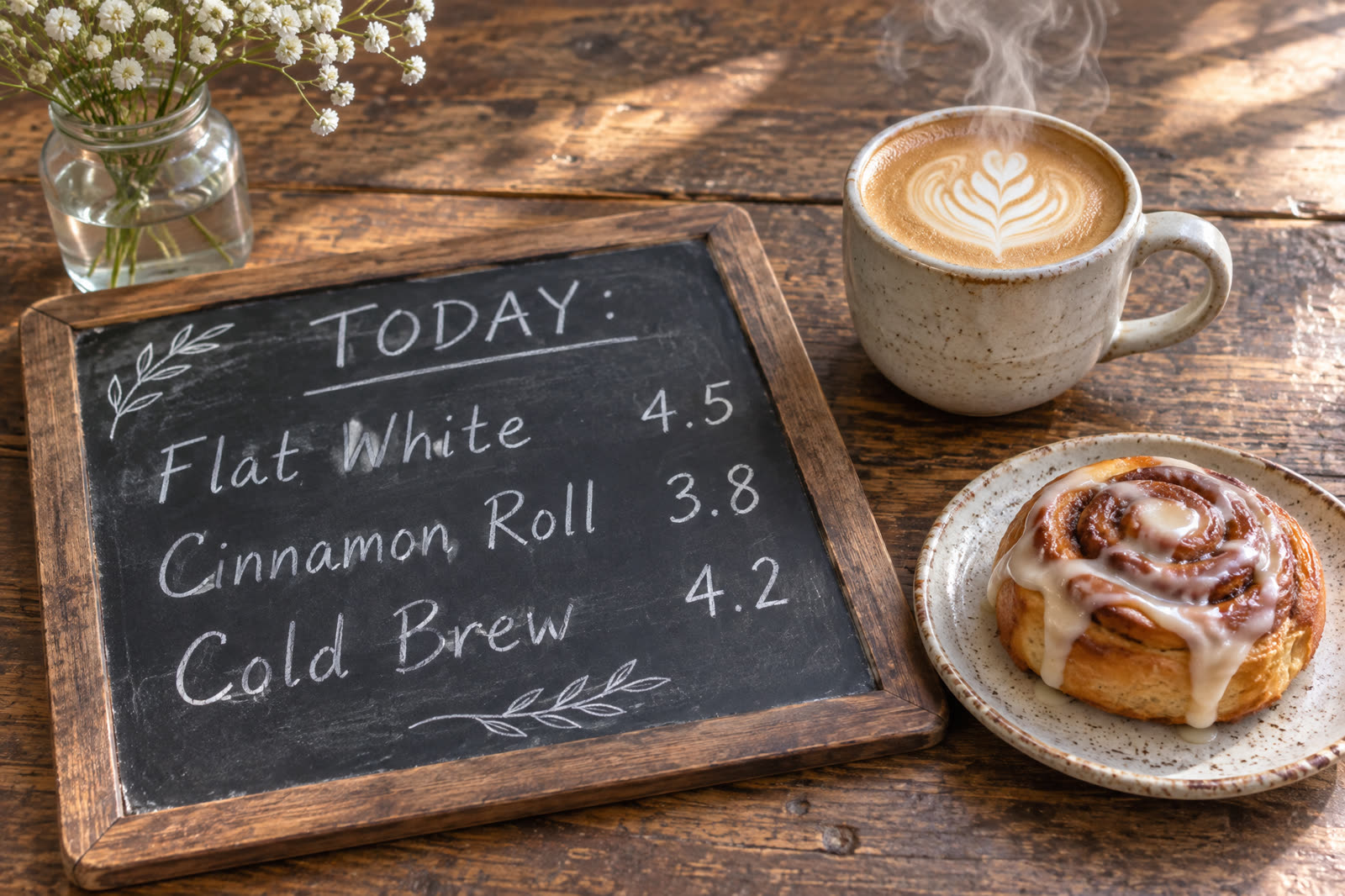 Prompt: "A flat-lay of a handwritten cafe menu board reading "TODAY: Flat White 4.5 / Cinnamon Roll 3.8 / Cold Brew 4.2" on a rustic wooden table, soft morning light, steam rising from a ceramic cup". Flare, 3:2, 2K, medium.
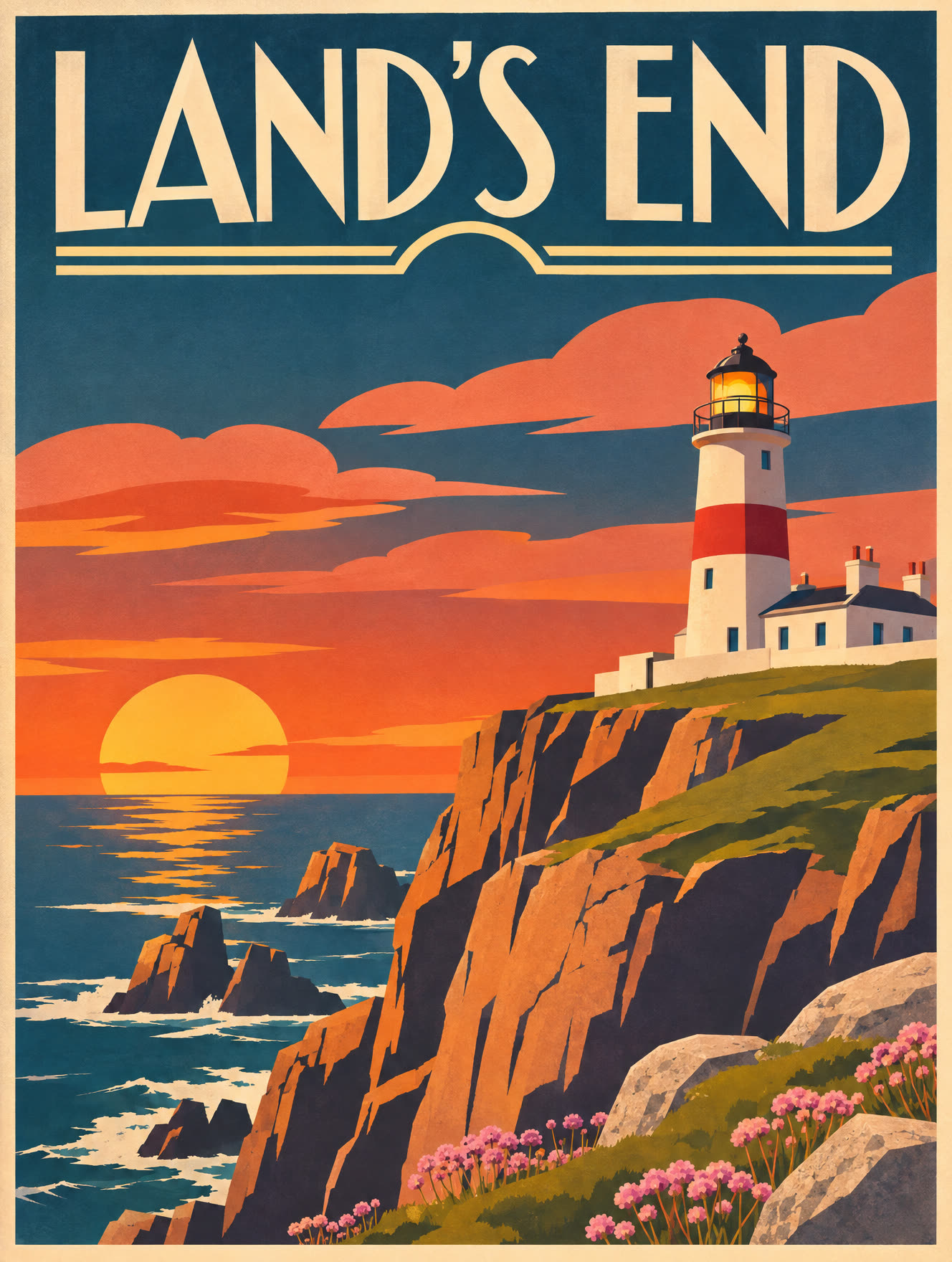 Prompt: "A retro travel poster of a lighthouse on a cliff at sunset, bold flat shapes, title "LAND'S END" in clean art-deco lettering". Sunburst, 3:4, 2K, high.
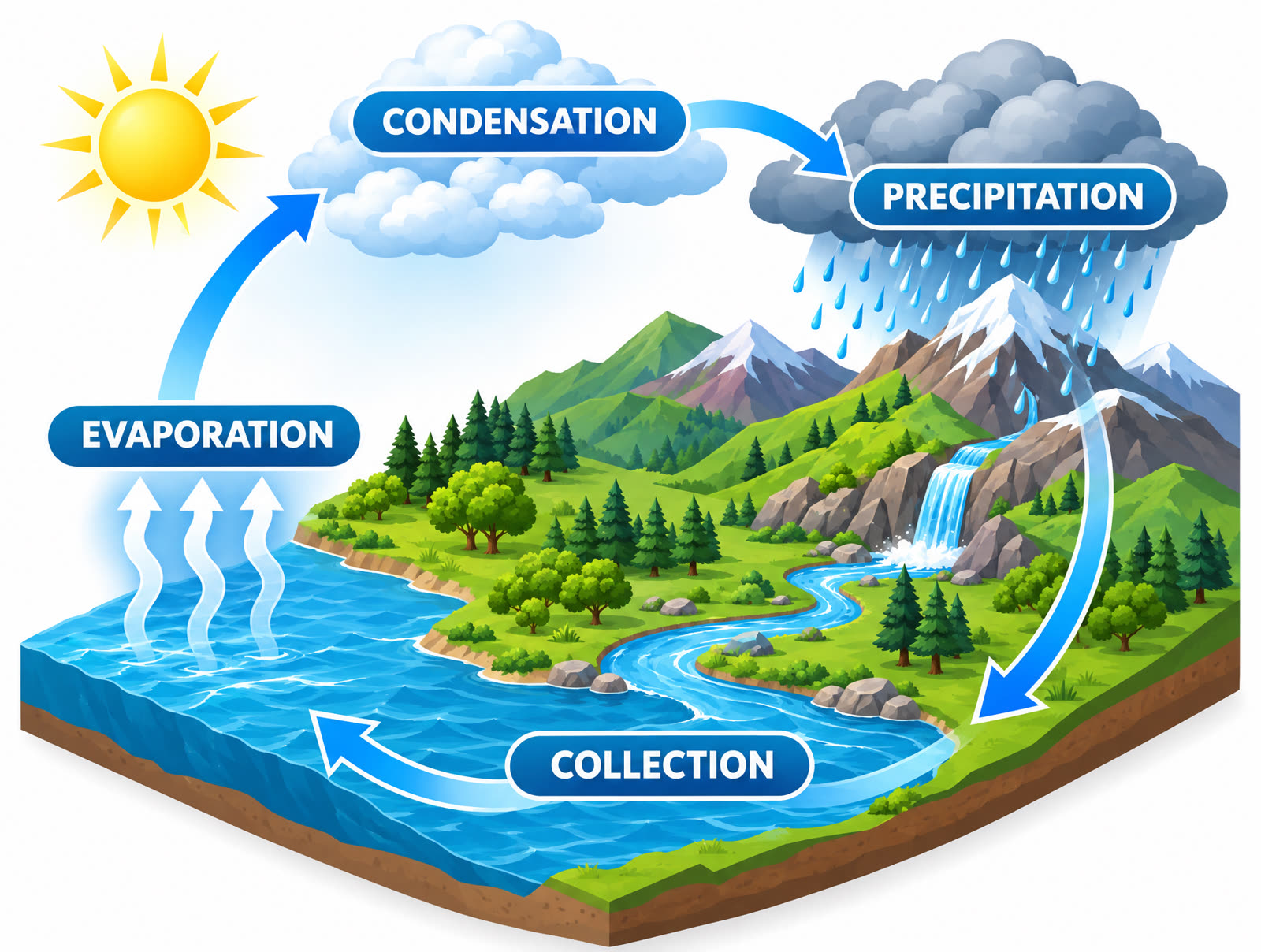 Prompt: "A clean isometric infographic of the water cycle with labeled arrows: "EVAPORATION", "CONDENSATION", "PRECIPITATION", "COLLECTION"". Sunburst, 4:3, 2K, high.
Transparent PNG backgrounds
Ask for a transparent background and the cutout arrives already cut out, with no white box to mask by hand.
 Prompt: "A single red ceramic coffee mug, centered, studio product cutout on a transparent background, no shadow". Flare, transparent PNG, 1K, low quality. Shown on a grey panel so the transparency is visible.
Editing that keeps the scene
Edits work in both models. Sunburst is the one to pick when the rest of the frame has to survive. Here is one source image and two edits made from it.
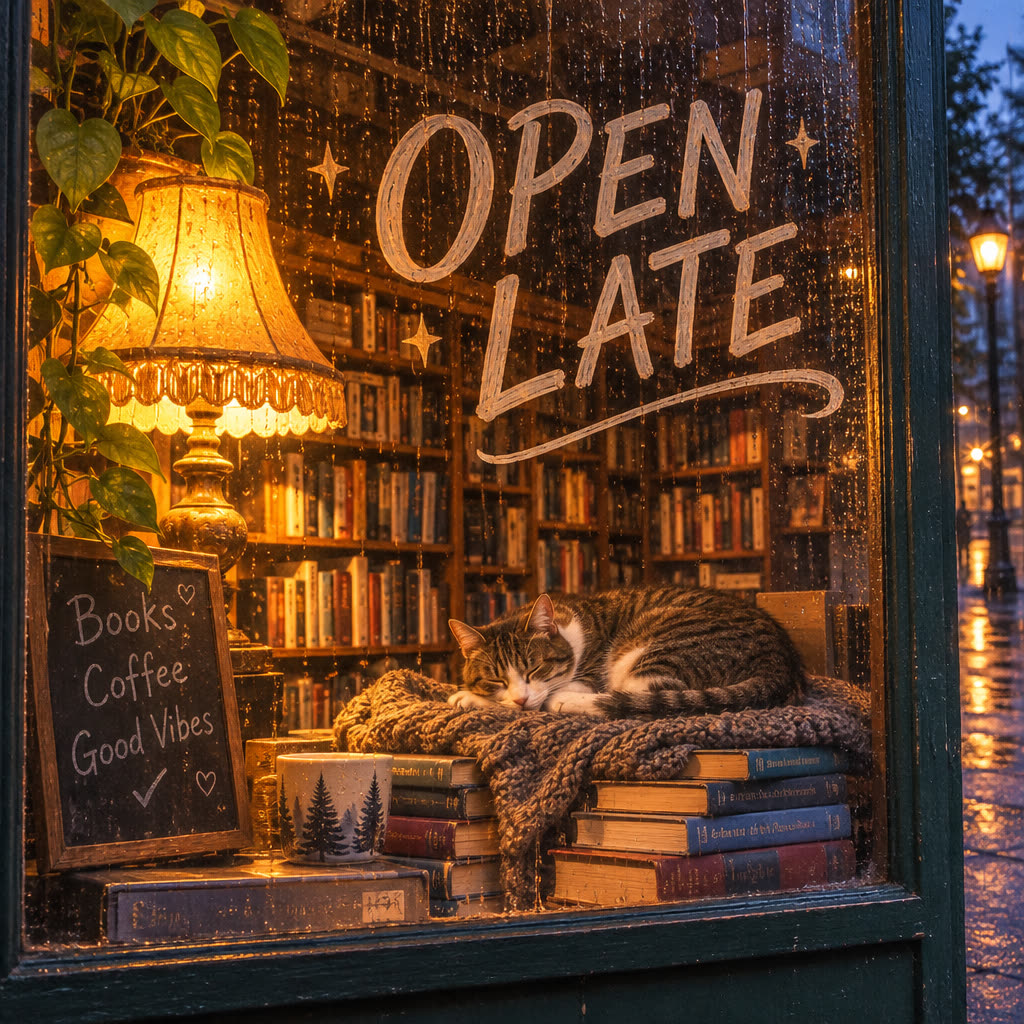 Source. Flare, text-to-image, 1K. Prompt: "A cozy bookshop window at dusk, hand-lettered sign reading "OPEN LATE", warm lamplight, rain on the glass, a cat asleep among the books".
 Edit. Sunburst, 1K. Prompt: "Turn the scene into a snowy winter evening, keep the composition and the sign text".
 Edit. Flare, 1K. Prompt: "Change the time of day to bright golden morning, keep everything else identical".
Product shots with a readable label
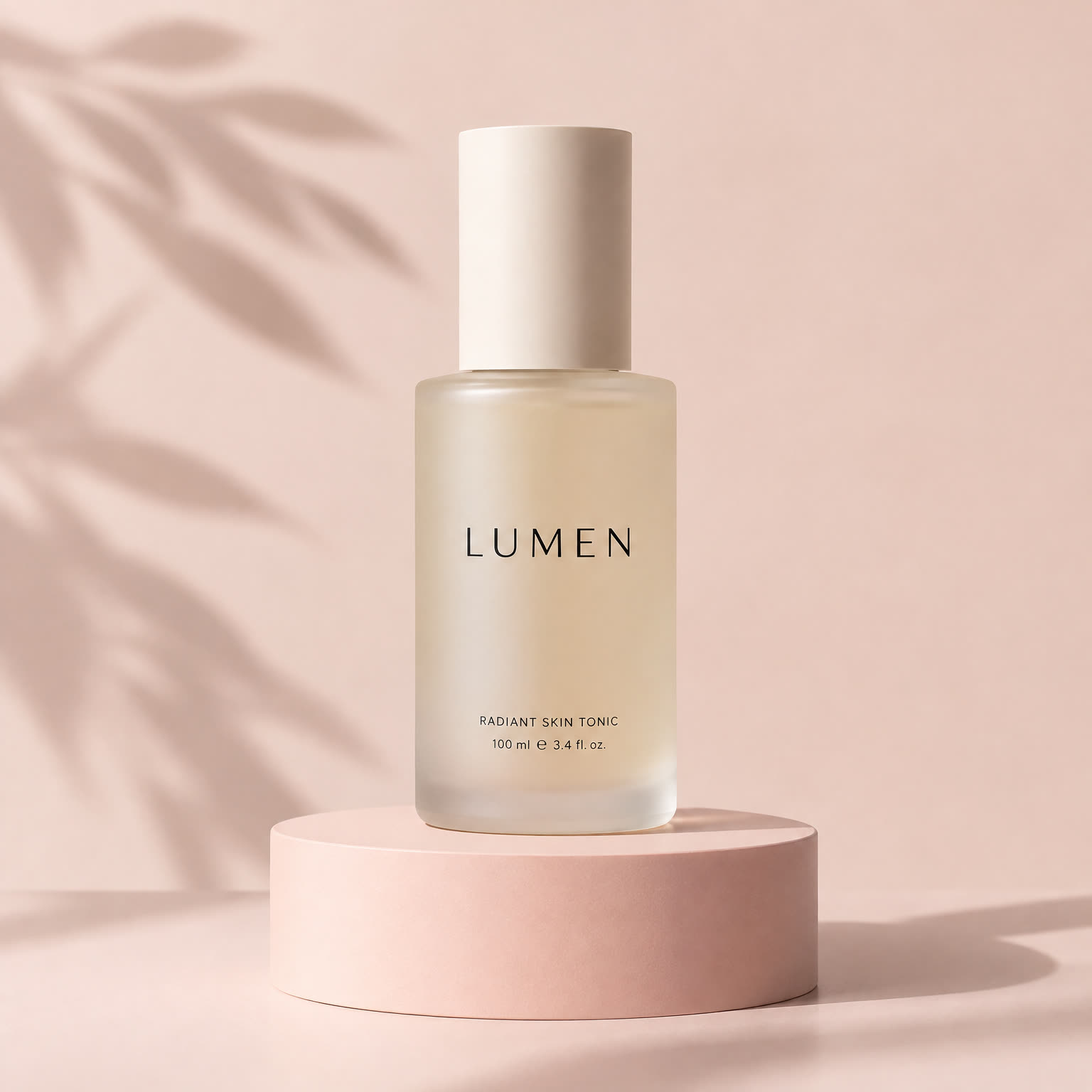 Prompt: "Minimalist skincare bottle on a pastel pedestal with soft shadows, studio product photography, the label reads "LUMEN"". Flare, 1:1, 2K, medium.
Which model to use
Reach for Flare when you are iterating: concepts, layout tests, social variations, GIFs and quick revisions. Reach for Sunburst when the image is going somewhere: detailed scenes, typography-heavy layouts and edits where the rest of the frame has to stay put.
Both support quality levels low, medium, high, xhigh and max, and resolutions of 1K, 2K and 4K. In the model picker, choose Flare or Sunburst and set Format and Complexity from the chips in the prompt bar. Credits per image depend on the quality and resolution you choose, and the estimate is shown before you generate.
API, SDK and MCP
The 2.6 features are available outside the app as well. On the Kolbo.AI API, SDK and MCP, use output_format with gif or svg, complexity with low, medium or high, and markup_image_url to pass an annotation layer for a markup edit.
Frequently asked questions
What is the difference between Flare and Sunburst?
Flare is the fast model, at about 15 to 20 seconds per image in our tests. Sunburst gives the highest detail and stays more consistent across edits, and it takes longer.
Can GPT Image 2.6 make animated GIFs?
Yes. Choose GIF as the format, then 9 or 16 frames and 100, 200 or 400 ms per frame. It works from text and from an edit of an existing image.
Can it output SVG?
Yes, for text-to-image at 1K. The result is a vector file rather than a raster image.
Does the complexity setting change the price?
No. Complexity changes how much detail the model adds and how long the image takes. The price stays the same.
How does markup edit work?
Draw on the first reference image to show where a change should go, and describe the change in the prompt. The model follows your marks and removes them from the result.
Does it still do transparent backgrounds and sharp text?
Yes. Transparent PNG output and in-image text both carry over from 2.5.
GPT Image 2.6 is live now. Open Text to Image with Flare or start with Sunburst, and try the new Format, Complexity and Markup controls.