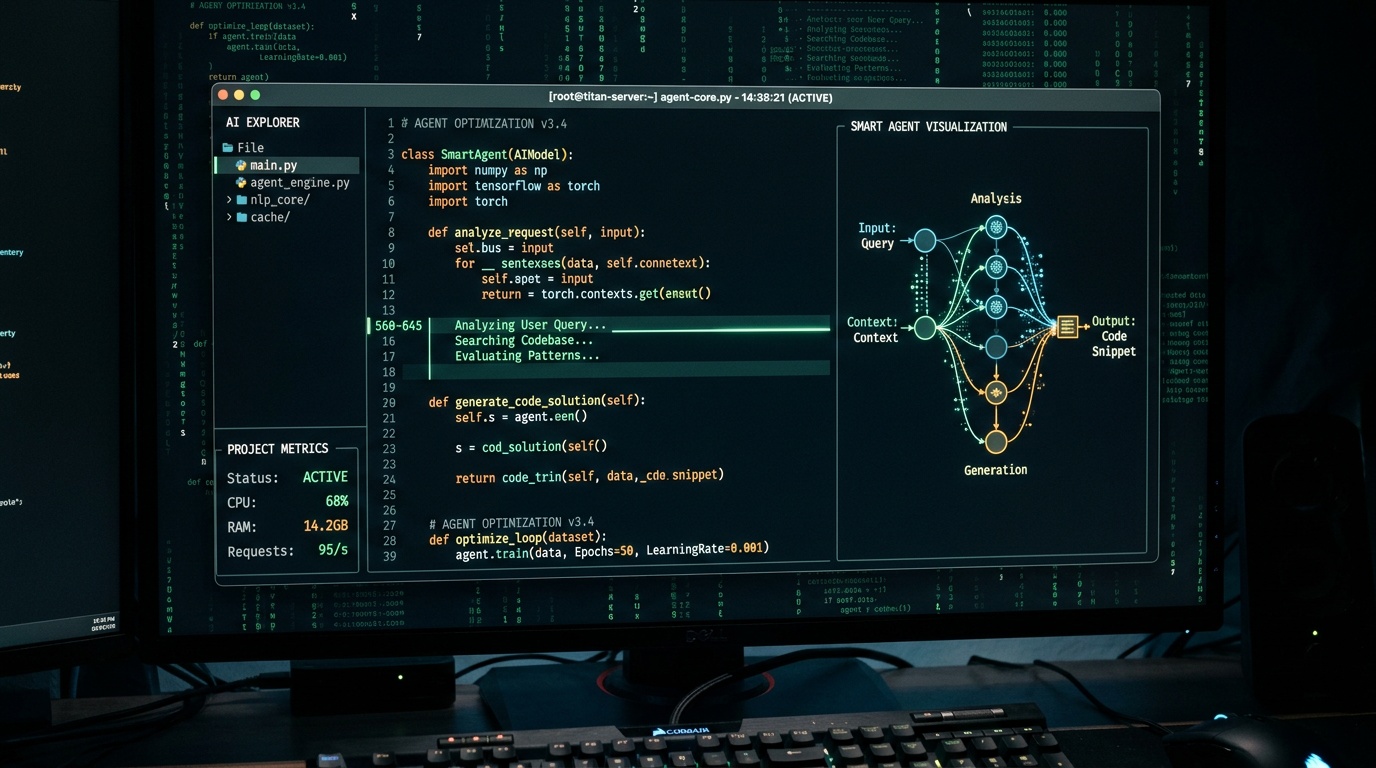
Terminal-native AI coding agents are no longer a niche tool. Developers have adopted them because they stay out of the way: no browser tab, no GUI overhead, no context switching. But most of them share the same friction: you need separate API keys for every provider, they are English-only, and the moment something goes sideways you lose all your work.
Kobi Code is built to fix each of those problems.
What Is Kobi Code?
Kobi Code is a TUI (terminal user interface) application that runs on macOS, Linux, and Windows. It reads your codebase, edits files directly, runs commands in your shell, and works alongside you the way a senior pair-programmer would - asking clarifying questions when the scope is ambiguous, explaining its reasoning before it acts, and letting you stay in control at every step.
Under the hood it routes to Claude, GPT-4o, and Gemini depending on the task and your configuration. The critical difference from other agents: there are no separate Anthropic or OpenAI API keys to manage. Every model call is billed against your existing Kolbo.AI credit balance. One account, one balance, all models.
Why Terminal?
The terminal sits at the center of the developer workflow. Your editor is there, your git history is there, your CI output is there. An agent that lives in the terminal can read the same context you are reading - stack traces, build logs, file diffs - without you having to paste anything into a chat box.
Kobi Code keeps that loop tight. You see the plan before the agent touches a file. You approve or reject individual steps. When the work is done you are still in the terminal, ready to run tests or commit.
Key Differentiators
One Credit Balance, Every Model
Most terminal agents require you to hold API keys across three or four providers and manage rate limits and billing per provider. Kobi Code uses a single credit balance shared with the rest of Kolbo.AI - the same balance you use for image generation, video, and music. Switch from Claude to GPT-4o mid-session with one command; nothing else changes.
Multilingual TUI with RTL Support
The interface ships in 12 languages with full RTL layout support for Hebrew and Arabic. This is not a localization pass on English strings - the TUI reflows correctly for right-to-left reading direction, including menus, input fields, and panel labels. For teams working in non-English environments this removes a persistent source of friction.
Push-to-Talk Voice Input
Press Ctrl+Y to activate push-to-talk. Kobi Code records your voice, transcribes it using ElevenLabs Scribe v2, and submits the result as a prompt. Release the key and the agent starts working. This is useful when your hands are busy, when you want to describe something faster than you can type, or when you are on a call and want to narrate a fix in real time.
Rewind Panel
Double-tap Esc at any point to open the rewind panel. It presents five restore options - snapshots of your file state taken automatically during the session. Select one and the working tree reverts instantly. No git stash, no manual undo chain, no lost work. The rewind panel exists specifically for the moments when an agent goes in a direction you did not intend.
Quick Start
Install and authenticate in three commands:
npm install -g @kolbo/code
kolbo auth login
kolbo run "refactor the auth module to use refresh tokens"
kolbo auth login opens a browser window, authenticates against your Kolbo.AI account, and writes a local token. After that every session uses your existing credit balance automatically.
To start an interactive session instead of a one-shot prompt:
kolbo serve
This opens the full TUI where you can browse models, configure context depth, and use the rewind panel.
To list available models:
kolbo models
The Skill System
Skills are the mechanism for encoding reusable behavior into the agent. A skill is a SKILL.md file placed anywhere in your project. It contains natural-language instructions, constraints, and examples that Kobi Code loads as context before acting.
A simple example - place this in skills/commit-style.SKILL.md:
# Commit Style
- Always use conventional commits (feat/fix/chore/docs)
- Keep the subject line under 72 characters
- Include a body paragraph when the change is non-trivial
- Never use "wip" or "temp" as commit messages
Kobi Code picks up all SKILL.md files in scope and respects them across the session. Skills can cover anything: code style, testing conventions, documentation standards, deployment rules.
The same kolbo-skills package that powers Kobi Code also works with Claude Code, Cursor, and OpenAI Codex. If your team already uses those tools, your existing SKILL.md files transfer without modification.
MCP Server Integration
Kobi Code exposes an MCP (Model Context Protocol) server that other agents and tools can connect to. This means you can compose Kobi Code into larger pipelines - for example, having a Claude-based orchestrator delegate file editing tasks to Kobi Code while retaining its own reasoning context.
Who Is Kobi Code For?
Kobi Code targets developers who already use the terminal as their primary workspace and want an AI pair-programmer that fits that workflow rather than replacing it. It is particularly well suited for:
- Teams working across language environments (non-English codebases, RTL UIs)
- Kolbo.AI users who want AI coding without adding another billing relationship
- Developers who want reusable, version-controlled agent behavior through skills
- Anyone who has lost work to a runaway agent session and wants a real rollback mechanism
It is not a replacement for your editor or your git workflow. It is an agent that works inside them.
Get Started
Kobi Code is available now. Install it with npm install -g @kolbo/code, log in with your Kolbo.AI account, and run your first prompt in under two minutes.
If you are already a Kolbo.AI subscriber your credit balance works immediately - no additional setup, no new API keys. Create your free account or log in and install Kobi Code to get started.