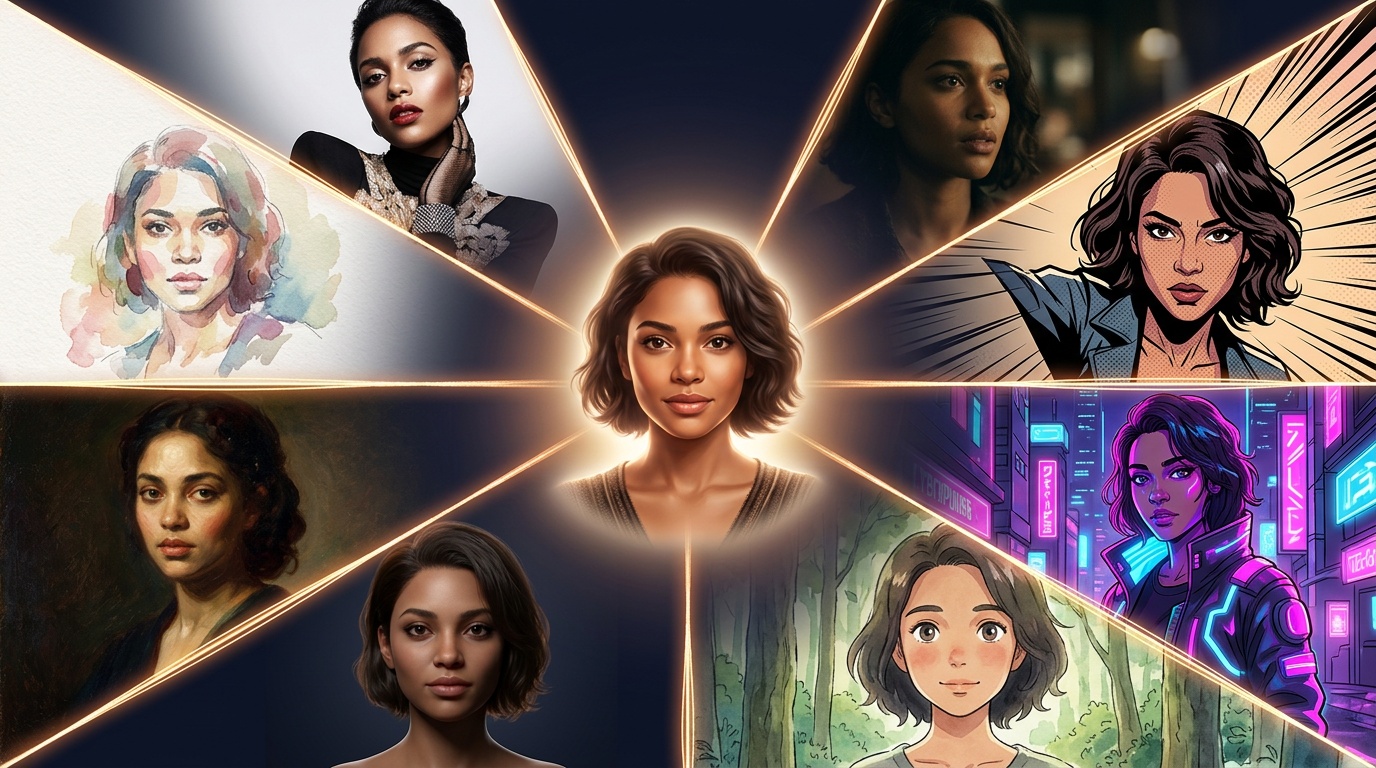
The hardest problem in AI content right now is consistency. You get a great character in GPT Image 2 or Nano Banana 2, then can't reproduce them tomorrow. Different face. Different outfit. Different vibe.
Visual DNA is the system that solves this. It is not a single magical model. It is a smart approach that uses every underlying model better, and gets better as those models get better. Build a profile once for any character, product, or environment, then every model on Kolbo uses it automatically.
Free to create. Unlimited Visual DNAs on every plan.
Free tier. Lite. Standard. Pro. Every tier. Create as many Visual DNAs as you want. There is no per-DNA charge, no creation fee, no monthly cap. Your characters, your products, your brand environments. Build a library and keep growing it.
How to build a Visual DNA
Open the Visual DNA panel in any image or video tool (left sidebar). Then:
- Reference images: upload up to 4. The more angles and contexts, the more reliable the consistency.
- Character sheet (optional but powerful): a multi-angle composite image of the subject. Kolbo uses this as the canonical reference for high-fidelity generations.
- Reference video (optional, 3 to 10 seconds): for models that support video reference (Kling v3, for example), this gives the system motion patterns, gestures, body language.
- Voice sample (optional): for character DNAs used with tools like Gemini Omni Video, Kling v3, or Lipsync, this provides voice consistency in audio outputs.
Saving the profile takes seconds. From there it shows up in every tool that takes references.
Works with every image and video model on Kolbo
This is the real power. One Visual DNA, used across:
- Every image editing model: GPT Image 2, Nano Banana 2, Seedream, and every other image model in the platform
- Every video model: Seedance 2, Kling, Veo, Sora, and the rest
- Elements generation: locks the character into multi-element compositions
- Creative Director: multi-scene generations stay character-consistent end to end
- Lipsync and Gemini Omni Video: uses the voice sample if attached
- Video Editing tools: character replacement in existing footage
You pick the DNA from a dropdown. The model picks up the references automatically. No re-prompting, no re-uploading, no plumbing.
Combine up to 8 Visual DNAs in one generation
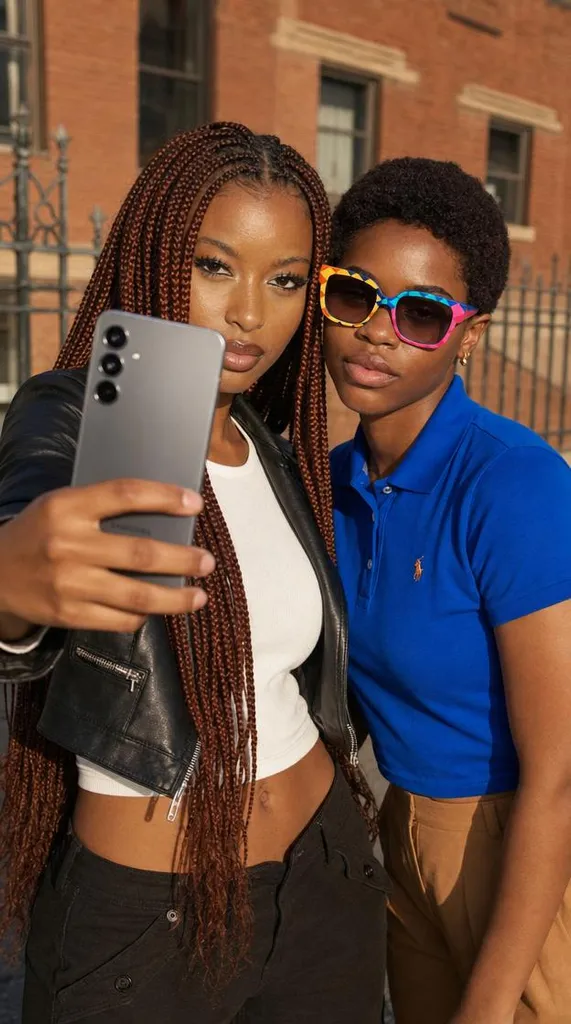
Need two characters in the same scene? A product held by your recurring brand mascot? A character in a specific environment? Just select multiple Visual DNAs in the same generation:
- Image generations: combine up to 8 Visual DNAs in one prompt
- Video generations: combine up to 3 Visual DNAs in one shot
This is what makes Visual DNA a system rather than a feature. Compose entire scenes from your library of profiles. The character stays consistent. The product stays consistent. The environment stays consistent. Across every model. Across every generation.
Video and audio references (Kling v3 and beyond)
Newer models like Kling v3 accept video and audio as references, not just images. Visual DNA carries those automatically.
- If a DNA has a reference video attached, models that support it use it for motion and body language.
- If a character DNA has a voice sample, models that support voice (Kling v3, Gemini Omni Video, Lipsync) use it for the character's voice.
You attach the references once when you build the DNA. Every supported model just works.
Why this matters
Most image models give a different face every time, even with the same prompt and seed. Even tools that support reference images drift after a few generations. Visual DNA is built specifically to prevent that drift, then extends it: voice consistency, motion consistency, multi-subject composition.
If your work involves the same person, product, or brand mascot showing up repeatedly, this is the difference between "looks AI" and "looks finished".
Who uses Visual DNA most
AI content creators producing branded characters for clients. The character has to look identical across deliverables, often across months of projects.
Filmmakers and animators maintaining cast consistency across scenes, shots, and entire productions.
Marketers and brand teams building reusable character and product libraries for ongoing campaigns.
Indie game devs and worldbuilders locking down protagonists, NPCs, recurring environments, and signature props.
Shareable profiles and team libraries
Visual DNA profiles can be shared via link. Send a profile to a teammate, a client, or a collaborator. They open it and can generate with the same character. Teams build shared libraries of approved characters and products that everyone in the organization uses.
For brand work this is essential: one approved character, used consistently across everyone's deliverables, without re-uploading reference images per project.