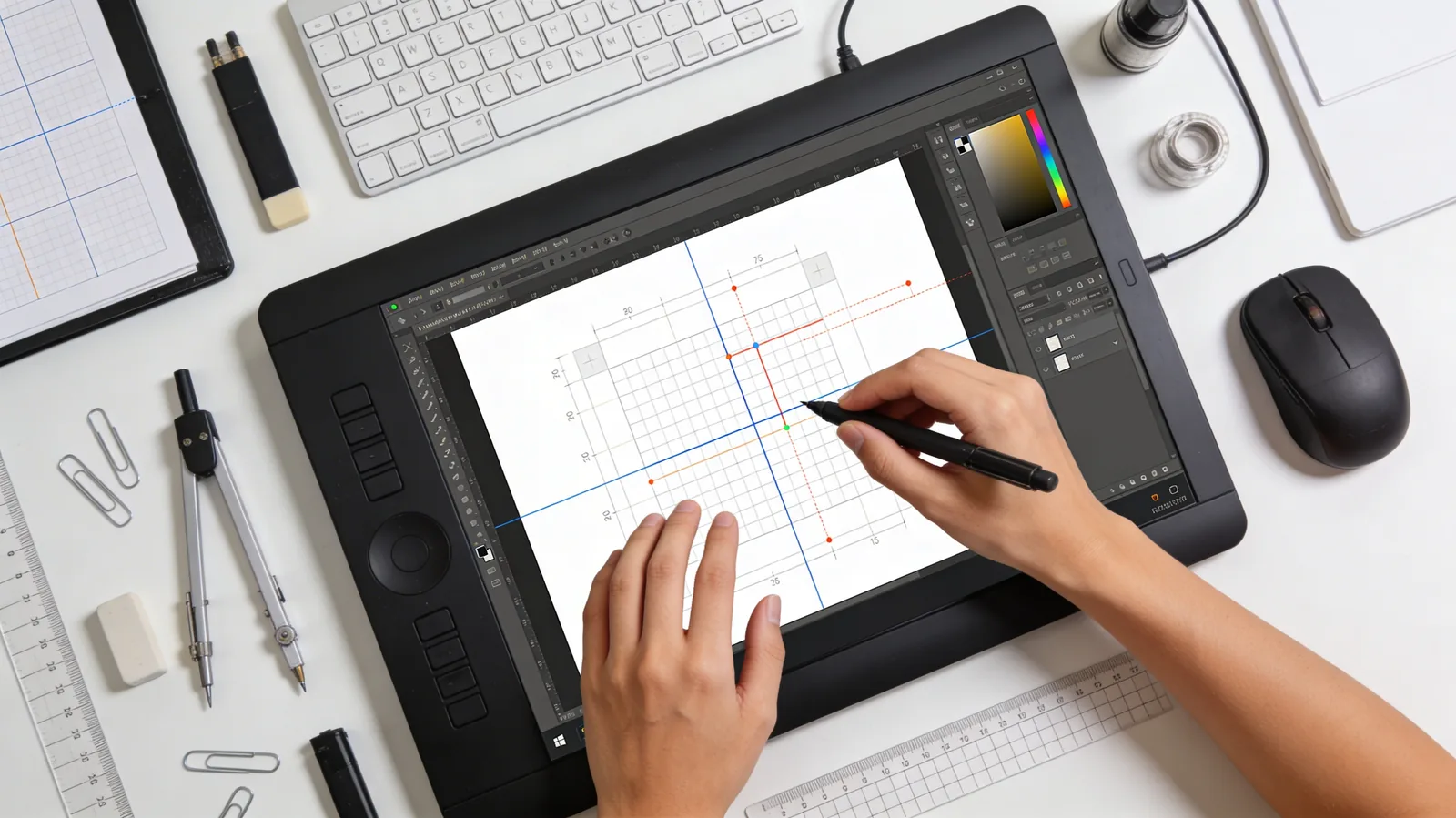
Canvas Tool just got smarter with intelligent snapping guides for precise element alignment - just like Canva - plus comprehensive light mode improvements. Design with pixel-perfect precision in the theme you prefer.
What's New
Smart Snapping
Precise alignment made effortless:
- Automatic snap guides when dragging elements
- Edge-to-edge alignment with other objects
- Center alignment indicators
- Spacing guides for consistent layouts
- Grid snapping for structured designs
Works like Canva:
- Drag elements near each other → automatic alignment
- Visual guides show alignment points
- Magnetic snapping for precise positioning
- Perfect spacing between objects
Light Mode Improvements
Enhanced light theme experience:
- Cleaner interface with improved contrast
- Better visibility of design elements
- Smoother interactions and animations
- Optimized colors for extended use
- Consistent UI across all tools
What This Fixes
Before:
- ❌ Manual pixel counting for alignment
- ❌ Eyeballing element spacing
- ❌ Inconsistent positioning
- ❌ Frustrating precision work
Now:
- ✅ Automatic alignment detection
- ✅ Visual guides show exact positions
- ✅ Consistent spacing automatically
- ✅ Professional layouts effortlessly
How Smart Snapping Works
1. Start Dragging
Click and drag any element on your canvas.
2. Watch for Guides
As you move, smart guides appear automatically:
- Pink/Purple lines show alignment with other elements
- Distance indicators show spacing
- Snap points lock elements in perfect position
3. Feel the Snap
Elements magnetically lock to:
- Edges of other objects
- Centers of canvas or elements
- Grid lines for structured layouts
- Equal spacing between multiple objects
4. Release Perfectly Aligned
Drop the element - it's already perfectly positioned.
Perfect For
Designers & Creatives
Create pixel-perfect layouts without manual measurement - smart guides handle precision automatically.
Social Media Managers
Design consistent branded graphics with automatic alignment and spacing for professional polish.
Marketing Teams
Build campaign materials quickly with snapping that ensures brand consistency and visual harmony.
Content Creators
Assemble thumbnails, headers, and visual content with professional alignment in seconds.
Light Mode vs Dark Mode
Choose your preference:
- Dark Mode: Reduced eye strain for extended work sessions, focus on creative elements
- Light Mode: Familiar bright interface, better for presentations and client reviews
Both modes now include:
- ✅ Smart snapping guides
- ✅ Optimized color contrast
- ✅ Smooth animations
- ✅ Consistent UI design
Why This Matters
Professional design tools like Canva, Figma, and Adobe use smart snapping because precision matters. Manually aligning elements by eye creates inconsistent, unprofessional results.
Canvas Tool's smart snapping brings professional-grade precision to AI-powered design. You get the creative power of AI generation combined with the polish of professional design software - all in one tool.
Get Started
Smart snapping and light mode improvements are live now in Canvas Tool. Open any project and experience automatic alignment guides as you design.
Use code KOLBO30 for 30% off your first month.