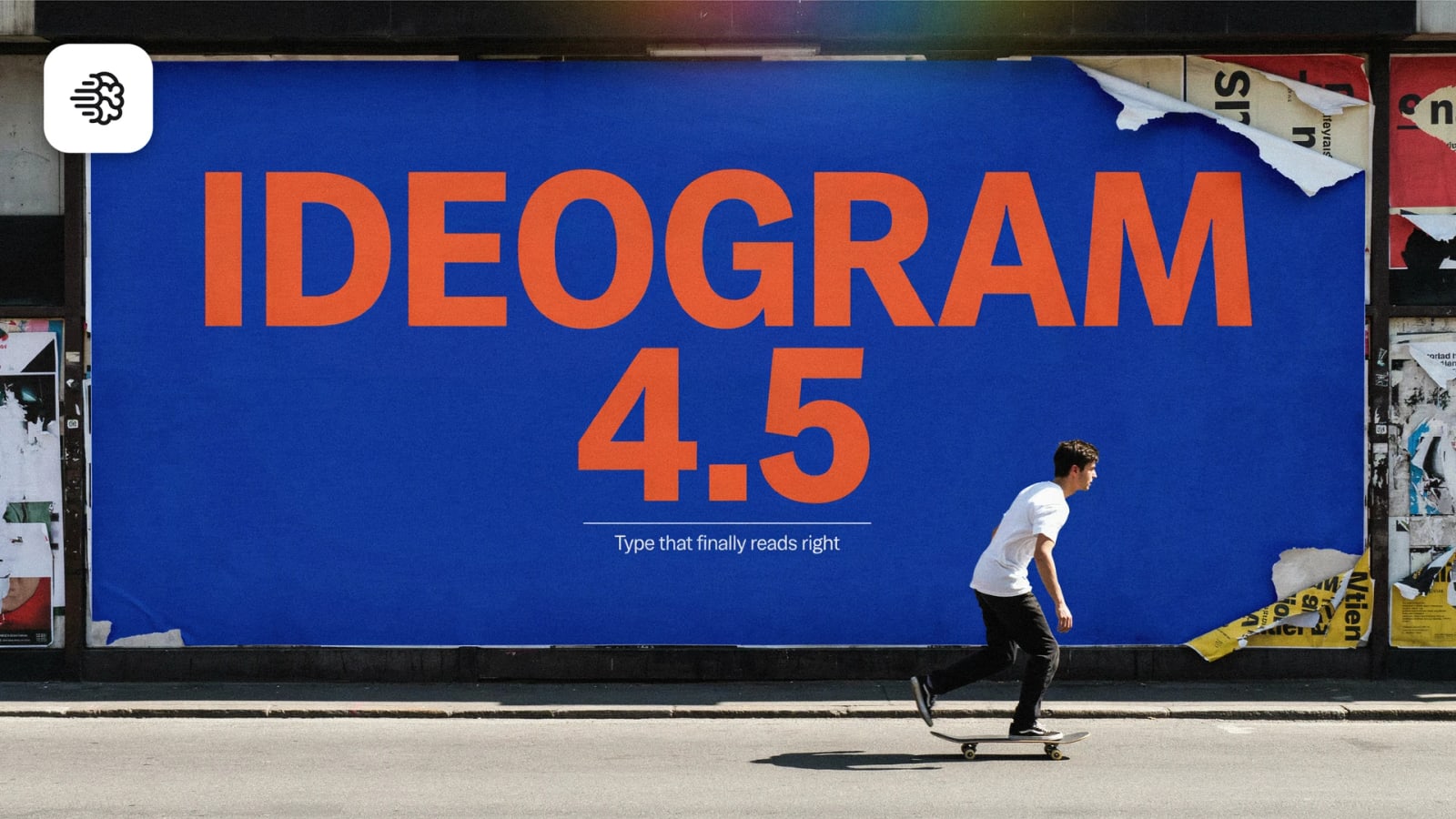
A poster needs more than an attractive background. Its headline has to stand out, its smaller details need a place, and the whole composition should communicate one idea. Ideogram 4.5 is available on Kolbo.AI for exploring images where words and visual design belong together.
Use it to develop a poster concept, a logo direction, a storefront sign or a graphic for a campaign. Start from a written brief, review the composition and wording, then refine the idea through another generation or image editing. You can keep the creative process inside the same workspace instead of treating each image as an isolated experiment.
Start with the Message You Want People to Read
Ideogram 4.5 focuses on image creation with text rendering for posters, logos and design work. Its text-to-image workflow offers low, medium and high quality choices, as described in the model documentation.
For a useful first brief, separate the message from the visual direction. Put the exact short headline in quotation marks. Describe which words should be largest, where the supporting text belongs and how much space the layout needs. Then add the colors, background and visual style.
For example: a square event poster with the exact headline "NIGHT GARDEN" in large cream lettering, a dark green background, a small date beneath the title and room around the edges. This is a prompt example, not a measured output demonstration. It gives you a clear way to judge whether a generated design follows the intended hierarchy.
Choose Quality and Resolution Separately
Kolbo.AI offers 1K and 2K resolution options for this model. Resolution and quality are separate choices: resolution controls the output size, while low, medium and high are generation quality settings. Choose both deliberately for the task in front of you.
If you are comparing directions, begin with the settings that suit that exploration. Once you choose a layout, review its lettering and details before making a final version. Use the credit quote displayed in the app for your selected settings rather than assuming that a larger image and a higher quality setting mean the same thing.
Refine a Design with Image Editing
Ideogram 4.5 also has an image editing workflow on Kolbo.AI. It supports up to five input images in total, including the source image. That is not five additional references on top of your source.
Use editing when you already have a direction worth keeping. Describe the change precisely: adjust the background color, explore another visual treatment or revise part of the composition. Give each reference a clear role and explain the elements you want to retain. After an edit, check the full image, including areas you did not ask to change.
Build a Repeatable Design Review
Review the headline first, then the supporting information, spacing and overall balance. Proofread every word, number and punctuation mark. Improved text rendering is useful, but it does not guarantee correct spelling, perfect typography or reliable results in every language.
For Hebrew and Arabic designs, inspect letter forms and reading order carefully. For logos, treat the result as a direction to evaluate and refine before adopting it as a finished identity. Test any design at its intended viewing size so a strong full-screen image also works where people will actually see it.
Want to explore more image workflows? Read about Nano Banana 2.1 and FLUX 3 Image and Magic Edit.
Frequently Asked Questions
What can I make with Ideogram 4.5?
Explore posters, logo concepts, signage and other images where text and composition work together. Give the model a clear message and layout direction.
Which settings are available for generation?
Text-to-image offers low, medium and high quality choices, with 1K and 2K resolution options in Kolbo.AI. Quality and output resolution are separate settings.
How many images can I use for editing?
The editing workflow supports up to five input images total, including the source image. Follow the input requirements shown in the tool.
Is generated text always correct?
No. Proofread the entire result, especially names, numbers and multilingual text, before publishing or using it in a finished design.