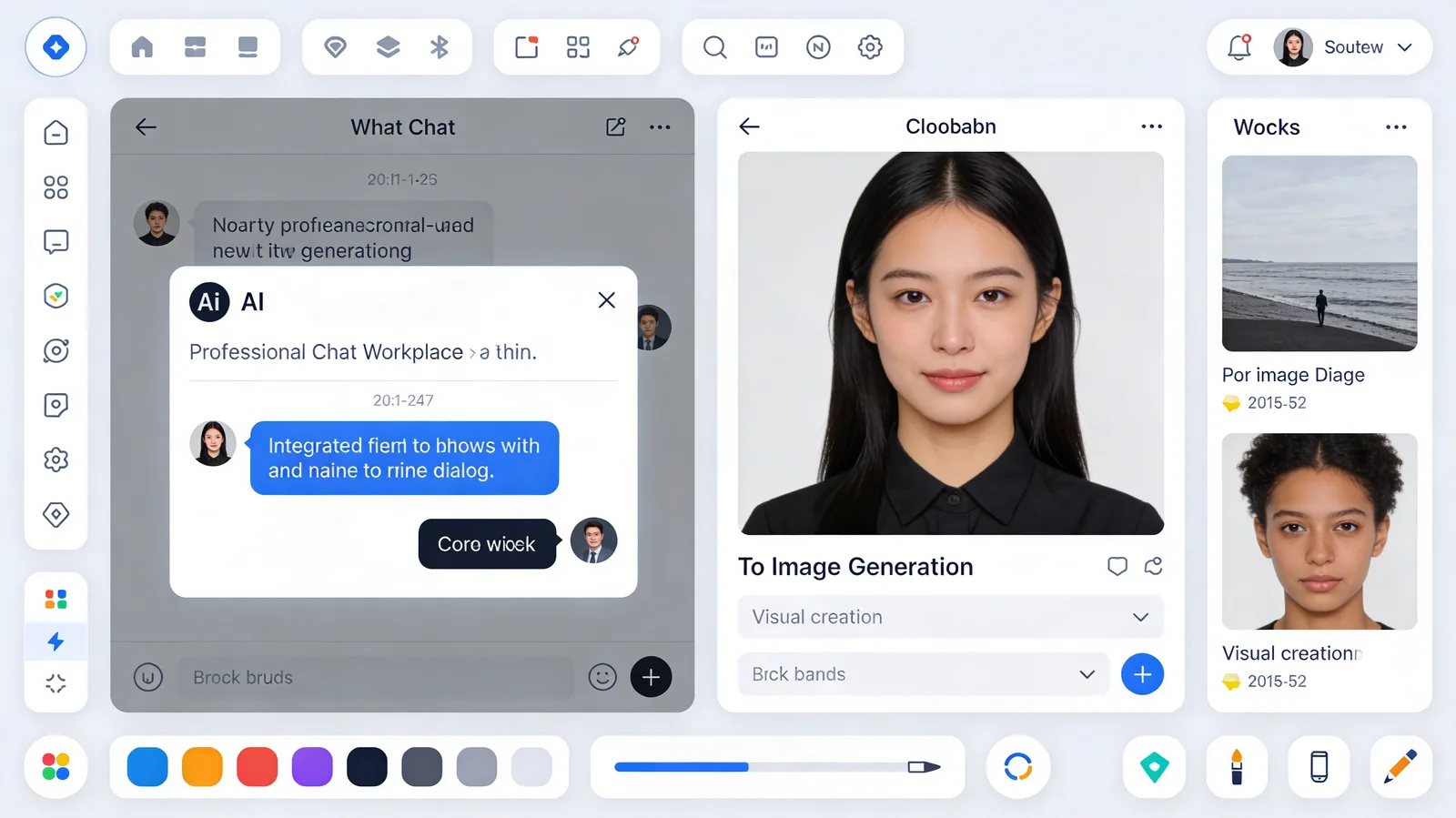
The image creation dialog in Chat has been completely redesigned to make visual generation faster, more intuitive, and better integrated with your conversations. Generate images without breaking flow, switch between models effortlessly, and preview results in real-time.
What's New
The redesigned image creation experience includes:
- Streamlined interface - Cleaner layout with focus on prompt and preview
- Instant model switching - Toggle between Nano Banana 2, Nano Banana Pro, GPT Image 2, and more without closing the dialog
- Better preview system - Larger thumbnails, faster loading, side-by-side comparison
- Context integration - Reference previous chat messages and images automatically
- Quick actions - Download, edit in Canvas, or continue generating variants with one click
- Persistent settings - Your last-used model and settings are remembered per chat
Perfect For
Designers in Workflow
Generate mockups, concept art, and visual references without leaving your brainstorming conversation with AI assistants.
Content Teams
Create social media graphics, blog headers, and marketing visuals while planning campaigns in chat threads.
Creative Exploration
Iterate on visual ideas rapidly - generate, discuss with AI, refine the prompt, and generate again without context switching.
Why This Matters
The original image creation flow required navigating away from chat, losing conversation context, and manually copying prompts. The redesign keeps everything in one place. You can discuss ideas with Claude or GPT, generate images based on that discussion, get feedback from the AI on your visuals, and iterate - all within a single chat session.
This is particularly powerful when combined with Chat's multi-model capabilities. You might brainstorm with Claude, generate images with Nano Banana 2, review with GPT, and refine with GPT Image 2 - all while maintaining full conversation history.
Get Started
Open any Chat conversation, click the image generation button in the toolbar, and explore the new interface. Your favorite models are now just one click away.
Use code KOLBO30 for 30% off your first month.