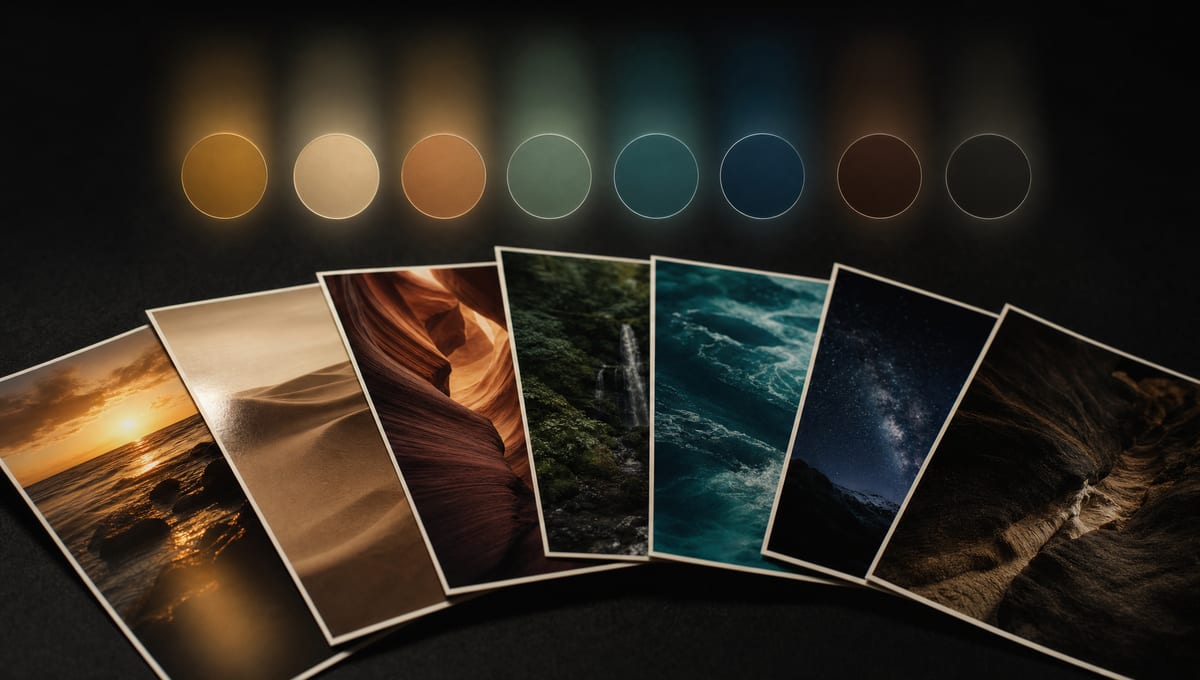
Getting the same color mood across a whole project used to mean re-describing it in every single prompt, and hoping the model listened. Color DNA fixes that: extract a palette once, turn it on, and every image and video you generate afterward is graded to match.
Build a Palette in Seconds
Upload a handful of reference images and Color DNA studies them to pull out a named palette - dominant tones, accents, and background colors. No prompt writing required.
Two ways to start:
- From reference images: drop in a moodboard, a still from a film, or a product shot
- Pick manually: hand-pick colors with the eyedropper or type in hex values
Give the palette a name and it's saved to your account, ready to reuse across any tool.
One Toggle, Every Generation
Once a palette is active, it shows up as a small pill right in the prompt bar - a constant reminder of what's locked in. Turn it off for a single generation with one click, or clear it everywhere from the same control.
Strict grading, everywhere:
- Text-to-Image, Image Editing, and Creative Director
- Image-to-Video and Video-to-Video
- Applies automatically, no per-prompt setup
Reuse Anywhere
See a generation you liked the colors on? Click the swatch strip on that message and Color DNA reactivates the exact palette it was made with - even if you've since deleted it, it gets rebuilt from the snapshot.
Perfect For
Brand & Marketing Teams
Keep every asset in a campaign on the same palette without a style guide document changing hands.
Filmmakers & Storyboard Artists
Lock a scene's color grade once and carry it through every shot you generate.
Anyone Building a Series
Consistent visuals across dozens of generations, without repeating yourself in every prompt.
Get Started
Color DNA is live in Kolbo.AI now - look for the palette pill in any prompt bar.
Use code KOLBO30 for 30% off your first month.