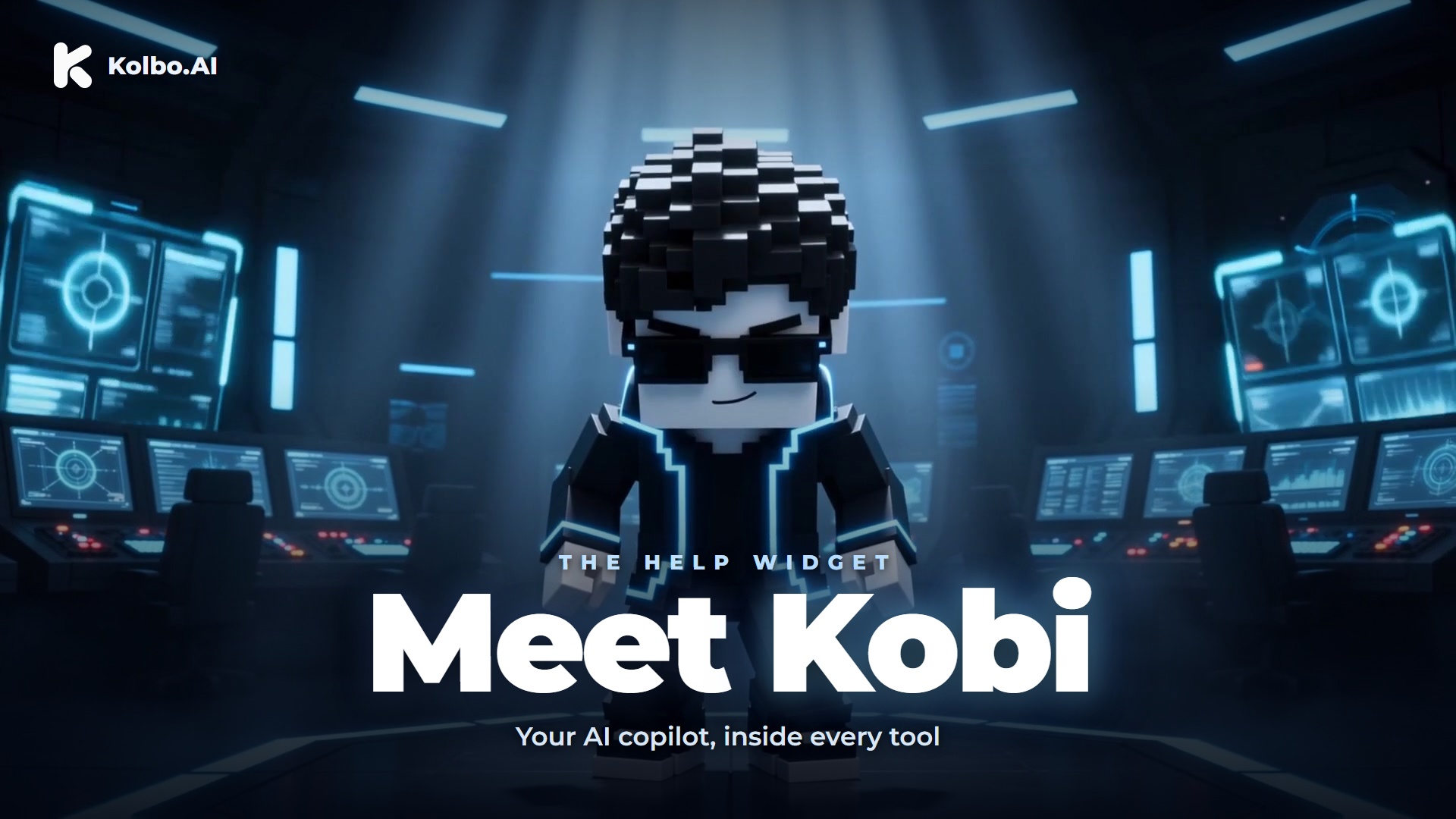
One of the most common things we hear from Kolbo users is a version of the same question: "I know what I want to create - I just don't know where to start or what to type."
Kobi is the answer. Starting today, your AI sidekick is built into every tool across the platform.
What Kobi Actually Does
Kobi is not a chatbot. It is a real-time creative copilot that sits in the corner of every Kolbo tool, ready to help the moment you open it.
You describe what you want in plain language. No need to know how prompting works, which model handles which task, or which tool to open first. Just say what you are trying to make.
Kobi writes the prompt for you. It takes your description and turns it into a precise, ready-to-use prompt, optimized for the task at hand. You can use it as-is or edit it before you run the generation.
It picks the right model automatically. Whether what you need is an image, a video, a music track, or something else, Kobi routes you to the right model and tool. You do not have to know the difference between Nano Banana 2 and Seedream or when to reach for Seedance 2 versus Kling.
One click to go. Kobi shows you a live inline example of what the output will look like. When you are ready, one click opens the exact tool with your prompt already loaded. Or if you have an image and want to animate it, Kobi connects that too.
Two Tabs, One Corner
Kobi lives in a small panel that appears in the corner of every Kolbo tool. It has two tabs:
AI Help - Your creative copilot. Ask about any tool, describe what you want to make, and Kobi handles the prompt-writing and routing.
Team Chat - Collaborate with your team right where you are working. No switching apps, no losing context.
Why This Matters
Kolbo has a lot of tools and a lot of models. That is the point: everything in one place. But "everything in one place" only works if you can find and use what you need without friction.
Kobi removes the learning curve. It does not replace what you know, it meets you where you are. If you are an expert user, it writes better prompts than most people do by hand. If you are new to AI generation, it is the guide that tells you exactly what to do next.
The goal has always been to make AI creation feel accessible, not technical. Kobi is the most direct version of that we have built.
How to Open Kobi
Kobi is live now. Open any tool in your Kolbo workspace and look for the Kobi icon in the bottom corner. Tap it to open the panel. It is there whether you are in the image tools, video tools, audio tools, or anywhere else on the platform.
Kobi is live right now in every tool across your Kolbo workspace. Open any tool and look for the icon in the corner.
Meet Kobi NowBest, Zohar Founder, Kolbo.AI