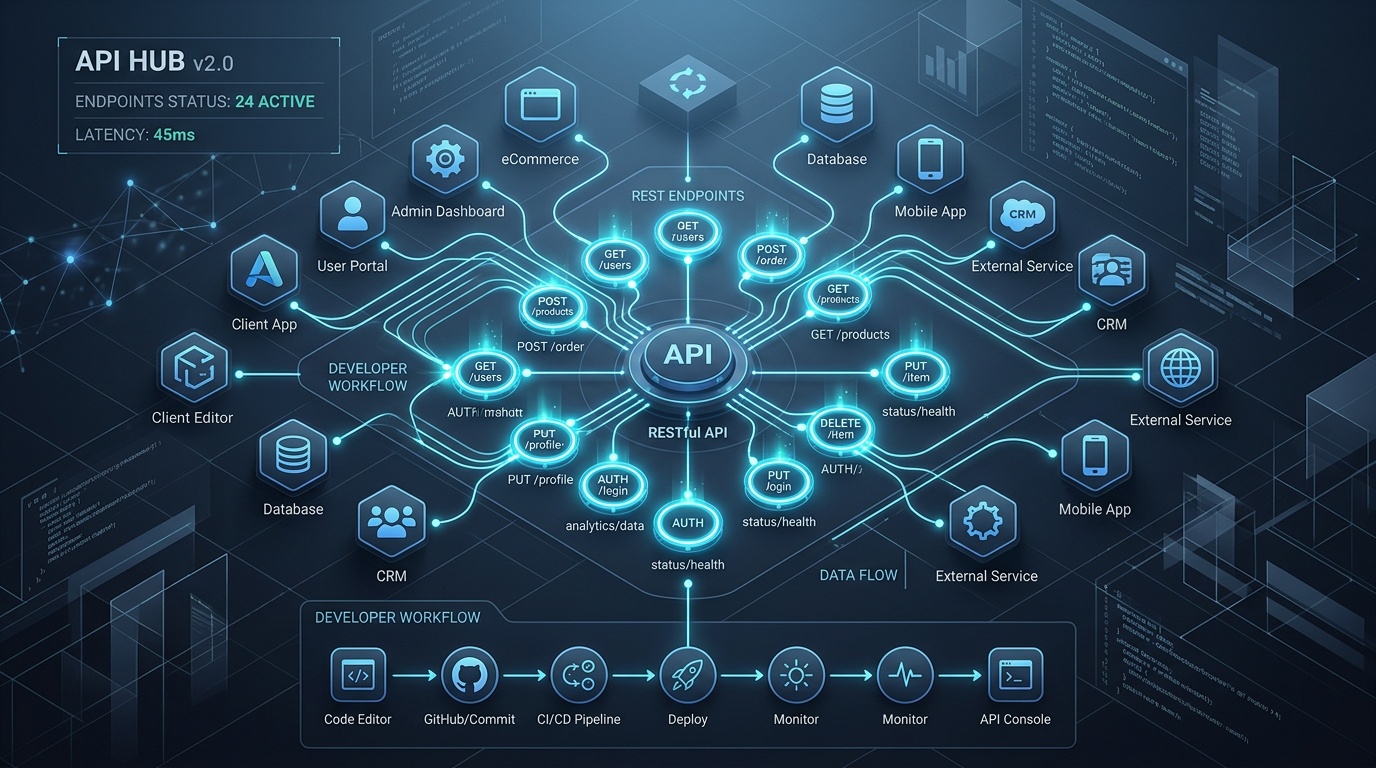
The Kolbo API gives you programmatic access to over 100 AI models - image, video, music, speech, 3D, and transcription - through a single unified REST interface. This guide walks you from zero to your first generation in under 10 minutes, then covers the full surface area of the API.
1. Get Your API Key
You have two options:
Option A - Developer Console
Log into your Kolbo account, navigate to Settings → Developer, and copy your API key.
Option B - Programmatically
curl -X POST https://api.kolbo.ai/api/api-keys \
  -H "Authorization: Bearer <your_jwt_token>" \
  -H "Content-Type: application/json" \
  -d '{"name": "my-app"}'
All subsequent requests authenticate via the X-API-Key header.
2. The Core Pattern: Post → Poll
Every generation endpoint in the Kolbo API is asynchronous. You POST a request, receive a generation_id, then poll a status endpoint until the job completes. This pattern is consistent across every media type.
POST /v1/generate/{type}   →   { generation_id: "abc123" }
GET  /v1/generate/{id}/status   →   { state: "pending" | "processing" | "completed" | "failed" }
When state reaches completed, the response includes the output URL(s).
3. Your First Generation (curl)
# Step 1 - kick off an image generation
curl -X POST https://api.kolbo.ai/v1/generate/image \
  -H "X-API-Key: YOUR_API_KEY" \
  -H "Content-Type: application/json" \
  -d '{"prompt": "A futuristic city skyline at dusk, cinematic lighting"}'

# → { "generation_id": "gen_7f3a9b" }

# Step 2 - poll for the result
curl https://api.kolbo.ai/v1/generate/gen_7f3a9b/status \
  -H "X-API-Key: YOUR_API_KEY"

# → { "state": "completed", "output": { "url": "https://..." } }
4. Full JavaScript Example
const KOLBO_API_KEY = process.env.KOLBO_API_KEY;
const BASE = "https://api.kolbo.ai";

async function generate(type, payload) {
  const res = await fetch(`${BASE}/v1/generate/${type}`, {
    method: "POST",
    headers: {
      "X-API-Key": KOLBO_API_KEY,
      "Content-Type": "application/json",
    },
    body: JSON.stringify(payload),
  });
  const { generation_id } = await res.json();
  return pollUntilDone(generation_id);
}

async function pollUntilDone(id, intervalMs = 3000) {
  while (true) {
    const res = await fetch(`${BASE}/v1/generate/${id}/status`, {
      headers: { "X-API-Key": KOLBO_API_KEY },
    });
    const data = await res.json();
    if (data.state === "completed") return data.output;
    if (data.state === "failed") throw new Error(`Generation failed: ${data.error}`);
    await new Promise((r) => setTimeout(r, intervalMs));
  }
}

// Generate a product image
const output = await generate("image", {
  prompt: "White sneakers on a clean studio background, product photography",
  model: "nano-banana-2",   // omit to use Smart Select
});
console.log(output.url);
5. Full Python Example
import os, time, requests

API_KEY = os.environ["KOLBO_API_KEY"]
BASE = "https://api.kolbo.ai"
HEADERS = {"X-API-Key": API_KEY, "Content-Type": "application/json"}

def generate(type_, payload):
    r = requests.post(f"{BASE}/v1/generate/{type_}", json=payload, headers=HEADERS)
    r.raise_for_status()
    generation_id = r.json()["generation_id"]
    return poll_until_done(generation_id)

def poll_until_done(generation_id, interval=3):
    while True:
        r = requests.get(f"{BASE}/v1/generate/{generation_id}/status", headers=HEADERS)
        data = r.json()
        if data["state"] == "completed":
            return data["output"]
        if data["state"] == "failed":
            raise RuntimeError(f"Generation failed: {data.get('error')}")
        time.sleep(interval)

# Generate a music track
output = generate("music", {"prompt": "Upbeat lo-fi background track, 60 seconds"})
print(output["url"])
6. All Generation Endpoints
| Type | Endpoint | Typical Time |
|---|---|---|
| Image | POST /v1/generate/image | 5-20 s |
| Video (text) | POST /v1/generate/video | 30-90 s |
| Video from image | POST /v1/generate/video/from-image | 30-90 s |
| Video from video | POST /v1/generate/video-from-video | 60-120 s |
| Music | POST /v1/generate/music | 15-40 s |
| Speech (TTS) | POST /v1/generate/speech | 3-10 s |
| 3D model | POST /v1/generate/3d | 60-180 s |
| Transcription | POST /v1/transcribe | ~realtime |
| Creative Director | POST /v1/generate/creative-director | 10-30 s |
All endpoints follow the same generation_id → poll pattern. Transcription returns synchronously for short audio.
7. Smart Select - Let Kolbo Pick the Model
Every generation endpoint accepts an optional model field. Omit it and Kolbo's Smart Select automatically routes your request to the best available model for the given prompt and media type.
{
  "prompt": "Aerial drone shot of a coastal city",
  // no "model" field - Smart Select activates
}
Smart Select evaluates your prompt, your subscription tier, current model availability, and historical quality signals. It's the fastest way to get good results without tracking model versions.
8. Visual DNA for Brand Consistency
Visual DNA lets you encode a visual identity (color palette, style, composition rules) once and attach it to every generation. This is essential when building apps that produce on-brand imagery at scale.
// Create a Visual DNA profile
const dna = await fetch(`${BASE}/v1/visual-dna`, {
  method: "POST",
  headers: { "X-API-Key": API_KEY, "Content-Type": "application/json" },
  body: JSON.stringify({
    name: "Brand Kit v1",
    style: "minimalist, neutral tones, soft shadows",
    reference_images: ["https://your-brand-ref.com/hero.jpg"],
  }),
}).then((r) => r.json());

// Attach the DNA to a generation
const output = await generate("image", {
  prompt: "New product launch announcement",
  visual_dna_id: dna.id,
});
Consistent visual DNA means every image or video your app generates feels like it came from the same creative director.
9. Projects and Media Library
Organize generations by project using the project_id field:
{
  "prompt": "...",
  "project_id": "proj_abc123"
}
Retrieve all media for a project:
curl "https://api.kolbo.ai/v1/media?project_id=proj_abc123" \
  -H "X-API-Key: YOUR_API_KEY"
The Media Library API supports listing, filtering by type, and fetching individual asset metadata.
10. Practical Use Case - Automated Product Photo Generator
Here is a minimal end-to-end app that takes a product name and returns a studio-quality product photograph:
def product_photo(product_name: str, background: str = "white studio") -> str:
    prompt = f"{product_name}, {background}, professional product photography, 4K"
    output = generate("image", {
        "prompt": prompt,
        "model": "nano-banana-2",
        "aspect_ratio": "1:1",
    })
    return output["url"]

# Usage
url = product_photo("Matte black water bottle")
print(f"Photo ready: {url}")
You can extend this pattern to batch-process a product catalog, attach a Visual DNA profile for brand consistency, and store results using the Projects API - all without touching the Kolbo dashboard.
What's Next
- Full API Reference: Kolbo.AI API documentation
- SDK packages for Node.js and Python are available on npm and PyPI
- Webhooks let you skip polling entirely - configure a callback URL and receive a POST when each generation completes
- Rate limits and credits: check your current usage at
GET /v1/usage
Ready to ship your AI-powered feature? Create a free Kolbo account and grab your API key from the developer console. Your first generations are on us.