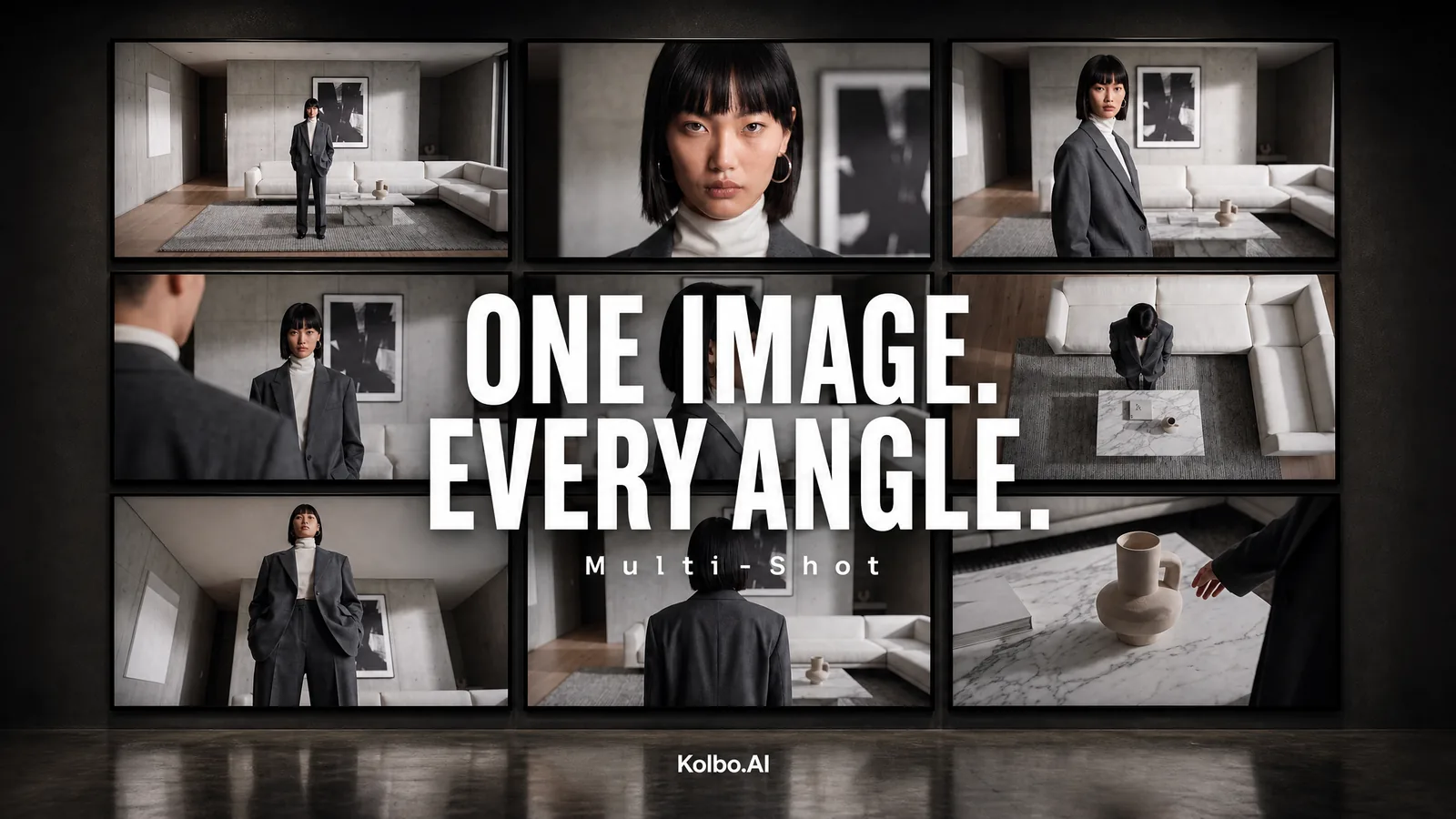
One good image is rarely enough. You need the wide establishing shot, the close-up, the over-the-shoulder, the reverse, the detail insert - real coverage, the way a film crew shoots a scene. Multi-Shot gives you all of it from a single picture.
What It Does
Give Multi-Shot one image and it re-photographs the exact same scene from nine different camera setups at once: a wide master, close-ups, over-the-shoulder, profile, high and low angles, a back view and detail inserts. You get nine separate shots you can use straight away, plus the full contact-sheet grid so you can see the whole coverage at a glance.
The subject, wardrobe, set, lighting and mood stay locked across every frame. Only the camera moves.
It Reads Your Scene First
Before it shoots, Multi-Shot studies what is actually in your image and adapts the coverage to match. A solo portrait, a two-person moment, a group, or an empty location each get the shot list a real crew would plan for that situation. It never invents people who were not there, never drops anyone, and never repeats the same angle twice - every one of the nine frames is a genuinely different setup.
Where You Can Use It
Multi-Shot is everywhere you already work with images: Text-to-Image, Chat, Lab and the Image Editor, and it is also available as a Creative Director enhancement so you can fan a single scene out into full coverage inside a larger project. There is also a matching Multi-Shot Layout preset waiting in the Text-to-Image and Image Editing preset galleries.
Try It
Open any image in Kolbo.AI, choose Multi-Shot, and get your nine angles in one pass. Start with Multi-Shot.