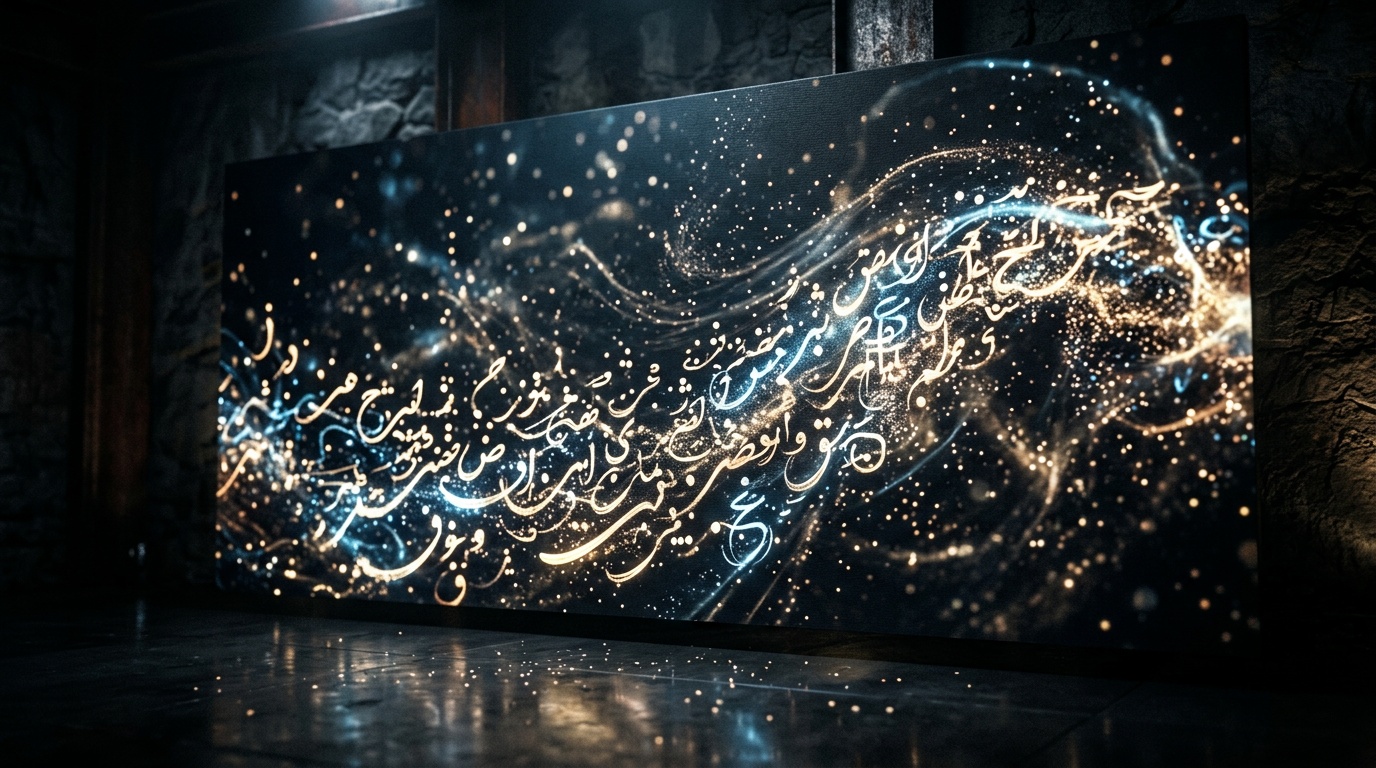
You describe the image perfectly. The composition, the colors, the mood, everything exactly as you imagined. The AI generates something stunning. Then you look at the text in the image and it is garbled, mirrored, written backwards, or replaced entirely with symbols that look vaguely like the script you wanted but communicate nothing.
If you work with Hebrew, Arabic, Chinese, Japanese, Korean, Thai, or virtually any non-Latin writing system, this experience is routine. It is the single most consistent frustration for multilingual creators using AI image tools, and for good reason: most AI image models simply cannot render non-Latin text accurately.
This guide explains exactly why, which models actually work in 2026, and the practical strategies that get you clean results regardless of which model you use.
Why AI Image Models Struggle with Non-Latin Text
The explanation is straightforward once you understand how these models learn. Image generation models are trained on enormous collections of web images paired with descriptions. The overwhelming majority of that training data contains Latin-alphabet text. Non-Latin scripts appear far less frequently in web crawls, and even less frequently in the specific context of "designed text rendered intentionally in an image" that the model needs to learn from.
The model has learned to treat non-Latin characters as visual patterns. It has not learned to understand them as a writing system with grammar, direction, letter forms that connect and change shape in context, or meaning.
Right-to-left scripts like Hebrew and Arabic add another dimension. The model must also understand that text flows from right to left, that Arabic letters connect and change shape depending on their position in a word, and that the visual structure of a line of Arabic text is fundamentally different from a line of English text. Almost no image generation model has been trained to understand this.
The result is what you have seen: garbled approximations, random symbols, Latin letters substituted in, or text that looks superficially like the right script but is unreadable nonsense.
The Three Models That Actually Work in 2026
The honest reality is that only three models handle non-Latin text reliably in AI-generated images. Every other major model, including Flux and Seedream variants, does not. That is not a setting you can change or a prompting trick you can apply. It is a fundamental training limitation.
Nano Banana 2
The best default choice for most tasks. Nano Banana 2 handles Arabic, Hebrew, CJK scripts (Chinese, Japanese, Korean), Thai, and other non-Latin writing systems with meaningful accuracy. It understands RTL direction for Hebrew and Arabic, renders Arabic ligatures (the connected letterforms that change shape in context), and produces readable results in most attempts. For everyday use: social content, ads, banners, graphics with text overlays, this is the recommended starting point.
Nano Banana Pro
The higher-resolution version of the same model family. When the text in your image needs to be large, sharply defined, or pixel-accurate at a size where individual character details matter, Nano Banana Pro gives you more detail to work with. For complex multilingual text, longer strings, or text that must remain legible when cropped to a thumbnail or printed at scale, step up to Pro.
GPT Image 2
The highest quality option for text in images. GPT Image 2 is built on a model that understands language semantically, not just visually. This gives it a fundamental architectural advantage for any non-Latin script: it knows what the text means and how the characters should look, rather than approximating from visual patterns it has seen. If text accuracy is the absolute top priority and you can afford the higher cost per generation, this is the choice.
The Practical Strategies
Strategy 1: Separate Image Generation from Text (Recommended for Most Cases)
This is the strategy that works with any AI image model, not just the three listed above.
The logic is simple: do not ask the AI to do two things at once when one of them is unreliable. Generate the image without any text. Get the visual exactly right, using whatever model produces the best result for your scene. Export the image. Add the text using any design tool: Canva, Adobe Express, Figma, Photoshop, or even the text tool in a free photo editor. These tools render any writing system correctly by definition, because they use real fonts.
The result is professional quality, pixel-perfect text, and you had complete freedom to choose the best AI model for the image part without being constrained by text limitations.
This is the right approach when the text does not need to feel "painted in" or stylistically integrated into the scene, which is the case for most practical content: promotional graphics, social posts, product images, educational visuals.
Strategy 2: Generate with Text Using the Three Capable Models
When you specifically want the AI to render the text as part of the image, for stylized text effects, decorative typography, text integrated into a scene environment, or any situation where the text and image need to feel like a single generated composition, use Nano Banana 2, Nano Banana Pro, or GPT Image 2.
Prompting for non-Latin text in images:
Enclose the exact text in quotation marks within your prompt. Do not paraphrase what you want. Write the actual characters. Example: 'write the words "مرحبا بكم" in clear Arabic, bold sans-serif, centered'
Specify script direction if needed: "right-to-left", "horizontal left to right", "vertical"
For Arabic: add "correct letter forms", "proper ligatures", "fully connected script" to your prompt
Specify placement explicitly: "centered at the bottom third of the image", "top left corner", "large text filling the center"
Specify text style: "bold sans-serif", "clean white text on dark background", "hand-lettered style"
Keep the text short. The shorter the string, the higher the accuracy rate. A four-word phrase renders more accurately than a full sentence. A single word is the most reliable of all.
Generate multiple variations. Text rendering is less consistent than image composition. Run 5-10 generations and select the best result rather than iterating endlessly on a single generation.
For CJK scripts: common characters render more accurately than rare or complex ones. Short phrases outperform full sentences. Simplified Chinese typically renders more consistently than Traditional Chinese in most models.
Strategy 3: Use Kolbo's Canvas Tool
After generating the image in Kolbo, use the Canvas tool to add a text layer directly in the platform without exporting or switching applications. Generate the visual with AI using whatever model you chose, then overlay your non-Latin text in Canvas using any font that supports your script. One workflow, no file juggling.
Quick Reference: Model Capabilities for Non-Latin Text
| Model | Non-Latin Text | Best Use Case |
|---|---|---|
| Nano Banana 2 | Works | Best default for most tasks |
| Nano Banana Pro | Works | High-resolution or complex text |
| GPT Image 2 | Works | Highest accuracy, priority text |
| Flux (all versions) | Does not work | Use Strategy 1 or switch model |
| Seedream | Does not work | Use Strategy 1 or switch model |
| Other models | Does not work | Use Strategy 1 or switch model |
Step-by-Step: Generating an Image with Hebrew or Arabic Text in Kolbo
This example walks through a promotional banner with Arabic text, using Strategy 2 for an integrated look.
Step 1. Open Kolbo and navigate to Text-to-Image. Select Nano Banana 2 as the model (or GPT Image 2 if maximum text quality is the priority).
Step 2. Write your prompt with specific image description and the exact text in quotes. Example: 'Promotional banner, deep navy blue background, warm golden accent lighting, large bold centered text reads "خصم 50%" in clear Arabic, clean sans-serif, gold color, no other text in the image'
Step 3. Generate 5 variations. Review each for text accuracy. Look for: correct letter forms, proper right-to-left direction, correct ligatures in Arabic.
Step 4. If the first batch is not accurate, refine the prompt: add "correct Arabic letter forms", "fully legible", "high contrast text on background". Regenerate.
Step 5. If the text still needs adjustment after several tries, download the best image from batch and add the final text layer in Canva. The image composition is done. The text will be perfect.
Common Mistakes to Avoid
Asking any model other than the three listed to render non-Latin text. You will iterate indefinitely with no improvement. Switch the model first.
Writing a romanized version of the text instead of the actual characters. Write the actual script you want in the prompt.
Combining complex scene instructions with complex text instructions in a single prompt. Simplify: fewer, more specific instructions produce more consistent results.
Expecting 100% accuracy on the first generation. Build variation generation into your workflow. Generate multiple, select the best.
Using decorative or calligraphic font styles when accuracy matters most. Clean, simple letterforms (bold sans-serif) render more accurately than ornate styles.
Access All Three Models in One Place
All three models capable of handling non-Latin text, Nano Banana 2, Nano Banana Pro, and GPT Image 2, are available through Kolbo.AI under a single subscription, alongside 100-plus other AI tools for video, audio, and creative production. Test all three on your specific use case and choose the one that performs best for your language and content type.