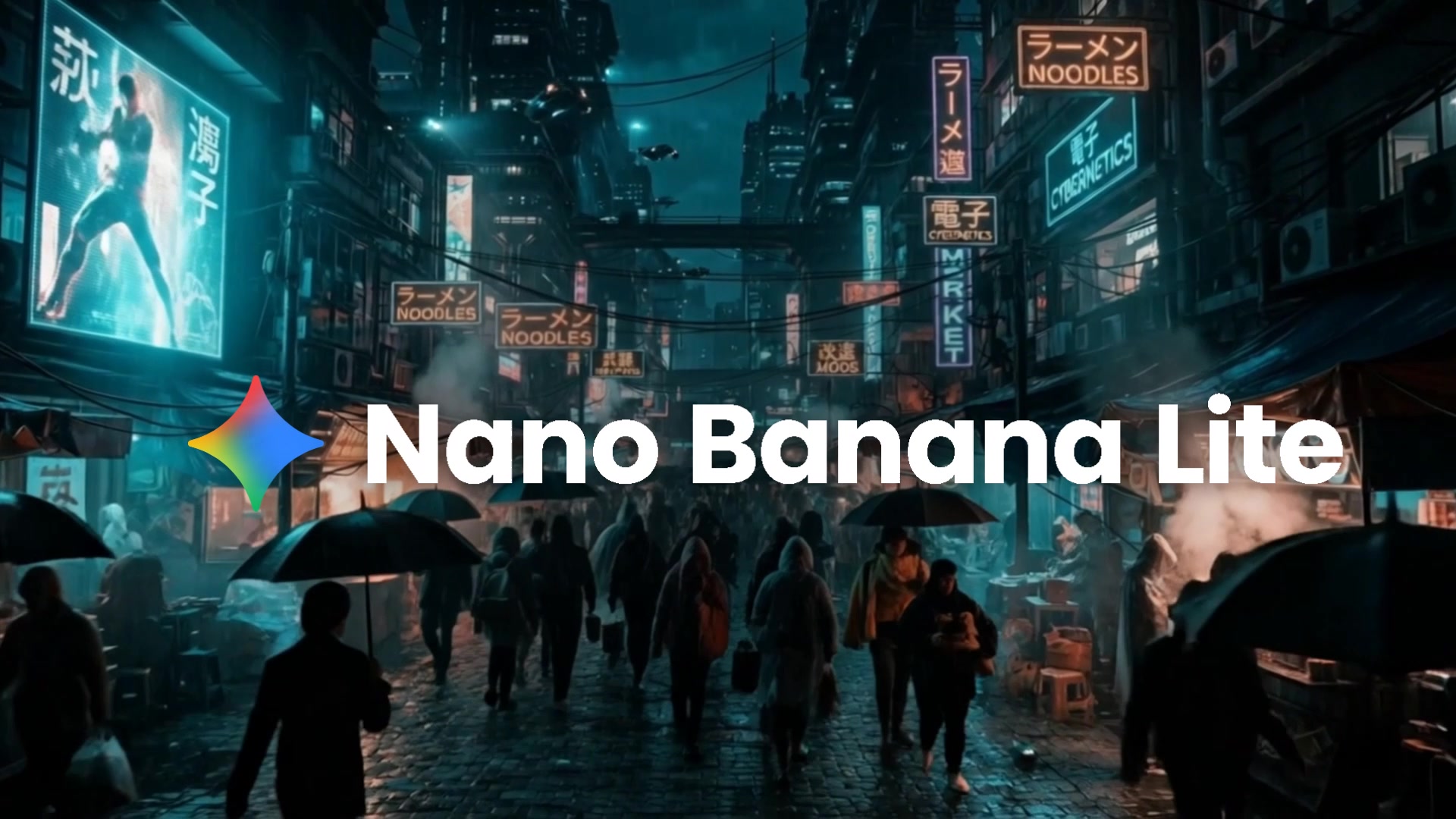
Nano Banana Lite is Google's lightweight image generation model: fast, affordable, and surprisingly capable for a model at this price point. It is now live in Kolbo's Text-to-Image tool, sitting alongside the existing Nano Banana 2 and Nano Banana Pro for when you need volume, speed, or rapid-fire iteration without spending on heavier models.
What Makes Nano Banana Lite Different
Speed first. Average generation time is around 22 seconds. For workflows where you need to try 10 ideas before picking one, this matters more than peak quality on any single output.
6 credits per image. The most affordable image generation option in Kolbo. When you are iterating on concepts, drafting compositions, or producing a high volume of variations, Nano Banana Lite lets you generate more for less.
15 aspect ratios including the extremes. Nano Banana Lite is not limited to the standard landscape/portrait presets. It covers the full range from 8:1 ultra-wide panorama to 1:4 tall vertical and everything in between, including 21:9 cinematic, 16:9 widescreen, 1:1 square, 9:16 mobile, and more unusual formats like 4:1 and 1:8 for banners and editorial layouts.
Auto ratio detection. Upload a reference image and Nano Banana Lite reads the aspect ratio of your source and matches it automatically. No manual measurement, no guessing.
Visual DNA support (edit mode). The image editing variant of Nano Banana Lite accepts up to 4 reference images and supports Visual DNA characters, so your character references come through consistently even at this price point.
Best Uses for Nano Banana Lite
Rapid concept iteration. When you want to test 10 or 20 different directions before committing to a final look, generating at 6 credits a frame is the right tool.
Banner and editorial layouts. The extreme aspect ratio support makes it the model to use for ultra-wide panoramas, tall vertical formats, and custom dimensions that most models refuse or handle poorly.
Thumbnail and composition drafts. Get the composition right first, then upscale or move to a heavier model for the hero shot.
High-volume batch generation. Projects that need hundreds of image variations, background assets, or reference frames at scale.
How to Try It
Nano Banana Lite is already in your workspace.
- Open Image Tools and choose Text to Image
- In the model selector, look for Nano Banana Lite in the Nano Banana group
- Choose your aspect ratio, write your prompt, and generate
To use the editing mode with reference images, switch to Image Editing in Image Tools and select Nano Banana Lite there.
Nano Banana Lite is live in your Kolbo workspace right now.
Generate with Nano Banana LiteBest, Zohar Founder, Kolbo.AI