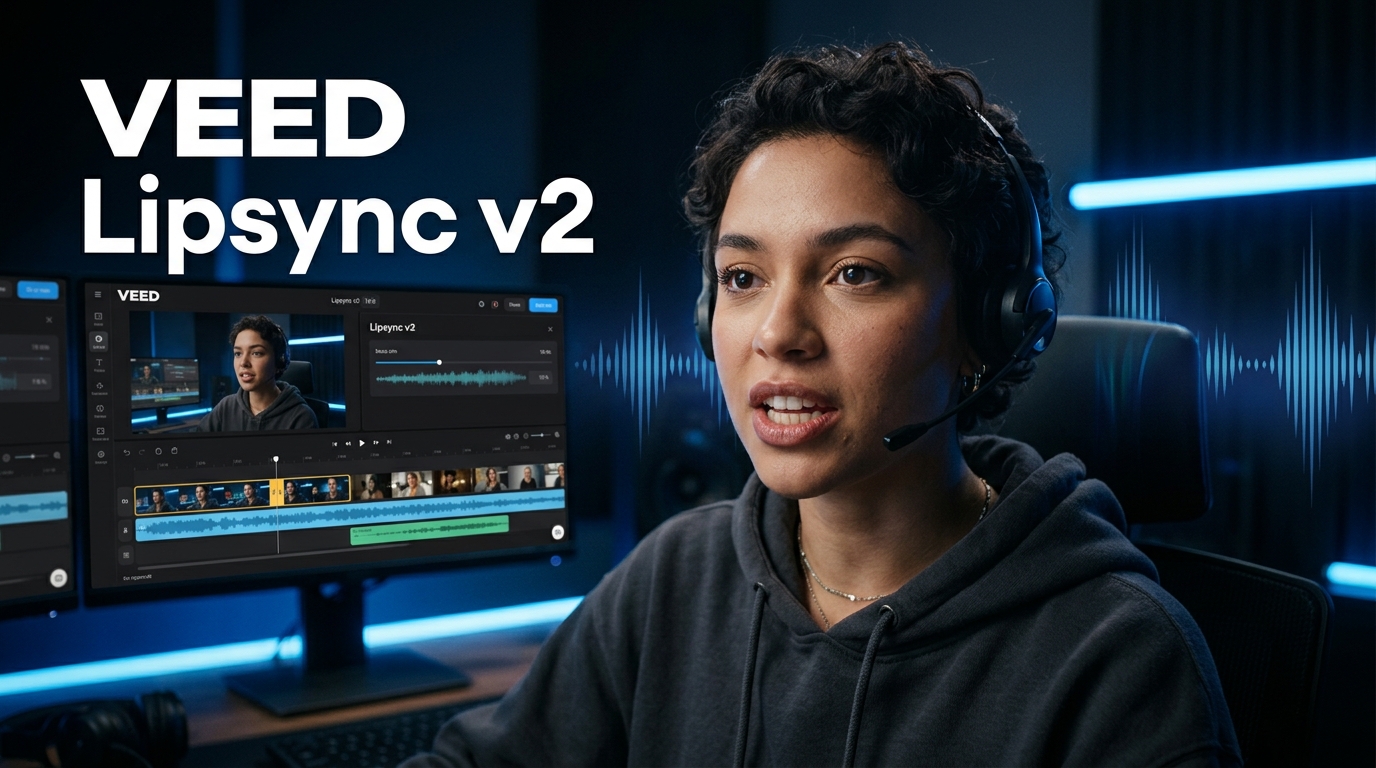
Every other lipsync model breaks the moment there is a cut. The sync holds on the first scene, then falls apart the instant the edit changes. VEED Lipsync v2 solves that. It is the first lipsync model built to understand scene boundaries and maintain accurate sync across hard cuts, multi-shot sequences, and full multi-cut edits.
It is live now in the Lipsync tool on Kolbo.AI.
What Makes VEED Lipsync v2 Different
Other lipsync models treat video as a single continuous stream of frames. When a cut happens, the model loses its reference and the sync degrades or breaks entirely. VEED Lipsync v2 tracks each scene independently while keeping the audio alignment coherent across all of them. The result is a video where the lips move in sync no matter how many times the scene changes.
Holds sync across hard cuts. You can have five scenes, ten cuts, transitions between locations, angles, and characters. The lipsync stays accurate through all of it. No degradation, no drift, no re-sync needed per scene.
Add any audio track to any video. Voiceover, dialogue, a translated audio track, a different speaker. VEED Lipsync v2 works regardless of the source audio type. The model adapts to the audio content and maps it to the appropriate mouth movements throughout the full video.
Works on multi-shot sequences. Content assembled from multiple clips, interview edits, explainer videos with B-roll cuts, narrative sequences, promotional videos with scene changes. All of these work correctly now. Single-shot clips work too, with the same accuracy as before.
Professional output quality. The sync is tight. Phoneme mapping covers the full range of speech sounds. The lips close on stops, open on vowels, and follow the natural rhythm of spoken language. The results hold up under close viewing.
How to Use It
It is already in your Kolbo workspace.
- Open the Lipsync tool in Kolbo
- Upload your video clip
- Add your audio track (voiceover, dialogue, or any audio file)
- Select VEED Lipsync v2 in the model selector
- Generate
No additional configuration. Your credits work exactly as they do for other lipsync models.
What It Is Best For
- Multi-cut promotional videos - branded content with multiple scenes and a single voiceover track
- Interview edits - talking-head content cut from multiple takes, fully synced in one pass
- Translated content - swap the audio language and the mouth movements follow the new track across all scenes
- AI avatar multi-shot videos - generated characters across multiple scenes, all lip-synced
- Explainer videos - narrated content that cuts between visuals and presenter shots
- Social media sequences - multi-scene short-form content where continuity of sync matters
Frequently Asked Questions
Does it work on single-shot videos? Yes. VEED Lipsync v2 handles both single-shot and multi-cut videos. For single-shot content it produces accurate, natural-looking sync at the same quality level.
Can I use it with any language? Yes. The model processes the audio phonetically and is not language-specific. It works with any language in your audio track.
How many cuts can the video have? The model does not have a hard limit on scene changes. It is designed for multi-cut content and handles complex edits with multiple scene transitions.
What audio formats does it accept? All standard audio formats supported by the Lipsync tool work with VEED Lipsync v2.
VEED Lipsync v2 is live in your Kolbo workspace now. Add any audio to any video, including multi-cut sequences.
Try VEED Lipsync v2Best, Zohar Founder, Kolbo.AI