Case Study
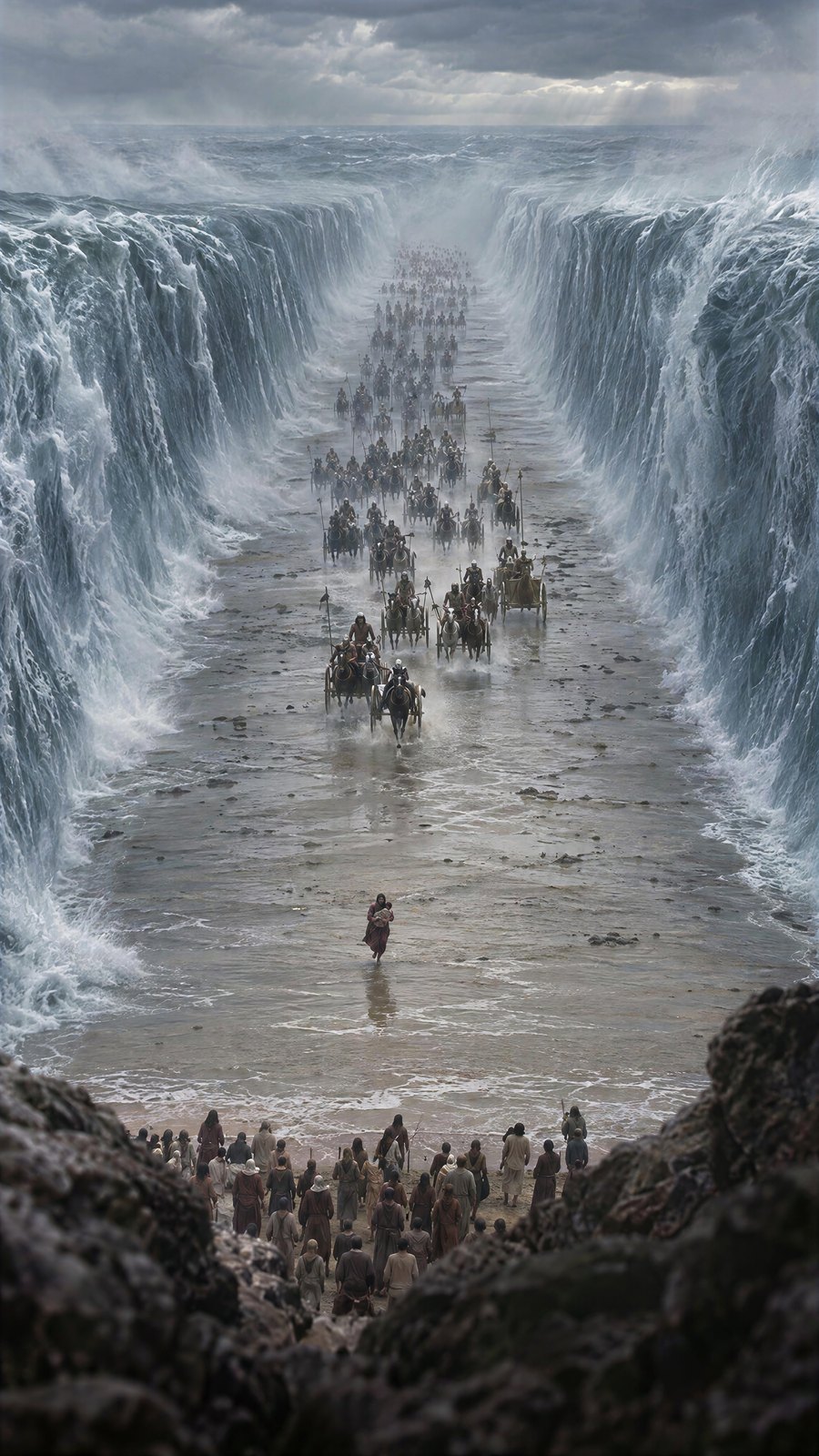
Nostalgic Viral imagines dramatic Bible moments as if a real person secretly filmed them: distant, elevated, framed by rocks and bushes, slightly shaky. It should never feel like a staged scene or a Hollywood trailer. It should feel like a lost clip that just surfaced.
The project is fully open: 248 images and 61 videos, every prompt included, already copied by 62 creators.
Why the format works
- The viewpoint does the storytelling. A far, hidden camera makes the viewer a witness, not an audience.
- Everyone already knows the story. The hook is not "what happens", it is "what if it was real".
- Imperfection sells reality. Shake, distance and foreground clutter read as authentic footage.
How to make one in two steps
Step 1: The opening image
Open Kobi, the Kolbo.AI prompt assistant, and describe the moment. For example: "Moses strikes the rock before the water comes out, in front of all of Israel in the desert. The camera is far from Moses."
The key rule: the image is the moment right before everything happens. Before the water, before the sea splits. The video model then invents the action and the physics.
Image settings:
- Model: GPT Image 2.5
- Resolution: 2K (4K makes these images look too fake)
- Quality: High
- Aspect ratio: 9:16
Star the image you like, so it is easy to find in the next step.
Step 2: The video
Ask Kobi for a video prompt for the same image, and give it the length. Seedance 2.5 performs much better when it knows the duration: it controls the acting, the camera and the physics to fit.
Video settings:
- Model: Seedance 2.5, Elements mode, with your starred image loaded
- Duration: about 6 to 7 seconds, or Auto
- Resolution: start at 480p. Most videos take 1 to 3 tries, so upgrade only the one that works.
Not happy with the result? Drag the video back into Kobi and ask for the change: "more camera shake, and when Moses strikes, the water comes out with realistic physics." Repeat until it lands. Two tries is often enough.
Keep everything in one project
Kolbo.AI organizes all work in projects. Every image, video and prompt for this series lives in one project, which is how it could be shared in one link, and how anyone can copy it and start from there.
Copy the whole project
Open the Nostalgic Viral project to see every image, video and prompt, and copy it into your own account.
Use KOLBO30 for 30% off the first monthly subscription payment for eligible new customers. Annual plans and credit packs are excluded; confirm eligibility and renewal pricing at checkout.
One image of the moment before, one video prompt with a duration, and a project you can share. That is the whole format.
Go make something worth watching. - Zohar Founder, Kolbo.AI