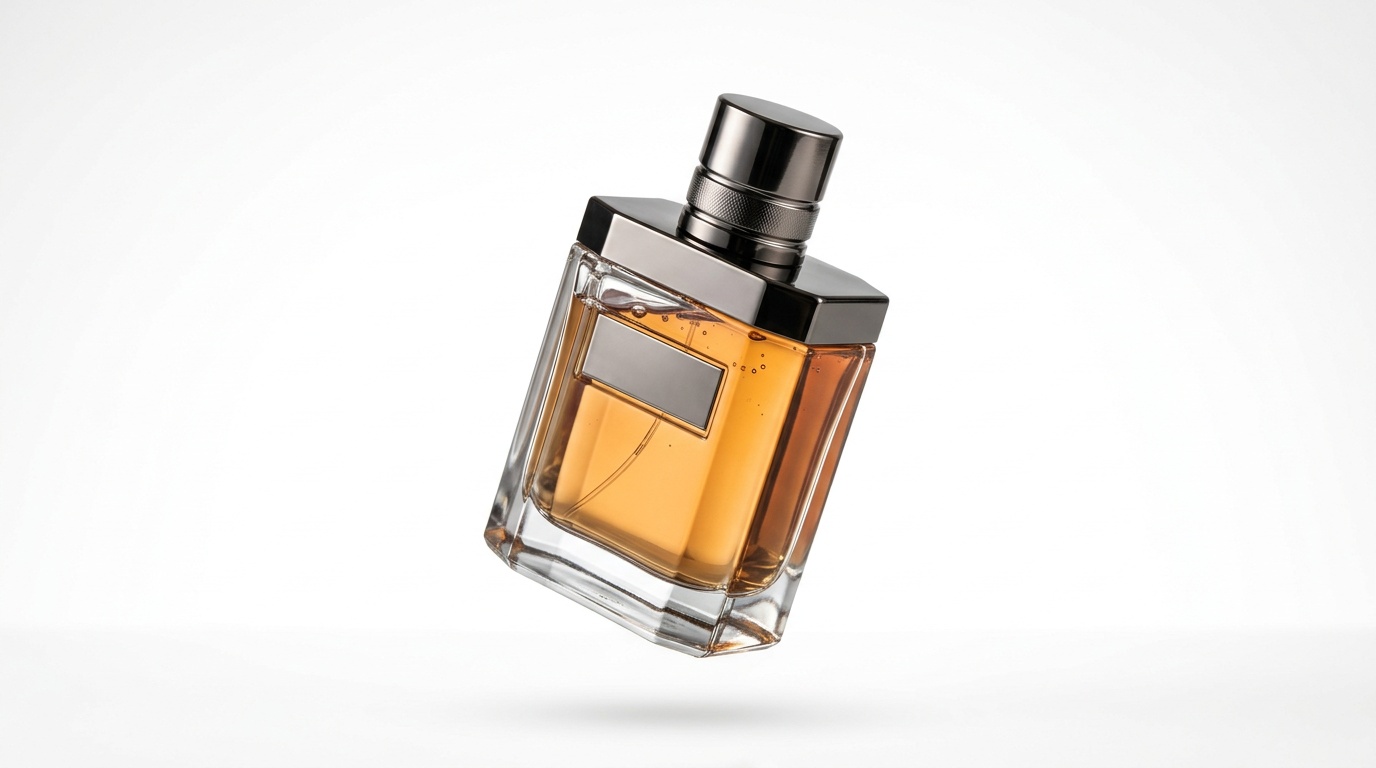
You have a great product. You know it is good. The customer does not yet know because they see a blurry photo taken against your kitchen counter and they close the tab.
This is not a budget problem. It is a knowledge problem.
In 2026, AI tools can take a product image shot on a smartphone and turn it into something that looks like it came out of a professional studio, at one-tenth the time and cost. This guide walks through exactly how to do it, step by step.
The Real Cost of Professional Product Photography
A professional photography studio can cost $150 to $300 per day, before post-production. For an online store with 50 products to shoot, that wipes out margin before you have sold a single item.
Scheduling takes weeks. A seasonal catalog update means going back to the studio. A new product before a flash sale? Not happening on short notice.
Meanwhile, online stores in the US and Europe have adopted AI product photography workflows as a standard. They generate dozens of image variations, lifestyle scenes, and multiple angles without leaving the office.
It is time to bring that same capability to stores everywhere.
Step 1: Shoot It Right From the Start
Before AI enters the picture, you need to give it good material to work with. And "good" does not mean a professional camera.
What you need:
- A smartphone with a decent camera (any iPhone 12 or later, any recent flagship Android)
- A sheet of white A1 poster board (inexpensive, from any art supply store)
- A window with natural light (indirect, not direct sunlight)
- A clean flat surface
Place the white board on the table and the product in the center. A small phone tripod helps, but steady hands work too.
The critical tip: shoot against pure white, not gray or cream. White. AI background removal tools identify and strip pure white backgrounds far more cleanly than any other color. Everything downstream improves when the source image is clean.
Shoot at least 5 to 6 images from different angles: front, side, three-quarter, top-down. More source material means more flexibility later.
Step 2: Background Removal and Replacement
Background removal is the first step and one of the easiest. In Kolbo.AI you can do this directly inside a single interface, without jumping between services.
Once the background is removed, you have the product on a transparent layer, a clean base for everything else.
Now comes the interesting part: replace the background with a pure white for marketplace listings, or with a custom environment that fits your brand.
In Kolbo.AI you can input a prompt like:
- "clean white background, professional product photo"
- "minimalist grey gradient background, studio lighting"
- "wooden table texture, natural light from the left"
The result: a product image that looks studio-shot, because visually it is.
Step 3: Lifestyle Images That Actually Sell
Lifestyle images sell. Period.
People do not buy a candle on a white background. They buy the candle on a table with a glass of wine and an open book, in warm evening light. They are buying the feeling.
Until recently, producing a lifestyle image required a studio, a stylist, furniture, lighting, sometimes a model, and a photographer. In 2026 this looks completely different.
The most powerful tool in Kolbo.AI for product lifestyle photography is Creative Director. Instead of writing one prompt and getting one image, Creative Director takes your product image and generates multiple lifestyle scene variations at once: different backgrounds, different lighting, different moods. You pick the winner.
For anyone who does not want to write prompts at all, there are presets: ready-made photography styles that produce professional results with one click. Choose a preset, upload a product, receive images.
The workflow:
- Start with your product image, with or without background
- In Kolbo.AI, choose Creative Director or a ready preset
- Describe the scene you want, or let the preset handle it
Examples by product category:
Jewelry: "gold necklace on marble surface, soft pink roses nearby, morning light, luxury lifestyle"
Food and beverage: "artisan olive oil bottle on rustic wooden table, fresh herbs, Mediterranean kitchen"
Fashion bags: "leather handbag on a cafe table, iced coffee, golden hour light"
Tech products: "wireless earphones on clean white desk, laptop in background, modern minimalist office"
Creative Director generates several variations in one shot. You pick the best one and you have a lifestyle image ready for a season.
Step 4: Upscaling for High-Resolution Output
Online stores prefer high-resolution product images. If your smartphone shot is too small, that is a problem.
AI upscaling solves it by enlarging the image while preserving detail and even synthesizing new fine detail that looks real. The image is not just bigger. It is sharper.
Through Kolbo.AI you can access upscaling tools in a unified interface, without managing multiple separate services.
Step 5: Multiple Angles From One Source
Have one good product image? AI can generate additional angles from it.
Multi-angle generation is still maturing, but for relatively simple products (cups, bottles, bags, jewelry) it works well. The system infers the product's shape and generates a view from a different angle. Not perfect for every category, but for the right products it saves hours of re-shooting.
Platform-Specific Tips
Every e-commerce platform has its own preferences for product images. The universal rule: high resolution, pure white background for the main image, and square (1:1) ratio works well on almost everything.
- Shopify: prefers large clear images, white background for the primary photo, square ratio
- Etsy: loves high-resolution images and square ratio; transparency is useful for cutout product shots
- Any platform: white background, consistent lighting, visual consistency across the catalog
The most important tip: on every platform, pure white background plus good lighting plus visual consistency wins. Creative Director in Kolbo.AI generates all three with ease.
Cost Comparison: Studio vs. AI
| Traditional Studio | AI Workflow | |
|---|---|---|
| Cost per day | $150 to $300 | $0 to $20 (subscription) |
| Turnaround time | two weeks | hours |
| Products per session | 20 to 40 | unlimited |
| Background flexibility | limited | infinite |
| Changes | new booking | immediate |
| Cost per image | $3 to $10 | under $1 |
A store with 100 products and two seasonal catalog updates per year: studio cost of $1,200 to $2,000 per year versus AI cost of $120 to $240 per year.
Practical Category Examples
Handcrafted olive oil: current state, bottle on white counter under fluorescent light. With AI: bottle on a rustic wooden table, olive branches around it, golden lighting. The headline sells before anyone reads a word.
Handmade silver jewelry: current state, piece on white paper with a harsh shadow. With AI: necklace on natural brown leather, wildflowers in soft background. An image that tells a story.
Children's clothing: current state, garment laid flat, no context. With AI: a careful flat-lay on a pastel background with matching accessories, a small shoe, a hat, a complementary color palette.
Baking and kitchen equipment: current state, bowl on a gray surface. With AI: mixing bowl on white marble, flour dusted in the corner, a cookbook open to the side.
Tips for Better Results
Be specific in your prompts. "Product on white background" is weaker than "ceramic mug on a clean white surface, soft shadow, professional product photography, Shopify style."
Maintain visual consistency. Choose a color palette and mood for your store and stick to it. All images should feel like a collection, not a random assortment.
Always save the original. Before any editing, before any upscaling, keep the unmodified file. It sounds obvious until the day you need it.
Check on mobile. More than 70 percent of online shopping happens on smartphones. An image that looks perfect on a desktop but blurry on mobile is a failure.
The Image Sells Before You Do
Your customer makes a decision in three seconds. A bad product image gives them no reason to stay. A good one sells before they have read a single word.
The tools are here. The process is simple. The cost is less than a cup of coffee per day.
Kolbo.AI brings together all the AI tools for product photography in one place, in one workflow. With Creative Director you generate dozens of product variations at once. With presets you get a professional style in one click. Background removal, lifestyle scenes, and upscaling are all there too.
Free trial, no credit card required. Start with Kolbo.AI now and see the difference between a store that sells and one that does not.