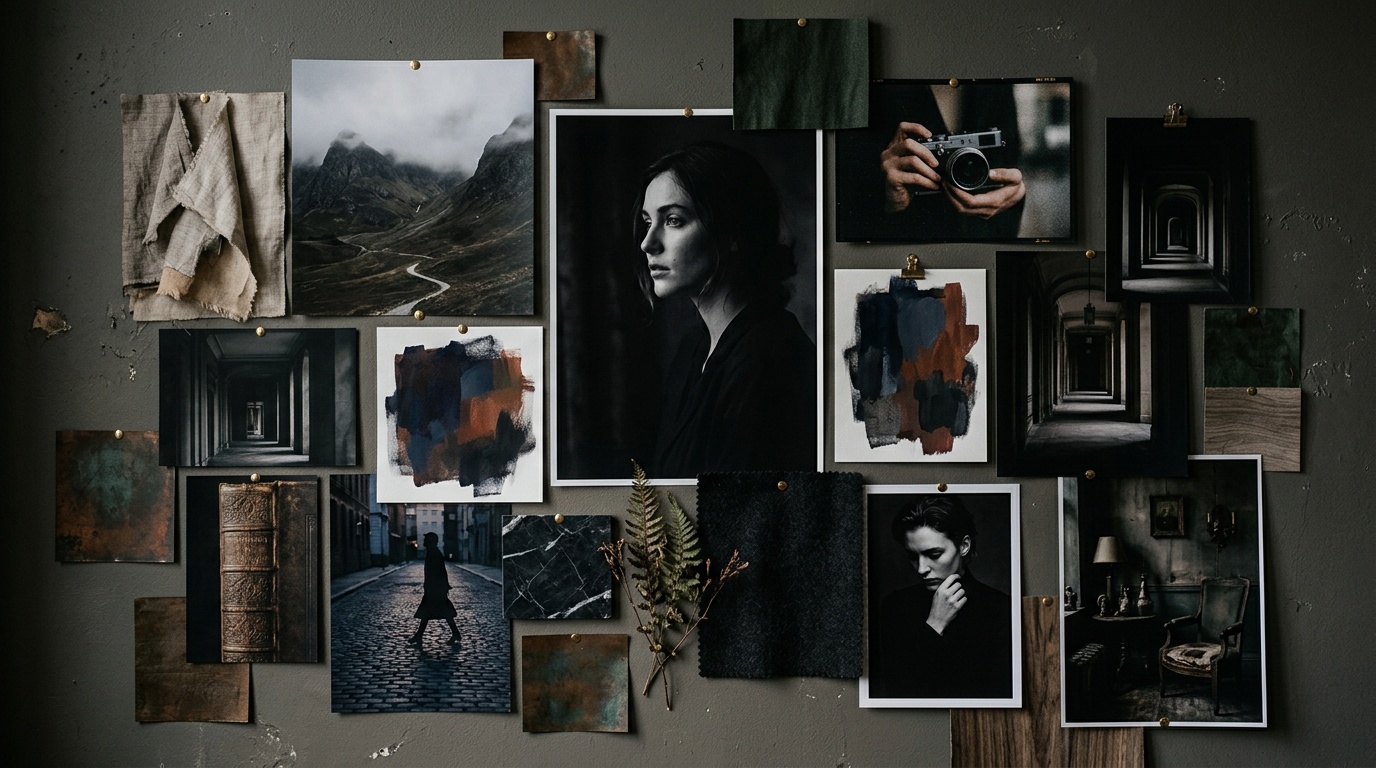
When most people say "moodboard" they mean a Pinterest collage. In Kolbo, a moodboard is something entirely different: a visual direction template that the model actually reads and applies at generation time.
That difference is critical. A collage of pretty pictures does not help an AI model understand what you want. A properly defined moodboard in Kolbo teaches the system your palette, your lighting temperature, your overall style, and then applies them automatically to every generation you run under it.
What a Kolbo Moodboard Contains
When you create a moodboard on the platform, you define three layers:
1. Reference images. Up to 10 images that represent the target style. These can be existing brand photos, assets from your Media Hub, or direct uploads. The model analyzes them and extracts visual patterns.
2. A textual style description. A sentence or two capturing the "feel" of the style. For example: "Soft diffused lighting, earth-tone palette, organic lifestyle mood." This is not an image prompt; it is the visual DNA of the board.
3. Technical parameters. Default aspect ratio, preferred generation model, and style-transfer strength, meaning how strongly the moodboard should override the prompt.
Start From a Template or Build From Scratch?
Kolbo ships with a library of ready-made moodboard templates: Commercial Photography, Cinematic Dark, Minimalist Product, Lifestyle Warm, Fashion Editorial, Architecture Clean and more.
If you are starting a new project without an established visual language, templates are the fast entry point. Pick one, swap the reference images for ones closer to your world, and you have an active moodboard in minutes.
If you already have a defined visual identity, a logo, campaign materials, a brand book, build from scratch. Construct the moodboard from your existing brand assets, not from images you found online. That way the model learns your actual style, not an approximation of it.
How a Moodboard Works With Prompts
This is where a lot of people get stuck. A moodboard is direction, not content.
If your moodboard is set to Scandinavian minimalism and your prompt is "a woman with a cup of coffee by a window," the model generates the woman and the coffee, but with the clean lighting, bright palette and calm composition that come from the moodboard. The style wraps the content.
In practice:
- The prompt describes what: what is in the image, who, where
- The moodboard describes how: light, color, texture, atmosphere, visual finish
The two work together. You no longer need to write "soft warm lighting with earth tones" into every prompt. The moodboard handles it.
When a Moodboard Makes the Difference
Consistency across a campaign. You are producing 30 images for one campaign. Without a moodboard, every generation drifts slightly. With one, all 30 look like they were shot on the same day by the same photographer.
Style management for clients. An agency working with several brands gives each client its own moodboard. Open a generation for a specific client, load their board, and there is no way to cross-contaminate styles.
Precise art direction for the Creative Director. Kolbo's Creative Director integrates directly with moodboards. Define your subject, attach a board, and the multi-scene batches it produces respect the visual language you built.
Client presentations. Instead of sending a PDF of references and explaining "it will look something like this," create a moodboard and generate five or six sample images. The client sees real results, not promises.
Building a Moodboard From Existing Brand Assets: The Right Way
This is the feature the fewest people use and the one with the highest ROI.
Step 1: Collect 8 to 10 images that best represent your brand. Not images you like, images your clients have already approved and published.
Step 2: Upload them to Kolbo's Media Hub in a dedicated folder ("Brand Assets").
Step 3: Create a new moodboard and select those images directly from the Media Hub. No re-uploading; Kolbo links them straight through.
Step 4: Write a 2 to 3 sentence style description. Keep it technical, not marketing-speak: "Interior photography with natural light, soft bokeh backgrounds, warm beige-white-gold palette, high resolution, accessible-luxury feel."
Step 5: Save it with a clear name. "CLIENT_NAME - Brand 2026", not "Moodboard 3".
Moodboard vs Visual DNA: What Is the Difference?
A question that comes up constantly. The short answer:
Moodboard = visual style. Atmosphere, light, color, composition. It controls how the image looks.
Visual DNA = specific identity. A person's face, a character's appearance, a product's physical form. It preserves who or what appears in the image.
In practice: use a moodboard when you want stylistic consistency across different images. Use Visual DNA when you want the same product or the same character to appear identically across generations. The two work together: the moodboard governs the style, Visual DNA governs the identity.
Example: a fashion collection campaign where the moodboard defines the photographic style and Visual DNA keeps the lead model's appearance consistent. Every generation looks like it came from the same studio session.
One Tip That Will Change Your Results
Most people build moodboards from images they love. That is a mistake.
Build your moodboard from images that represent the exact visual destination you want to reach, not your broad inspiration. The difference: an image you love might contain 50 visual elements, and the model has no idea which of them matter to you. An image chosen for directional precision contains fewer elements but more intentional ones, and the model reads it far more accurately.
Stop Generating Images That Do Not Match Each Other
If you are working on anything that demands visual consistency, a campaign, a portfolio, ongoing brand content, and you have not used moodboards in Kolbo yet, you are wasting time fixing style drift by hand.
Try Kolbo free: build your first moodboard today, run a handful of generations under it, and see what it means when every image speaks the same visual language. No credit card required.