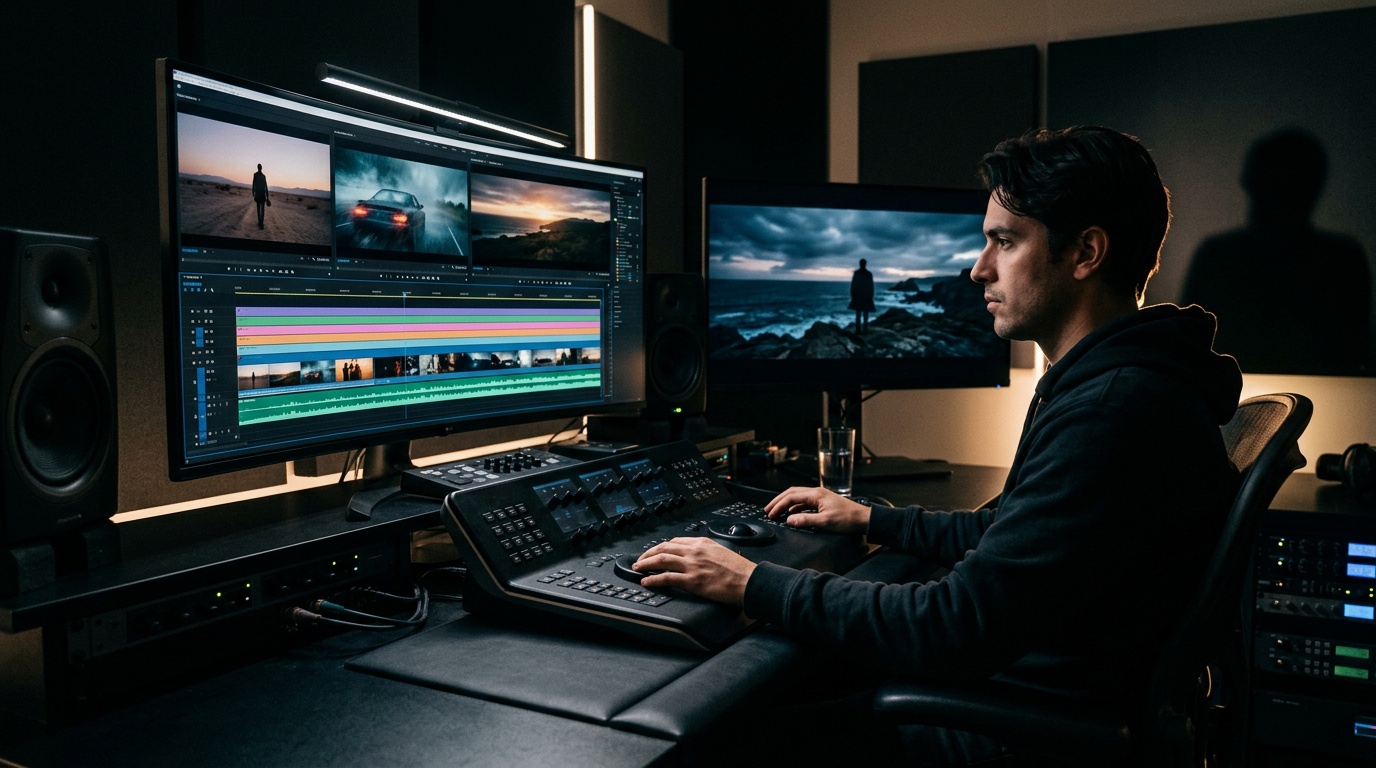
You do not need an expensive editing suite subscription, a giant SSD, or an hour of installers to cut a video anymore. Kolbo.AI's Video Editor runs directly in your browser: open it, edit, export. That is the whole setup.
Most creators are stuck between two bad options: heavyweight desktop tools that demand technical skill and budget, and cheap online editors whose output looks rushed. Kolbo's editor sits in the useful middle: simple to operate, and wired directly into all the AI tools you already generate content with.
Why Browser-Based Editing Matters Now
Creators work from everywhere: a cafe, the office, home, a new laptop every year. Depending on installed software is a liability. When your machine goes in for repair, do you lose a workday? With a browser editor, no. Your project lives in the cloud and opens from any device.
Beyond convenience, there is a clear practical upside: no license to renew, no forced updates that halt everything, no crash three seconds before a deadline that eats an unsaved project. If you have been searching for an online video editor that does not feel like a toy, this is the category Kolbo is aiming at.
What the Kolbo Video Editor Includes
Timeline and Multi-Track: The Foundation
The timeline is track-based, with video and audio each on their own layers. Drag, drop, cut. The interface is familiar to anyone who has used a desktop editor, minus the ritual of configuring a new project from scratch every time.
- Multi-track editing: several parallel video tracks for precise layered cuts
- Drag and drop: pull clips straight onto the timeline
- Trim and split: with keyboard shortcuts or a mouse click
Building the Edit on the Timeline
The workflow is direct: add clips to tracks, cut, rearrange, and tune the pacing. Slice a segment, move it, duplicate it, and reorder until the story flows. The real advantage is that every asset you have created in Kolbo is already waiting in your media library, so you spend zero time importing and converting files and all of your time actually editing.
Working with Audio and Video Together
Because each track sits on its own layer, you can place background music, voiceover, and video clips side by side and sync them on the timeline. Trim what is unnecessary, nudge clips into rhythm, and balance the mix, all without installing a single piece of software.
Green Screen and Background Replacement: Handled by Video-to-Video
Want to swap a green screen background or isolate a subject? In Kolbo this does not happen inside the timeline. It happens through the video-to-video AI tools: upload the clip, describe the new background, and get back an edited video. Then pull the result into the Video Editor and drop it into your project. This is the pattern throughout Kolbo: AI transformation tools and classic editing sit next to each other and hand files back and forth instantly.
The Real Differentiator: Everything Is Connected
Here is where the Video Editor differs from every other browser editing tool: it is part of a full AI production platform.
Generated a product image with Nano Banana 2? Drag it straight into the editor. Produced a voiceover with ElevenLabs through Kolbo? It is already in your media library, ready for the audio track. Created a video clip with Seedance 2 or Kling? Straight to the timeline, no download and re-upload.
Kolbo's Media Hub holds every asset you have produced, images, video, audio, music, and you drag them directly into the editing project. In practice this saves the 20 to 30 minutes per project that usually evaporate into file management.
Export
When the project is ready, hit Export and you get an MP4, the standard format that plays everywhere: YouTube, Instagram, TikTok, WhatsApp, websites. No codec menus, no technical settings to memorize. The editor outputs a share-ready file.
This is deliberately simple. Instead of dozens of export options that mostly confuse, you get one consistent MP4 output that works on every platform creators actually publish to.
Workflow Tip: Start with the Assets
The fastest way to edit in Kolbo is to flip the usual order. Instead of opening an empty editor and hunting for files, generate everything you need inside Kolbo first: images, video clips, music, voiceover. All of it lands in your media library automatically.
When you open the Video Editor, every asset is already there, waiting to be dragged onto the timeline. You spend your time on story and pacing instead of file management, imports, and conversions, and that is exactly the part that separates a mediocre video from a good one.
Full Example: A Social Ad from Zero to Export
Say you are producing an Instagram ad for a new product collection:
- Generate assets in Kolbo: product images with Nano Banana 2, a short hero clip with Seedance 2, background music with Suno, a voiceover with ElevenLabs. One platform, one media library.
- Open the Video Editor and drag the assets from the media library onto the timeline.
- Arrange the clips: set the pacing, trim anything that drags.
- Layer the audio: background music on one track, voiceover on a separate track above it.
- Sync images and video to the beat and make sure the transitions are clean.
- Export to MP4. Ready to publish.
No installation, no separate editing license, no render farm.
Bottom Line
Video editing no longer requires expensive hardware, a professional course, or long render waits. Kolbo's Video Editor puts a track-based timeline, multi-track editing, and MP4 export in the browser tab you already have open. And when you need more, Kolbo's AI tools, including video-to-video for background replacement, generation models like Seedance 2, Kling, and Veo, plus Suno for music and ElevenLabs for voice, sit right next to it.
If you produce content for social, web, or ads, everything you need lives in one place.
Ready to start editing? Try Kolbo.AI free: the video editor, the AI generation tools, and the media library, all in one workspace, no credit card required.