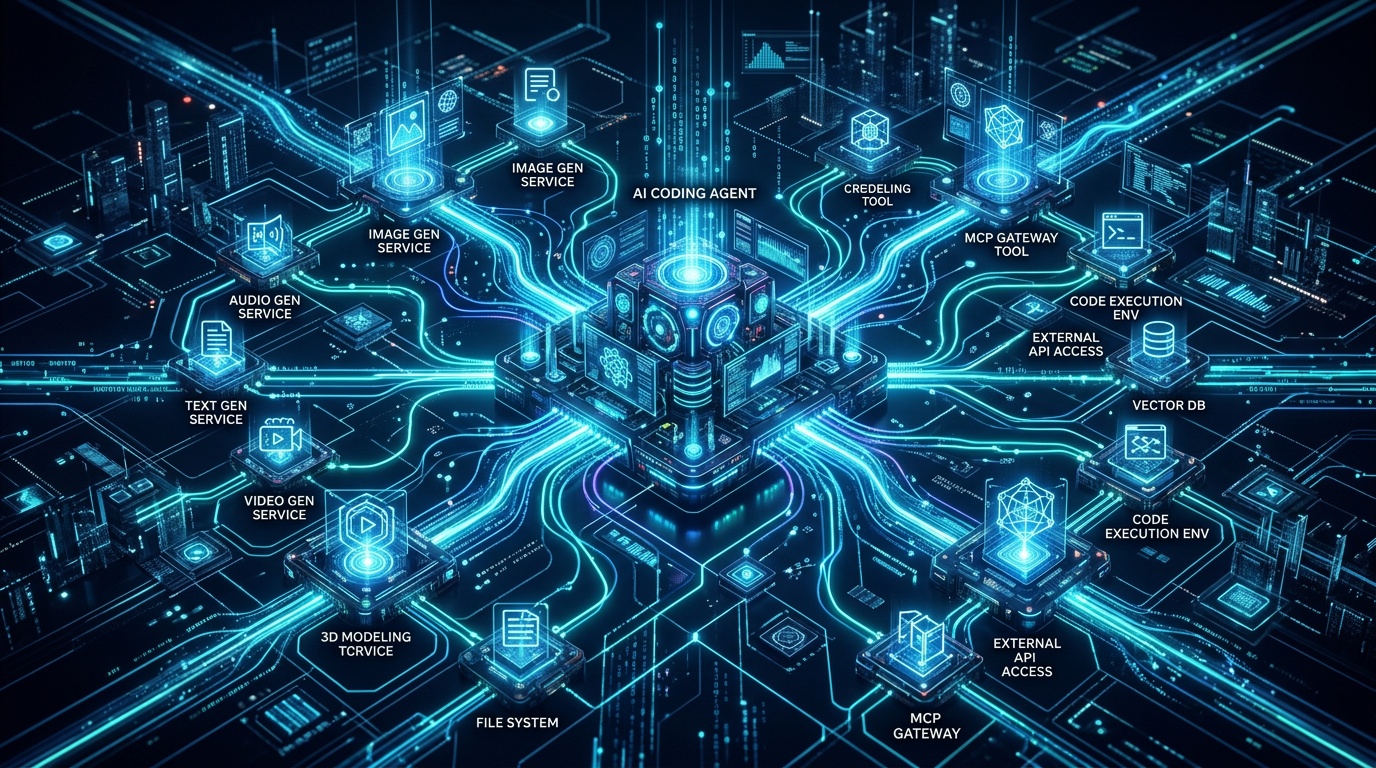
If you have spent any time with Claude Code, Cursor, or Windsurf, you know that the real productivity gains come from tools that meet you exactly where you work. The Model Context Protocol (MCP) is the mechanism that makes this possible - it lets an AI coding agent call external capabilities as first-class tools, with full context about what it is doing and why.
The Kolbo MCP server brings the full Kolbo media generation stack - images, video, music, speech, and more - directly into those agents. You can generate a hero image, produce a product walkthrough video, or synthesise a voiceover without leaving your editor.
What MCP Is and Why It Matters
MCP is an open protocol that standardises how AI agents discover and call external tools. Instead of copy-pasting prompts between browser tabs, the agent itself constructs the call, handles the response, and can act on the result - all within a single reasoning chain.
For developers this means your AI assistant can do things like read your landing page code, decide the hero section needs a dramatic wide-angle product shot, call the Kolbo image generation tool with a prompt it derives from the component's copy, and then reference the returned URL directly in your JSX - in one uninterrupted workflow.
Installing the Kolbo MCP Server
Setup is two steps, and the second step is one config block that is identical for every agent - Claude Code, Claude Desktop, Cursor, Codex, and Kobi Code. It runs the published @kolbo/mcp server with npx, so there is nothing to install globally.
Step 1 - Get an API key at app.kolbo.ai/developer. It starts with kolbo_live_.
Step 2 - Add the MCP config. Paste this into your agent's MCP config file - .claude/settings.json for Claude Code, claude_desktop_config.json for Claude Desktop, .cursor/mcp.json for Cursor - and replace the key with yours:
{
  "mcpServers": {
    "kolbo": {
      "command": "npx",
      "args": ["-y", "@kolbo/mcp@latest"],
      "env": {
        "KOLBO_API_KEY": "kolbo_live_..."
      }
    }
  }
}
If you use Kobi Code (Kolbo.AI's own coding agent), you do not need to do any of this - the MCP server is configured automatically when you run kolbo auth login.
Restart your agent, and the Kolbo tools will appear in its tool list - entries such as generate_image, generate_video, generate_music, and generate_speech.
API keys are managed from the Developer Console. All requests are billed against your Kolbo credit balance via api.kolbo.ai.
Optional upgrade: the kolbo-skills layer
The config block above is all you need - every Kolbo tool is already callable. On top of it, the open-source kolbo-skills package (github.com/Zoharvan12/kolbo-skills) adds one-word slash-commands (/kolbo:marketing-studio, /kolbo:product-photoshoot, …) and smart routing that picks the right tool and defaults for you.
In Claude Code, install it from the plugin marketplace (this also writes the MCP config, so you can skip Step 2 above):
claude plugin marketplace add Zoharvan12/kolbo-skills
claude plugin install kolbo@kolbo-skills
For Cursor, Codex, or any other agent, use the cross-agent installer:
npx skills add Zoharvan12/kolbo-skills
Skills are Markdown documents that teach the agent domain-specific workflows - when and how to call Kolbo tools, which model to choose for a given task, and how to chain generation steps together. The routing logic is the same one that ships inside Kobi Code, so the behaviour is identical however you connect.
Practical Examples
Generate a Hero Image While Coding a Landing Page
You are working on a SaaS landing page. The hero section has the copy but a placeholder image. With Kolbo tools available, you can prompt Claude Code:
"Generate a cinematic product hero image for a dark-themed SaaS dashboard. 16:9, dramatic lighting, no people."
Claude Code calls generate_image with that description, waits for the result from the Kolbo image pipeline (Nano Banana 2, Nano Banana Pro, GPT Image 2, or whichever model you have set as default), and returns the CDN URL. You can instruct it to write that URL directly into the component:
// Claude Code writes this after receiving the generated URL
const heroImage = "https://media.kolbo.ai/gen/abc123-hero.jpg";
Create Product Mockups from Code Context
If you have a component that renders a dashboard widget, you can ask Claude Code to read the component, infer what the interface looks like, and generate a polished marketing mockup of it. The agent uses generate_image with a prompt it constructs from the component's props and rendered output - no manual prompt engineering on your part.
Generate Audio for an App or Demo Video
Building a demo or onboarding flow and need a voiceover? From inside the agent:
"Generate a 30-second speech narration for this onboarding modal copy using a calm, professional voice."
Claude Code calls generate_speech with the text content it extracts from your component, and you get an audio file URL back in seconds. For background music in demo videos, generate_music accepts a mood and duration, returning a loop-ready track.
CI/CD and Headless Use
For headless environments like CI pipelines, you call the same Kolbo generation endpoints directly over HTTP - the Kolbo Developer API. It's the same backend the MCP server uses, so anything you generate interactively inside Claude Code reproduces identically in a script. The pattern is a POST to api.kolbo.ai with your X-API-Key, then poll until the generation completes:
# .github/workflows/generate-assets.yml
- name: Generate release banner
  run: |
    curl -s -X POST https://api.kolbo.ai/api/v1/generate/image \
      -H "X-API-Key: $KOLBO_API_KEY" \
      -H "Content-Type: application/json" \
      -d '{"prompt": "Product release announcement banner, version ${{ github.ref_name }}"}'
    # → returns a generation_id; poll /api/v1/generate/:id/status until state == completed
  env:
    KOLBO_API_KEY: ${{ secrets.KOLBO_API_KEY }}
See the Developer API quickstart for the full POST-then-poll flow with JavaScript and Python examples.
Pricing and Credits
All Kolbo MCP tool calls draw from the same credit balance as the web platform. There is no separate API tier - you pay for what you generate, and the same model quality is available everywhere. Credit costs vary by model and output type; the generation response always includes the credits consumed so you can track spend programmatically.
Who Benefits Most
The Kolbo MCP integration is most useful for:
- Frontend and full-stack developers who produce marketing or product assets alongside code and do not want to context-switch to a separate creative tool.
- Indie developers and solo founders building in public who need a fast path from idea to polished visuals without a dedicated design resource.
- Developer advocates and technical writers generating diagrams, screenshots, and audio narration for documentation as part of the same workflow they use to write the docs.
- AI-native teams who want to encode media generation conventions as shared skills, so every engineer on the team generates assets consistently.
Get Started
Grab an API key from app.kolbo.ai/developer, paste the one config block above into your agent, and restart. Within a couple of minutes your AI coding agent will have access to one of the broadest AI media generation stacks available - images from Nano Banana 2 and GPT Image 2, video from Seedance and Kling, music from Suno, speech from ElevenLabs, and more.
The full kolbo-skills source and contribution guide are at github.com/Zoharvan12/kolbo-skills. If you build a workflow or skill that solves a recurring problem, pull requests are welcome.
Ready to start generating? Create a free Kolbo account and grab your API key from the dashboard. Use promo code KOLBO30 at checkout for 30% off your first subscription.