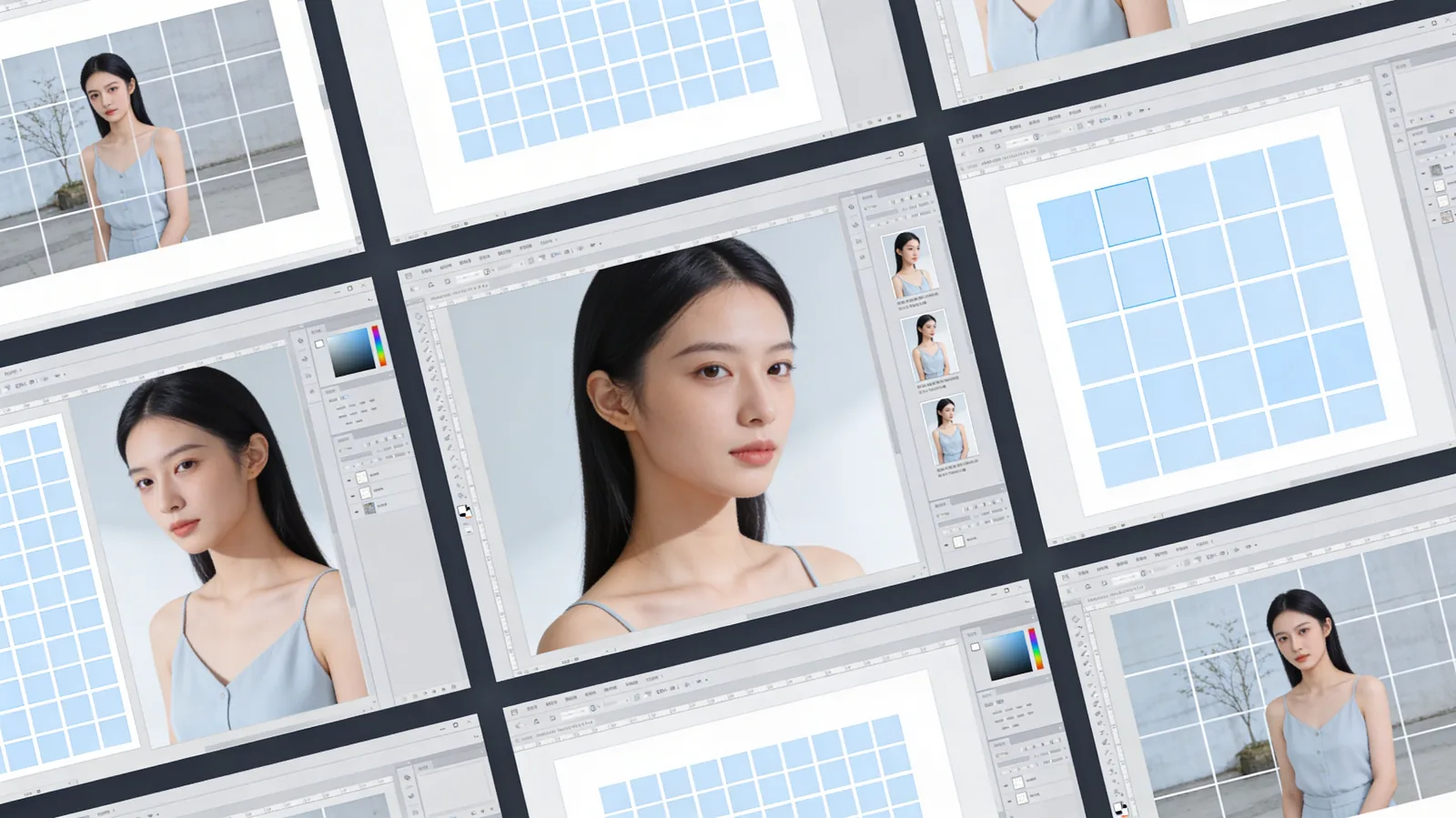
The Universal Split Grid feature brings professional grid creation to every image in your workspace. Whether you're designing social media content, creating product catalogs, or building visual presentations, you can now split any image into perfectly organized grids with complete control.
How It Works
Universal Split Grid is available directly in the Canvas tool, allowing you to:
- Split images into custom grids - Choose your grid dimensions (2x2, 3x3, 4x4, or any custom layout)
- Work anywhere in Canvas - Apply grids to any image, not just newly created ones
- Precise control - Adjust spacing, alignment, and grid positioning
- Export individual panels - Save each grid cell as a separate image or keep them unified
- Non-destructive editing - Preview before applying, undo anytime
Perfect For
Social Media Managers
Create Instagram carousel posts, Pinterest pin boards, and multi-image layouts that maintain perfect consistency across all panels.
Product Designers
Build product comparison grids, feature showcases, and catalog layouts with professional spacing and alignment.
Content Creators
Design story boards, tutorial sequences, and before/after comparisons with clean, organized grid structures.
Why This Matters
Grid layouts are fundamental to professional design, but creating them manually is time-consuming and error-prone. Universal Split Grid automates the technical work while giving you full creative control. The "anywhere" capability means you can apply grids to existing images, AI-generated content, or uploaded files - no need to recreate from scratch.
Get Started
Open any image in the Canvas Tool and look for the Split Grid option in the toolbar. Choose your layout, adjust settings, and apply instantly.
Use code KOLBO30 for 30% off your first month.