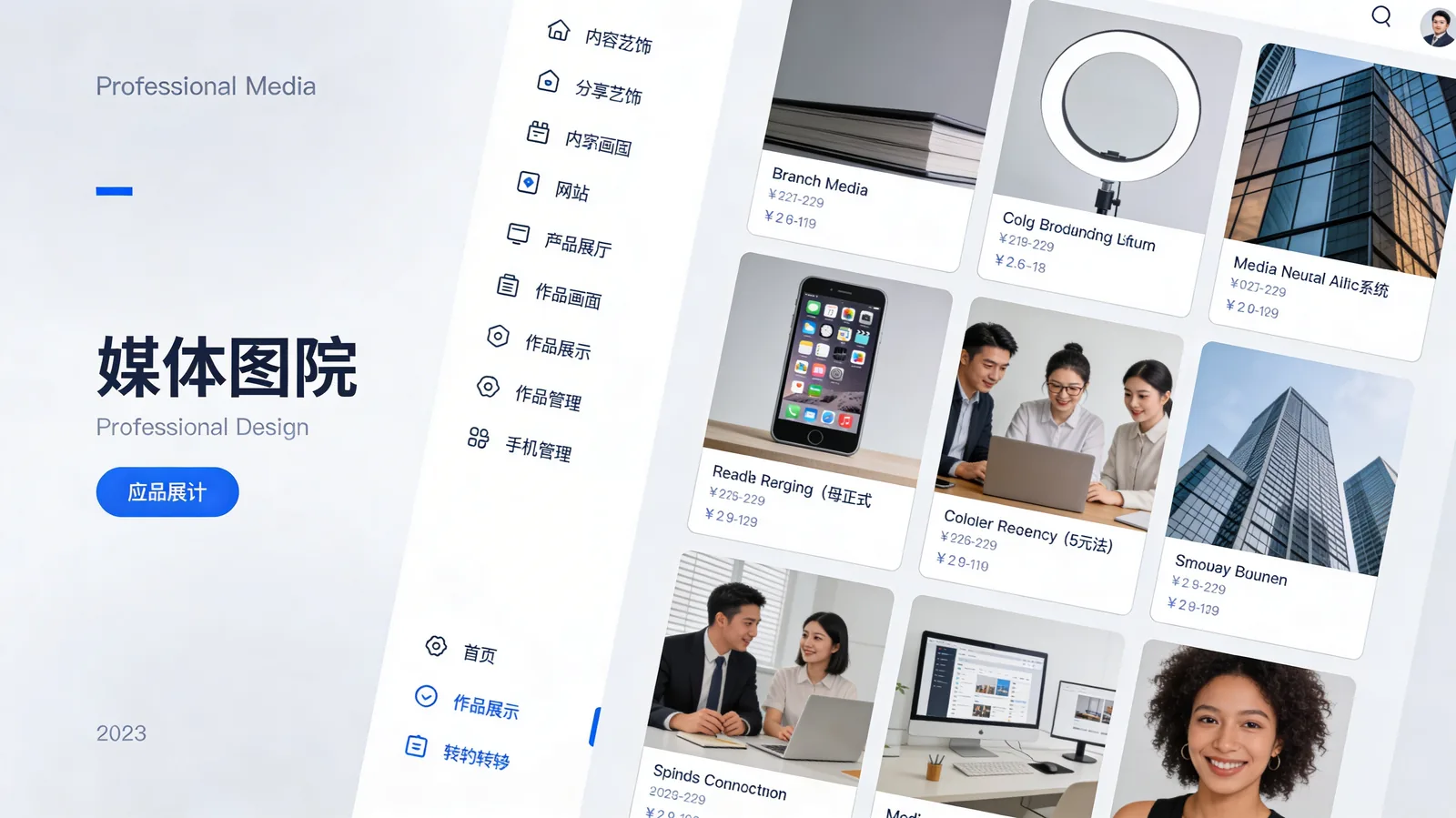
The new Websites Media Page brings all your shared artifacts and generated websites into one organized hub. View, manage, edit, and republish any content created through Chat's Artifacts feature with complete version control.
What's New
The Websites Media Page provides:
- Centralized gallery - All shared websites, landing pages, and artifacts in one place
- Quick preview - Hover to preview, click to view full-screen
- Share management - Update sharing settings, copy links, or revoke access anytime
- Version history - See all versions of an artifact and restore previous iterations
- Edit and republish - Make changes and instantly update the live shared link
- Organization tools - Sort by date, project, or type; search across all artifacts
- Usage analytics - See view counts and engagement for public artifacts
Perfect For
Developers Building Prototypes
Keep track of all your generated landing pages, components, and documentation sites. Share different versions with stakeholders and iterate based on feedback.
Marketing Teams
Manage email templates, campaign landing pages, and presentation artifacts. Update content without creating new share links.
Designers Sharing Mockups
Organize design artifacts created with AI, share portfolios of generated work, and maintain a library of reusable components.
Why This Matters
Chat's Artifacts feature is incredibly powerful for generating websites, landing pages, and visual documents. But until now, there was no central place to manage everything you've created and shared. The Websites Media Page solves this.
Instead of searching through chat history to find that landing page you generated last week, you can access it instantly from the media library. Need to update the copy on a shared artifact? Edit and republish without creating a new link. Want to see which artifacts are getting the most views? Check the analytics dashboard.
This is particularly valuable for teams using Kolbo.AI collaboratively - everyone can access shared artifacts, see what's been created, and build on previous work without duplicating effort.
Get Started
Access the Websites Media Page from your Chat dashboard or navigate directly to Media Library. All your existing artifacts are automatically available.
Use code KOLBO30 for 30% off your first month.