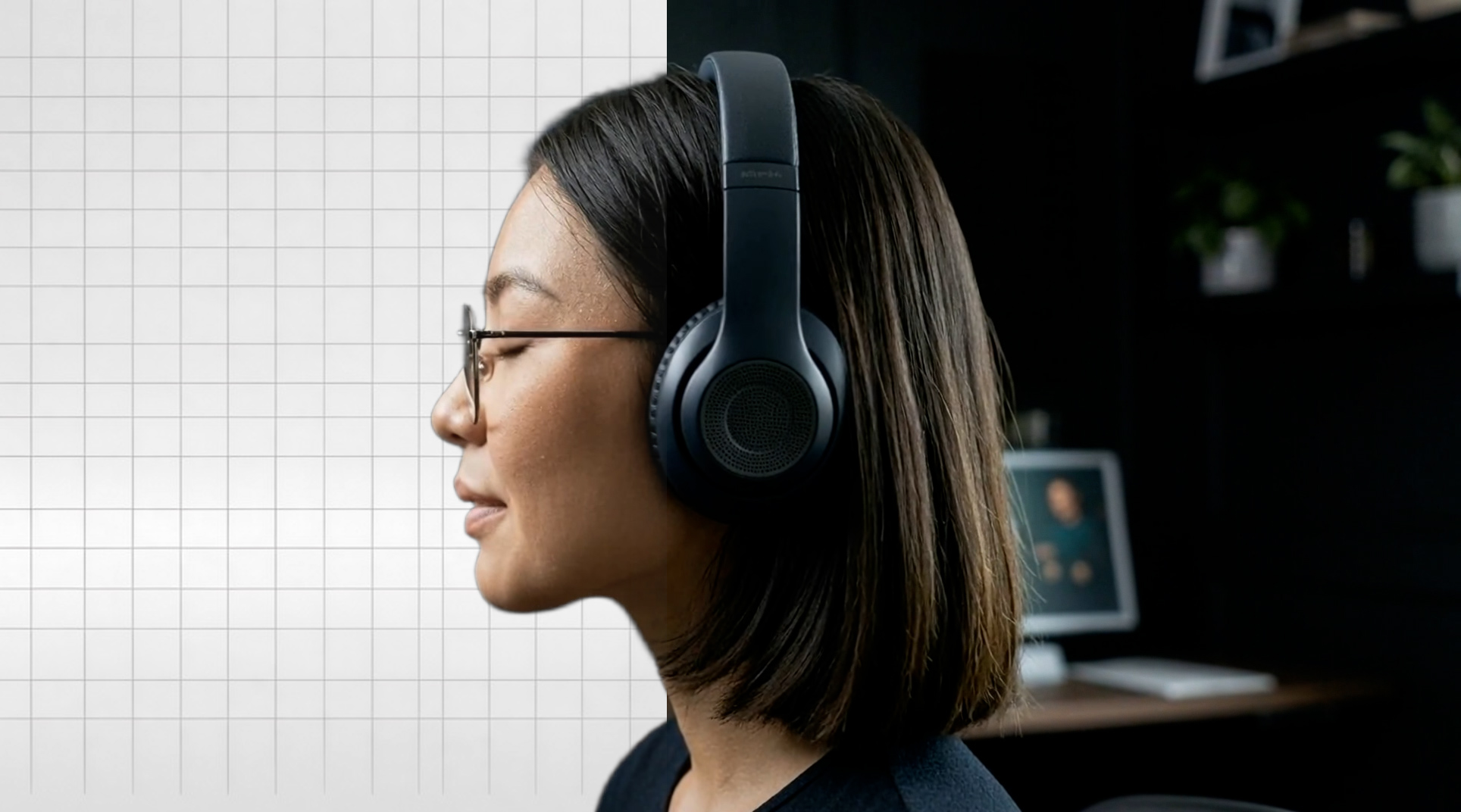
No green screen. No rotoscoping. No frame-by-frame masking. Just upload your footage and get a clean cutout in seconds.
Video background removal is now live in Kolbo.AI under Video Tools.
What It Does
Kolbo's background removal analyzes your video automatically and isolates the subject on every frame. The result is a clean, transparent-background clip you can drop into any composition, template, or scene.
It handles:
- Talking-head footage - product demos, tutorials, social clips, interviews
- Product shots - remove the cluttered background, keep the product
- Compositing sources - create layered video scenes without expensive studio setups
- Social content - place presenters over branded backgrounds, color fields, or b-roll
No Setup Required
Traditional background removal workflows require either a physical green screen and controlled lighting, or hours of manual rotoscoping frame by frame.
Kolbo handles it in the cloud. Upload your clip, hit Remove Background, and download the result. No plugins, no After Effects, no special filming environment.
How to Use It
- Go to Video Tools in Kolbo.AI
- Choose Video to Video
- Upload your footage and select the Background Removal model
- Download the processed clip
The whole process takes seconds for short clips, a few minutes for longer footage.
Built for Real Workflows
Background removal is part of Kolbo's full video toolkit. You can chain it with other tools in the same session:
- Remove the background, then reframe for different aspect ratios
- Combine with Lipsync for presenter-over-scene videos
- Use the output as a layer in Kolbo Video Editor for compositing
All in one workspace, no exporting and re-importing between tools.
Who It Is For
Content creators building talking-head videos for YouTube, TikTok, or Instagram without access to a studio setup.
E-commerce teams shooting product footage on any background and needing clean cutouts at scale.
Marketing teams placing brand presenters over different environments for ads, landing pages, or social.
Agencies processing client footage quickly without manual masking overhead.
Try It Now
Background removal is live for all Kolbo.AI users.
Use code KOLBO30 for 30% off your first month.